Chapters
On this page
A firearm record is what lets a load become a hold. The solver reads three things off it: the twist rate, which way the rifling turns, and how far your optic sits above the bore. Range Day reads a fourth, the scope and reticle you actually have mounted. Everything else on the form is yours to keep for your own reasons.
Adding a firearm
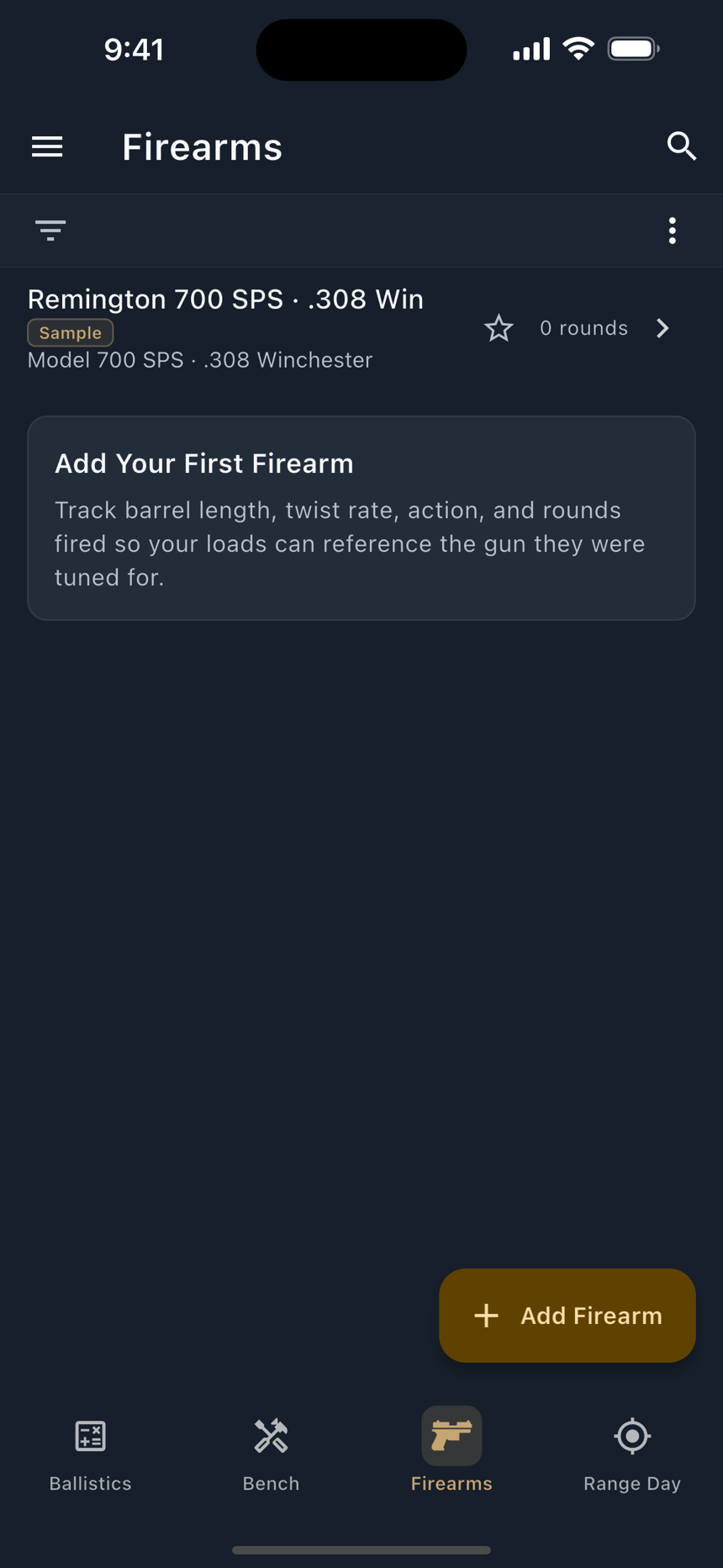
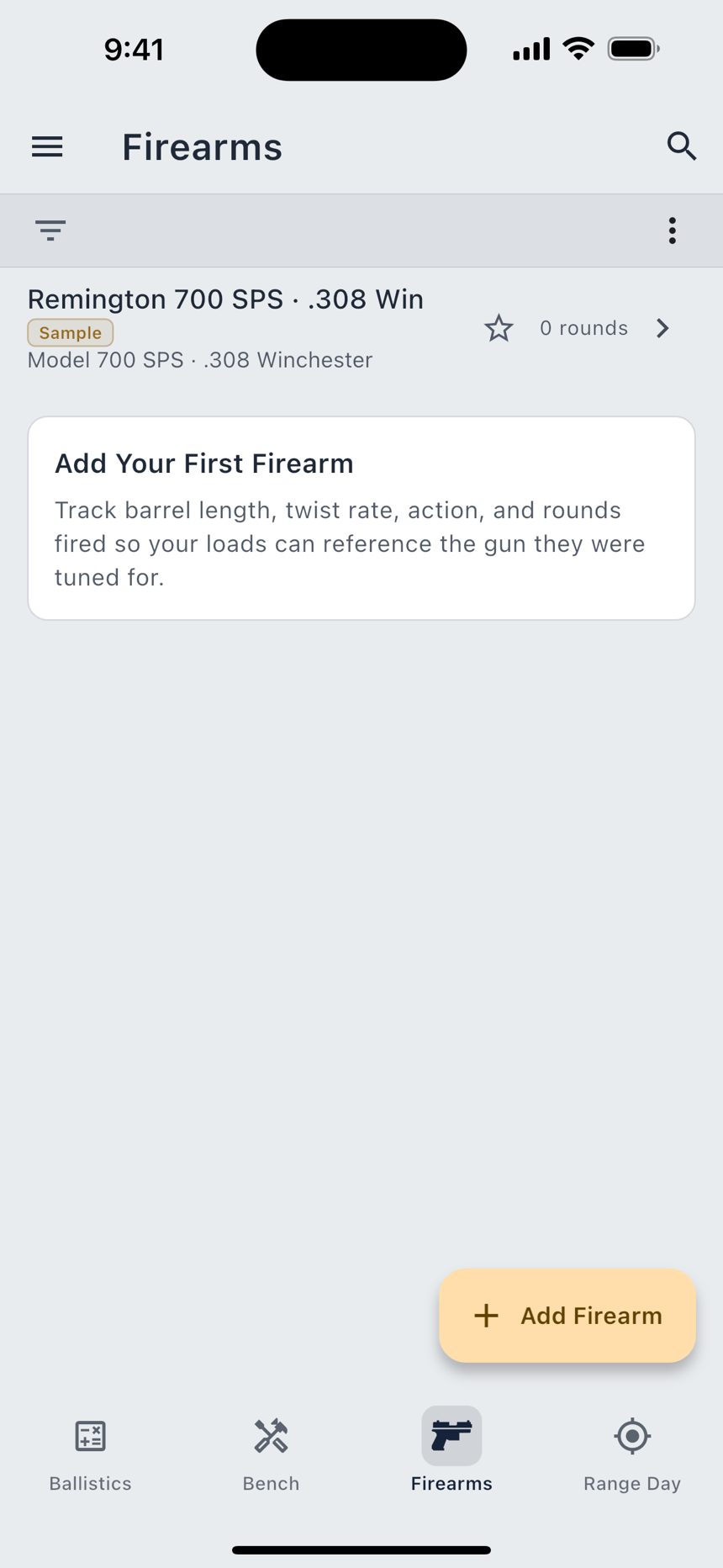
The Firearms tab lists what you own. The form behind it is organised in seven sections, and the first four are the ones you fill in.
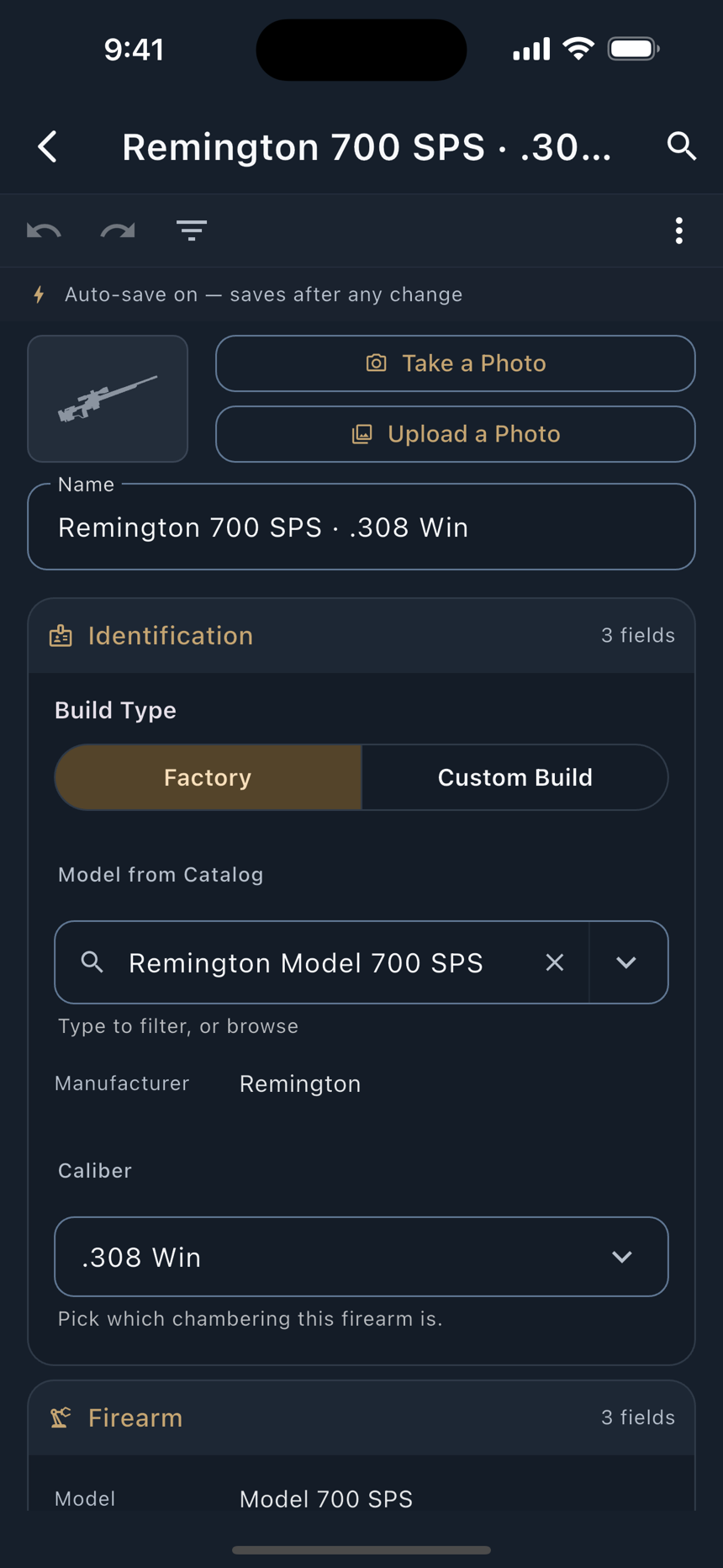
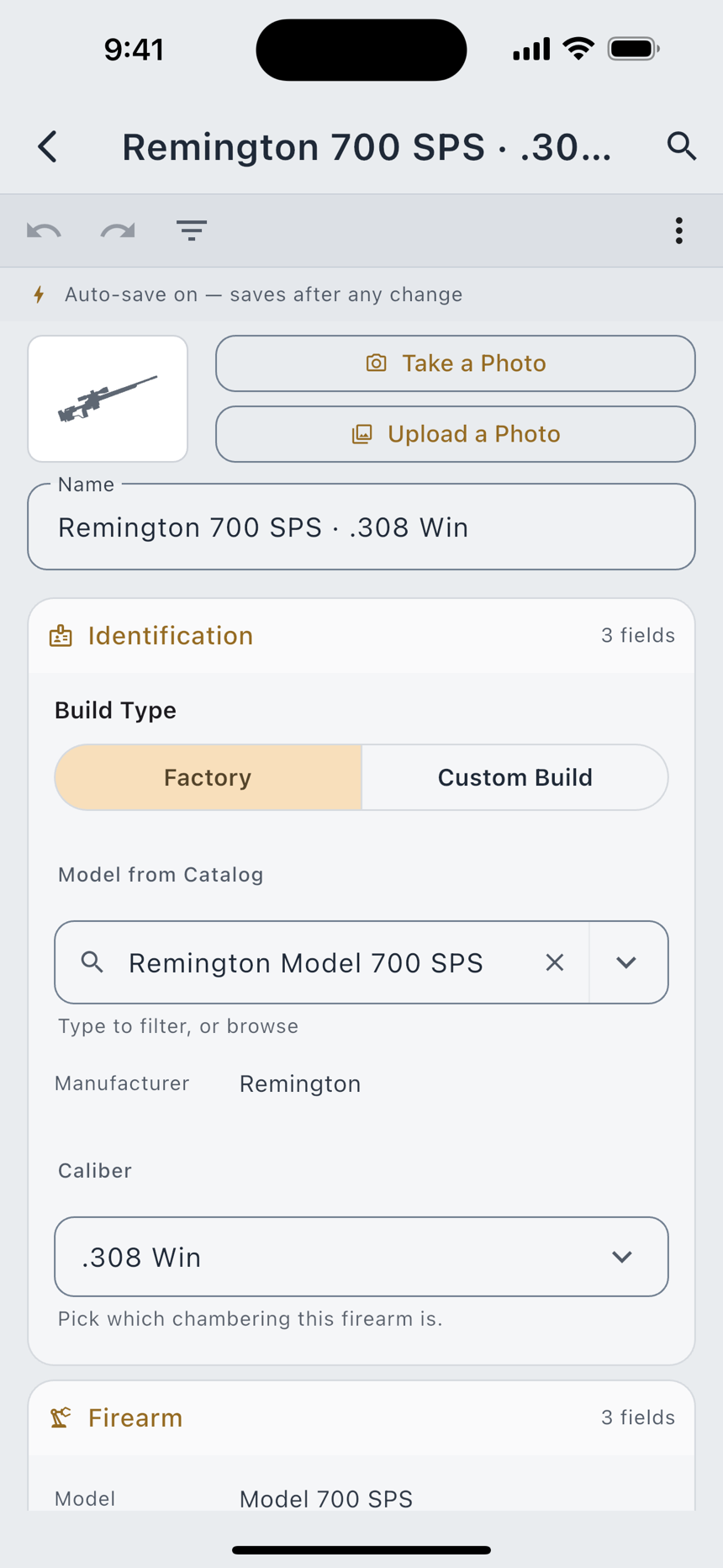
- Give it a name. This is how you will pick it later at the range, so most shooters use something short they will recognise at the bench.
- Pick the Build Type. A two-position control: Factory or Custom Build. Factory keeps the maker and model fields; Custom Build swaps them for the individual components you assembled. You can change your mind later and nothing you typed is lost.
- Set the cartridge. Under Caliber. This narrows the bullet and load lists everywhere else to the ones that fit the chamber.
- Fill in the barrel. Barrel Length in inches, then Twist Rate written the way your barrel maker states it.
1:8means one full turn every 8 inches. Twist decides which bullet lengths this barrel can stabilise. - Check the twist direction. Twist Direction starts on Right, and until you confirm it the app says so in plain words: Starting with right-hand twist, the dominant convention. Confirm your barrel's direction to refine. Tap the control once and the notice goes away.
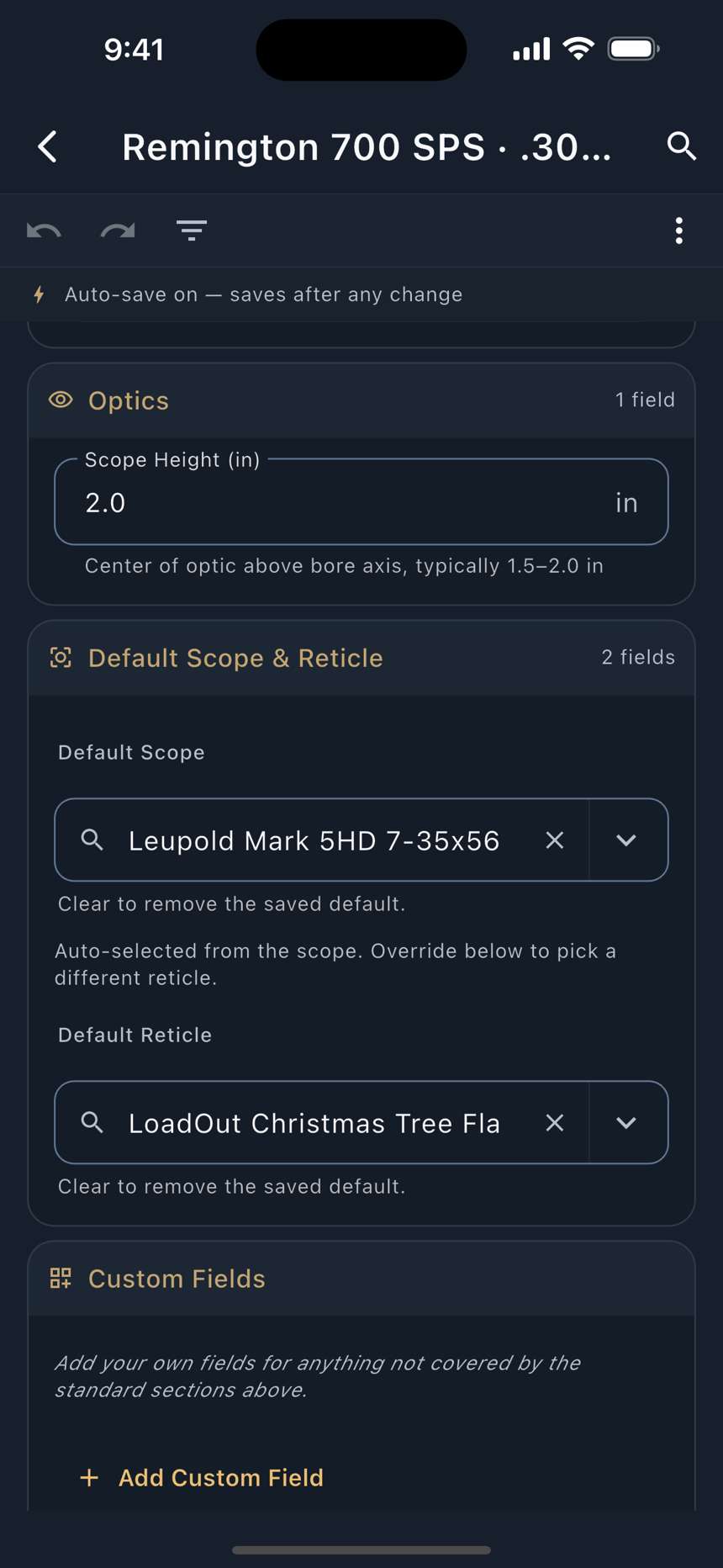
- Set the Scope Height. This is the centre of the optic above the bore axis, and a new firearm starts at 2.0 in, typical for a scoped bolt rifle, which is normally 1.5 to 2.0 inches. Measure yours; the solver reads it as the line-of-sight offset for the drop correction.
On a factory rifle the Firearm section then fills itself in: pick your rifle from the catalog and Model, Type and Action come with it. On a custom build those three catalog fields are hidden entirely, because a build has no factory model to name.
The twist direction is the one prefill that persists, and it is disclosed rather than assumed. LoadOut keeps a separate record of where a direction came from: you, a manufacturer's published specification, or nobody. The notice is driven by that record rather than by the value. So a barrel nobody has confirmed keeps disclosing forever, and one the catalog supplied says From the manufacturer's published specification. A direction is never inferred from the maker's other products, from the cartridge, or from "most rifling is right-hand".
Custom builds
Switch Build Type to Custom Build and the Components section opens up. Seven product pickers, each backed by a catalog of real products:
| Picker | Catalog |
|---|---|
| Chassis or Stock | 24 chassis, 35 stocks |
| Barrel | 28 barrels, in the Barrel section beside the length and twist that describe it |
| Trigger | 27 triggers |
| Muzzle Brake or Suppressor | 24 brakes, 51 suppressors |
| Bipod | 28 bipods |
Two of those rows are merged pickers rather than pairs of fields: one control offers both kinds, because a rifle wears a chassis or a stock, and a muzzle or a can, and drawing two boxes when one will always be empty reads as a form you failed to finish. A shotgun gets a Choke and Choke Type instead; a firearm type with no bipod mount never draws a bipod row at all.
Free text always wins. The catalog is a convenience, not a constraint. Type your barrel maker's name and it is saved exactly as you typed it, whether or not the catalog has ever heard of it. A component the registry does not model at all can be added as a field of your own from the button at the foot of the Components card; it spends one of the three free custom fields.
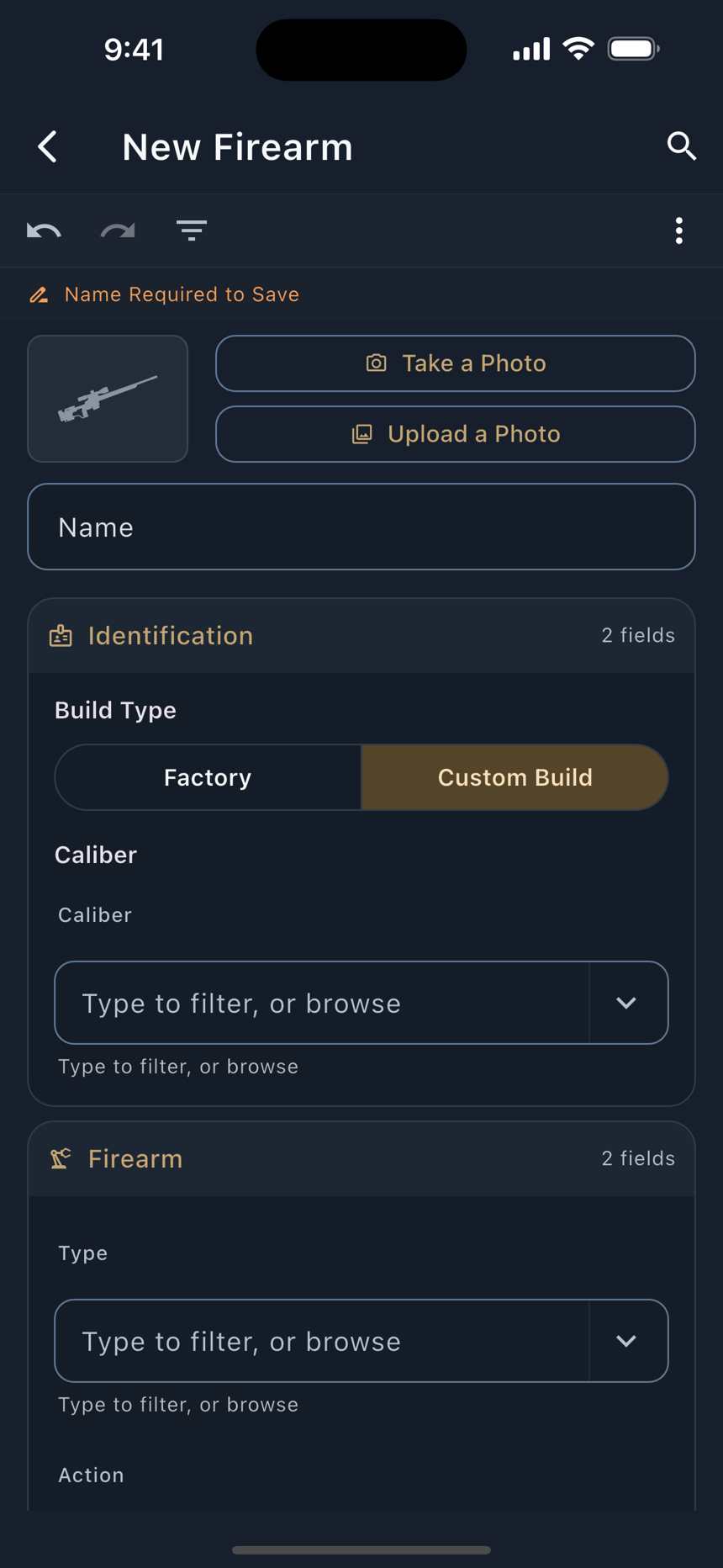
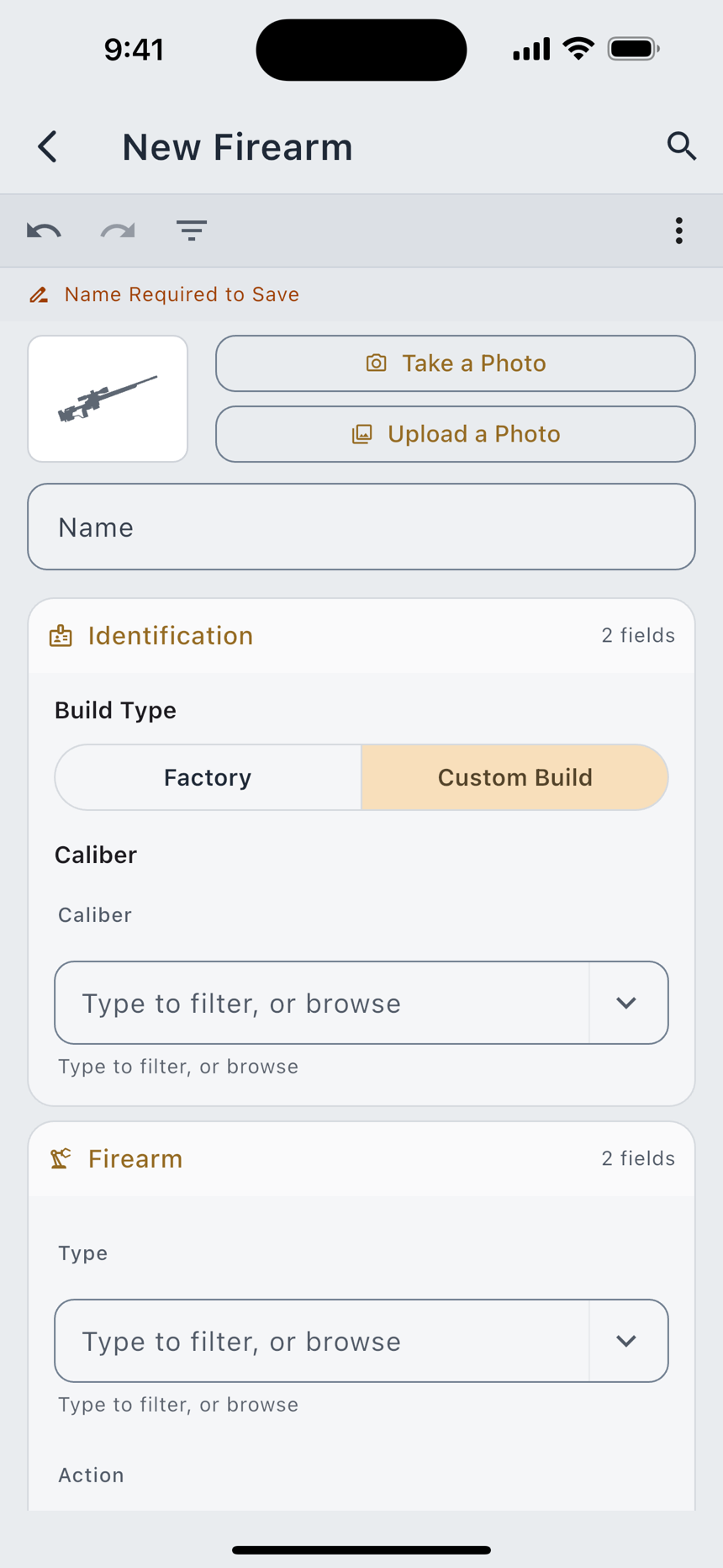
A custom build never carries a factory catalog parent, by definition. Everything else about it (barrel, optic, round count, custom fields, layouts) behaves identically to a factory rifle.
Optics and reticles
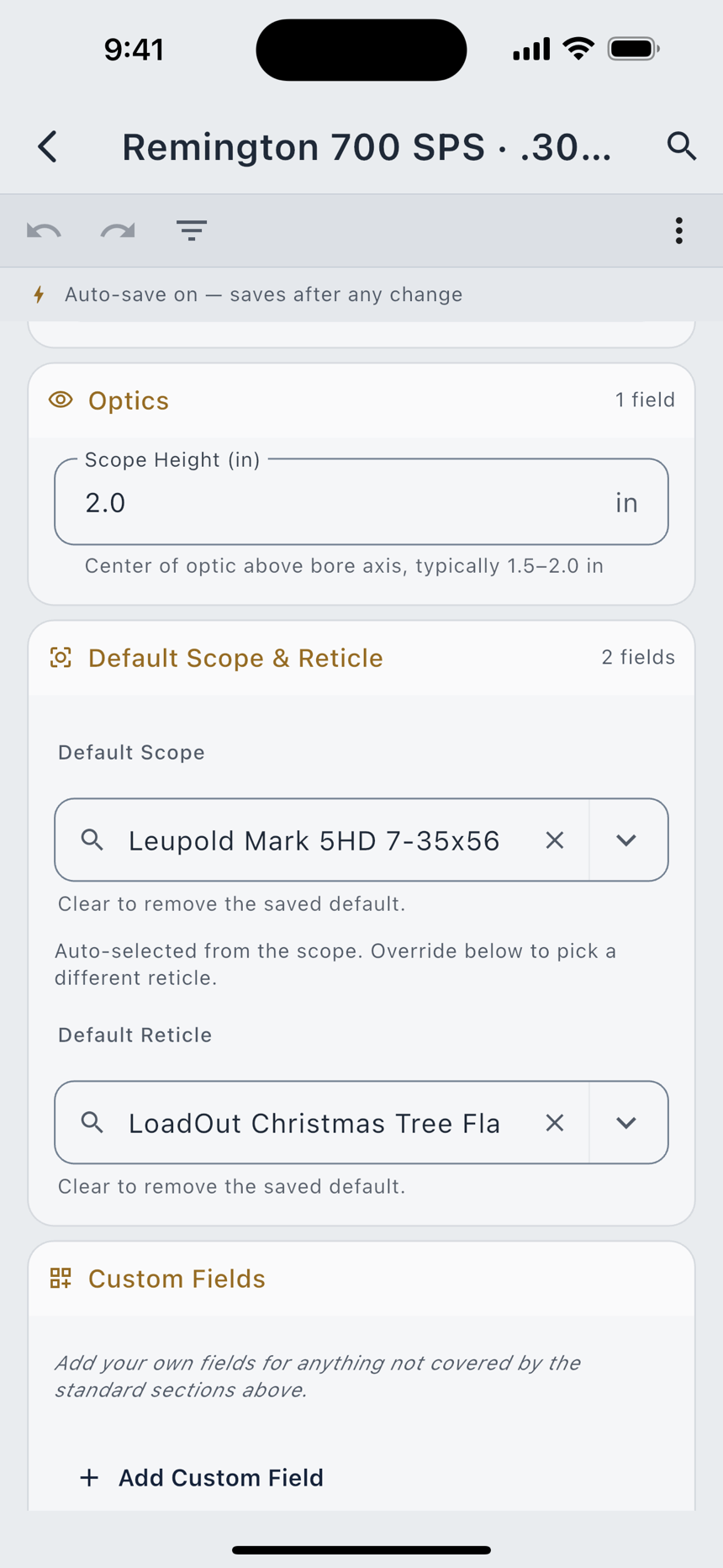
Two fields under Default Scope & Reticle say what is mounted: the scope, and the reticle inside it. They are defaults rather than locks, since Range Day can be overridden per session, but setting them once means picking the rifle configures the scope view automatically.
The catalog ships 257 scopes across 31 manufacturers, carrying the specifications that matter to the math: tube diameter, click value, maximum travel, magnification range and focal plane. Alongside them are 55 reticles.
The reticles are LoadOut-original reticles, calibrated for interoperability with major scope manufacturers. Every one of them carries a caption under its preview saying which of three things it is, and that caption renders on every tier, because it is compliance information rather than Pro content:
If your scope came with a brand-specific reticle, the reticle picker's Find by My Scope button is the way in: pick your scope, and it recommends the closest LoadOut archetype with the same hold-off math. If the recommendation cannot be resolved it says so and leaves you to pick from the list rather than guessing on your behalf.
All product names, model designations, and specifications belong to their respective owners. LoadOut is not affiliated with, sponsored by, or endorsed by any company listed. Scope names are in the catalog so you can match the math to the glass you own.
Round count and barrel life
The Barrel section carries Rounds Fired, and the barrel card built around it turns that number into something useful.
- Round Count climbs on its own. It includes rounds logged in Range Day and fired from batches, and you can edit it at any time to correct for rounds fired somewhere the app was not watching.
- Set a Barrel-Life Target gives the count a denominator. Enter the round count you expect this barrel to last, or accept the suggested band for your cartridge. When you do, the figure is labelled Estimated and a Source link says where the range came from and how well supported it is. Leave the target blank and the card tracks rounds only.
- Replace Barrel archives the current barrel and its rounds to Barrel History and starts a fresh one at zero. Nothing is deleted.
A round count is an odometer, not a countdown. Wear per round is not constant, and heat is the biggest lever of all. The number that actually tells you where a barrel stands is your own velocity trend, which Velocity Check charts per rifle across every chronograph session you log. Watch velocity first; the group opens last.
The Apple Watch and the Wear OS watch each carry a Firearm page showing the rifle, its round count, and (when you have set a target) how many rounds are left and the fraction of the budget spent. Without a target they show the count alone rather than inventing a gauge. The Garmin watch has no Firearm page; its seven pages are given over to the timer, the dope and the shot log.
Photos
A firearm can carry one photo. Attaching one is Pro; the controls are Take a Photo and Upload a Photo, then Replace Photo and Remove Photo. Photos already attached stay clear on every tier forever, and removing one is always free. The picture appears as a thumbnail beside the rifle in the list.
The free-tier limit
The free tier holds two firearms. The list says so up front rather than refusing you at save time: a slim bar above it reads 1 of 2 Firearms and carries a Get Unlimited link, so you never fill in a whole rifle and then hit a wall.
Four things about how that number is counted, each of which is a deliberate decision:
- The Sample does not count. The seeded Remington is free. It starts counting the moment you edit it, because editing adopts it, at which point it is a rifle you entered.
- A restore may exceed the limit. The cap governs new records only. Restore a backup with twenty rifles on the free tier and you keep twenty; you simply cannot add a twenty-first. Nothing is dropped, hidden, or made read-only.
- Anyone who has ever been Pro is grandfathered. A lapsed subscription does not re-impose the cap.
- A deleted rifle keeps its slot for 30 days. It is in Recently Deleted and restorable, so it is still yours. The sheet offers Open Recently Deleted if you would rather free the slot now, and says plainly that removing it permanently cannot be undone and takes it out of your encrypted cloud copies too.
The sheet leads with the reassurance rather than the pitch: Everything you have already added stays exactly as it is. Nothing is hidden, locked, or deleted. Pro removes the limit; it does not switch anything back on.
What Range Day and Ballistics read from a firearm
Picking a rifle on Range Day or in a ballistic profile pulls exactly four things across, and it is worth knowing which four.
| Field | What it does downstream |
|---|---|
| Scope Height | The line-of-sight offset for the geometric drop correction. |
| Twist Rate | Spin drift, and the stability check on your bullet's length. |
| Twist Direction | Which way spin drift pushes, and the sign of aerodynamic jump. Its provenance travels with it, so an unconfirmed rifle keeps disclosing on the solve screen too. |
| Default Scope & Reticle | Configures the scope view and the reticle you see downrange. The firearm's own reticle wins over the scope's built-in default. |
Two things it deliberately does not supply:
- Muzzle velocity does not live on the rifle. It changes with the powder, the bullet and the temperature, so it belongs to the load. It comes from a ballistic profile, from a common-load pick, from a chronograph session, or from you typing it.
- Neither does the zero range. A profile carries its own zero. If you pick a rifle with no profile behind it, the solver seeds the 100 yd reloader convention so it has something to work from, and any value you type or any profile you pick overrides it without argument.
Deselecting the rifle clears exactly what the rifle filled in and nothing else. That is the general rule across the whole app: a field's source is tracked, so removing the source removes the value rather than leaving a number behind with nothing standing under it.
With a rifle and a recipe in hand, Ballistics is the chapter that binds them into a profile and turns them into a hold.