Chapters
On this page
Some people want to ask for a hold rather than read one, and some people want nothing of the sort anywhere near their reloading records. LoadOut is built for both: every feature in this chapter has its own switch, every switch starts off, and while one is off the feature does not run on your data and the app does not pitch it at you.
The AI Features switch
Settings › Voice & AI › AI Features is the master switch, and it is off by default. Under it sits the hub, which lists eleven features in three groups: a highlighted one, the ones that are Available, and the ones that are Coming Soon. A Coming Soon row is drawn recessively, a dashed border and no switch at all, because there is nothing to turn on.
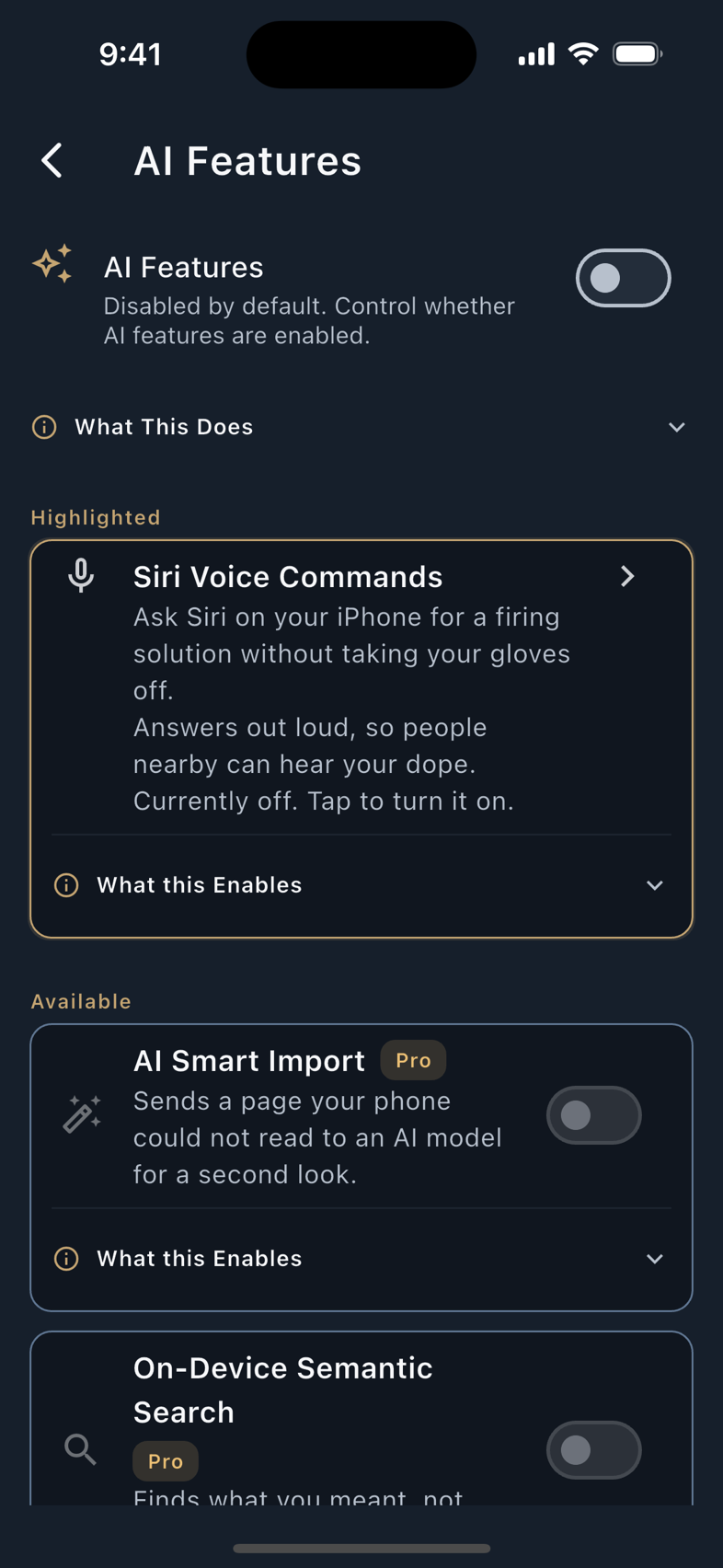
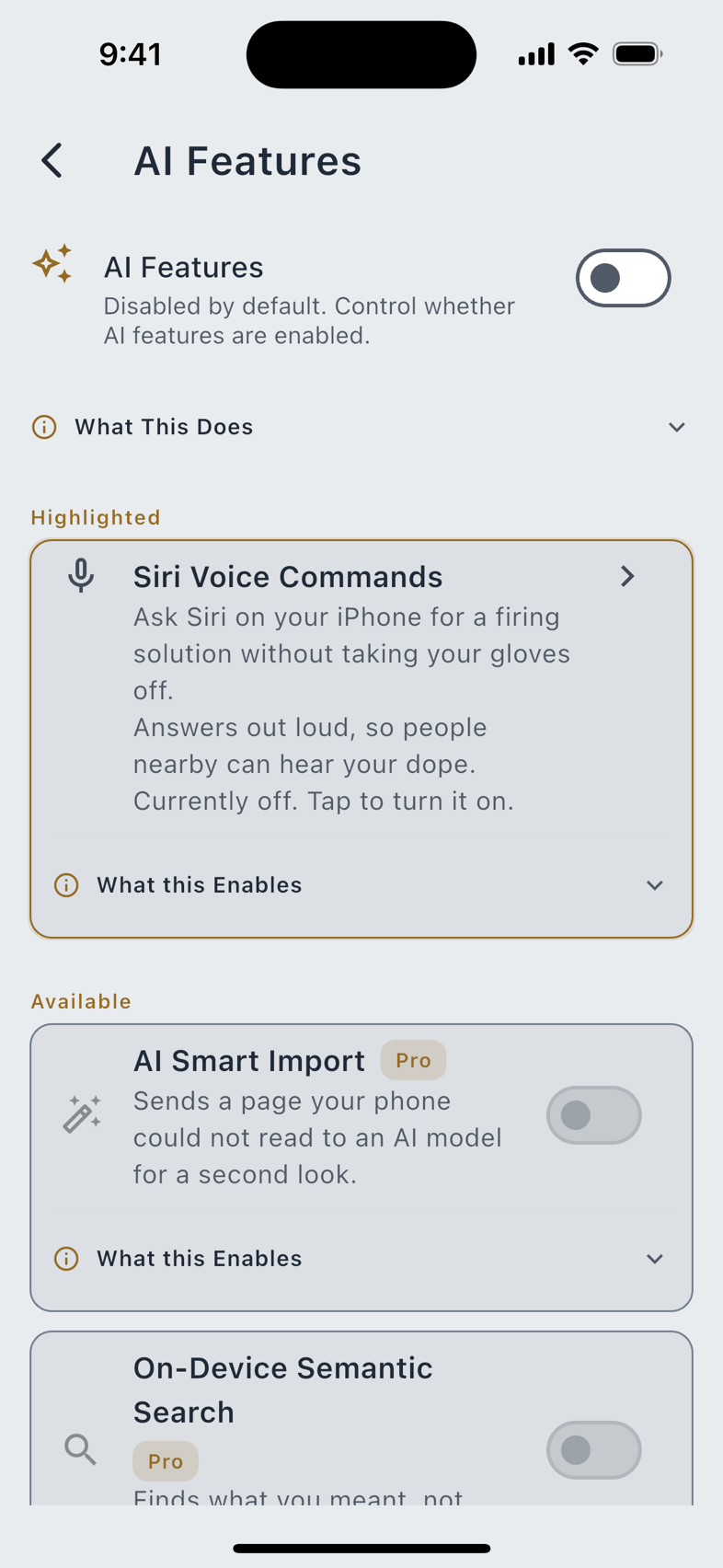
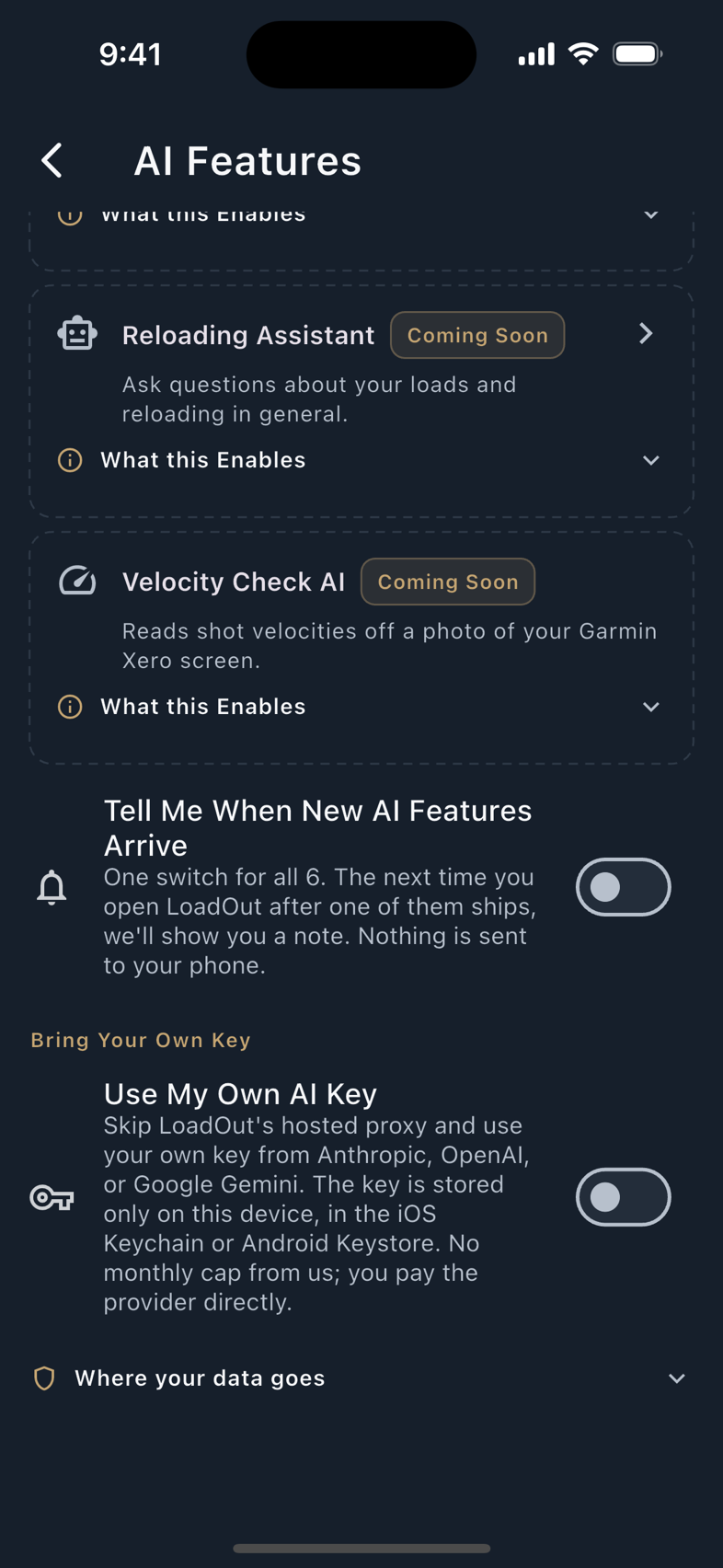
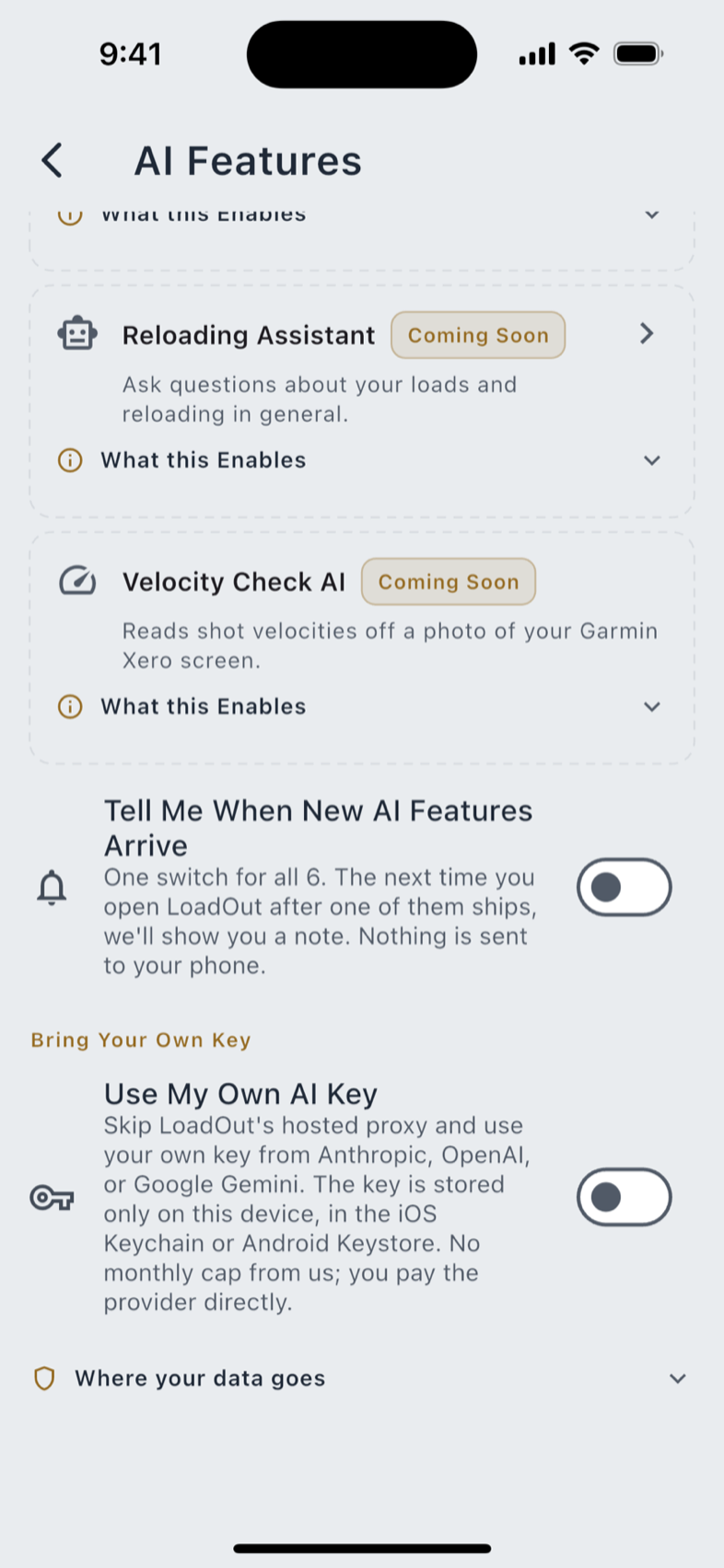
Readiness and price are shown as two separate marks rather than one, deliberately. A row can be shipped and Pro, shipped and free, or planned and unpriced, and collapsing those into a single badge would make one look like the other.
When AI Features is off, nothing here runs on your data and nothing anywhere in the app advertises it. There is exactly one exception, and it is bounded: at the first moment a surface would have read something aloud for you, LoadOut may offer the on-device voice once, with a sheet saying it can read your firing solution aloud in a voice it builds on your phone and the download size on the button before you tap it. Not Now is a real answer. Nothing is switched off, nothing changes, you are asked at most once more and not for another two weeks, and after that never again. The download stays reachable from Spoken Output whenever you want it.
Notify Me When It's Ready is one switch covering everything in the Coming Soon group. It shows you a note the next time you open LoadOut after one of them ships. Nothing is pushed to your phone.
Siri on iPhone and iPad
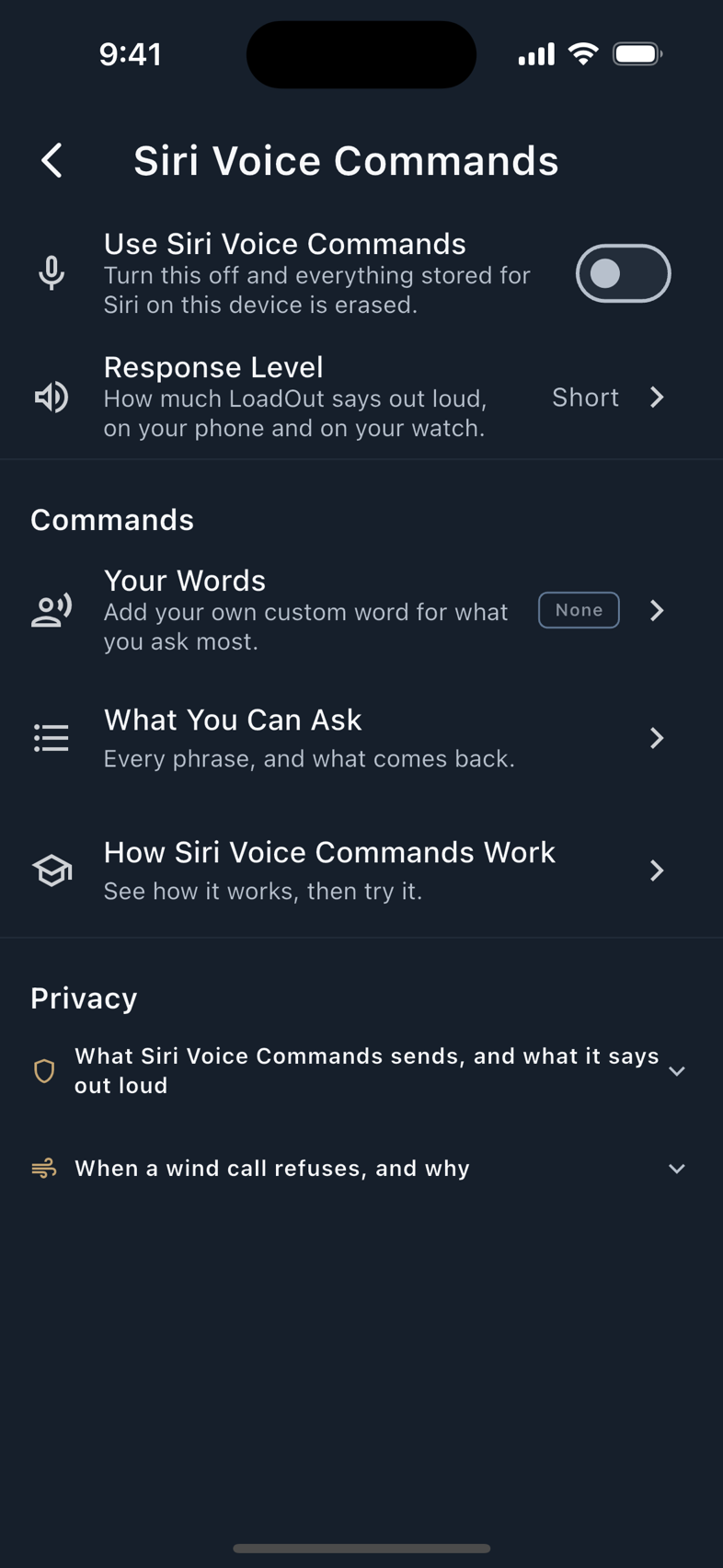
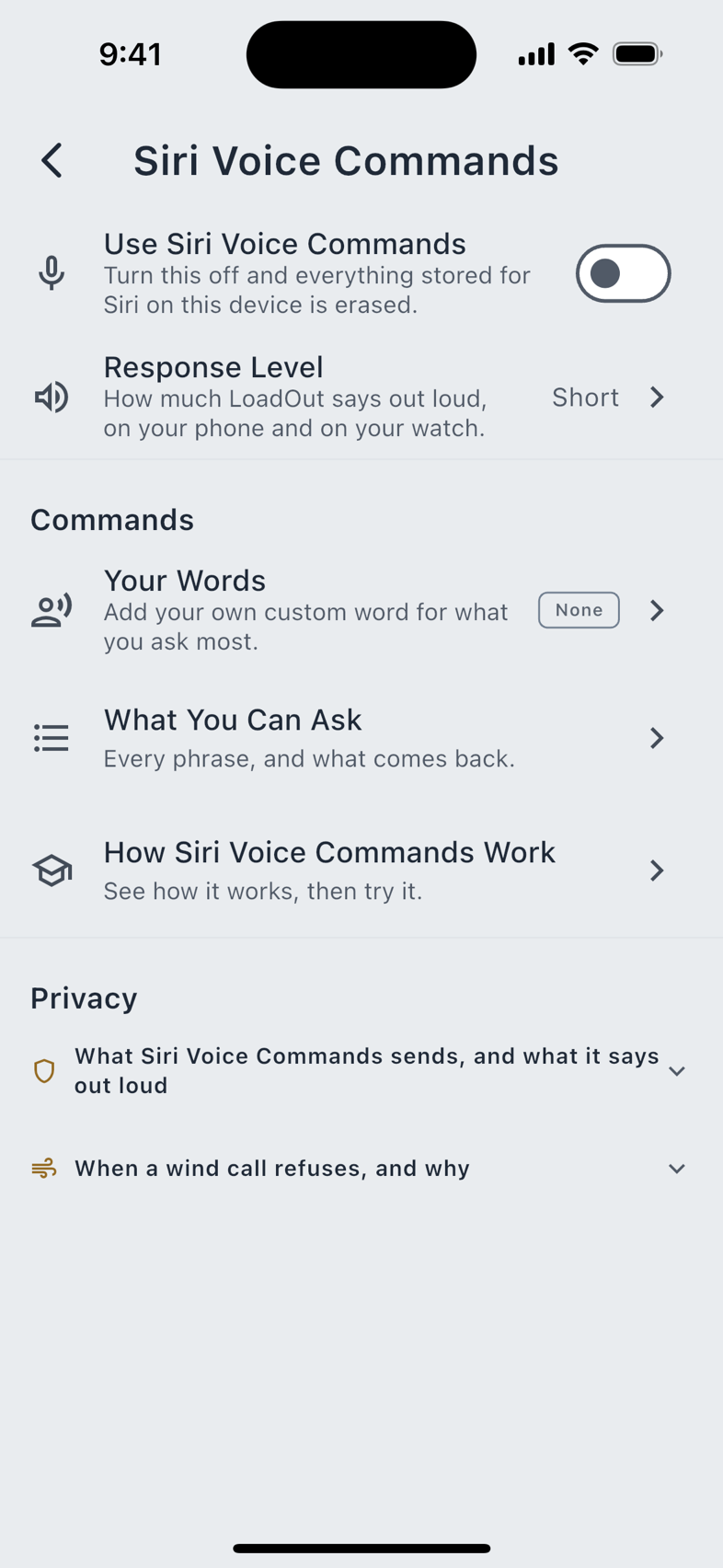
Settings › Voice & AI › Siri Voice Commands. Free, off until you turn it on, and iPhone and iPad only. The Mac app and the web app have no Siri commands.
Ten commands, across 181 phrases. Eight of them answer out loud without opening the app, which is the point: the phone can stay in a bag while you ask for a hold.
| Command | What it does |
|---|---|
| Firing Solution | Reads the elevation and windage for your active profile at the distance you name, with its caveats and how old the conditions are. |
| Next Target | Reads the next row of your Target Card and moves the marker. |
| Holdover | Asks which reticle line you are holding on, then reads what is left after you dial that base. |
| Wind Call | Reads the wind hold alone, for the distance you name. |
| Cartridge Specs | Reads one published dimension or pressure for a cartridge you name. |
| Convert Mils and MOA | Converts between the two units, or to inches at a distance. |
| Edit Target Card | Adds distances, sets the base dial, or changes a mover, applied exactly as if you had typed it. |
| Add a Note | Takes a dictated note and queues it. Nothing is saved until you confirm it in the app. |
| Group Analysis | Opens Group Analysis so you can photograph a target. |
| Open by Name | Opens a recipe, firearm or profile by the name you say. |
The complete phrase list (every wording Siri recognises for every command, generated from the app's own shortcut definitions) is at the Siri command reference. When Siri asks a question back, that is the command working: it needs a distance, a reticle base or a name before it can answer.
Response Level
One dial on the same screen sets how much a spoken answer says.
Whatever you pick, LoadOut tells you when a solution goes transonic or subsonic. Full and Medium add the rest: stale conditions, an assumed atmosphere, and any solver effect you have switched off.
Custom Phrasing
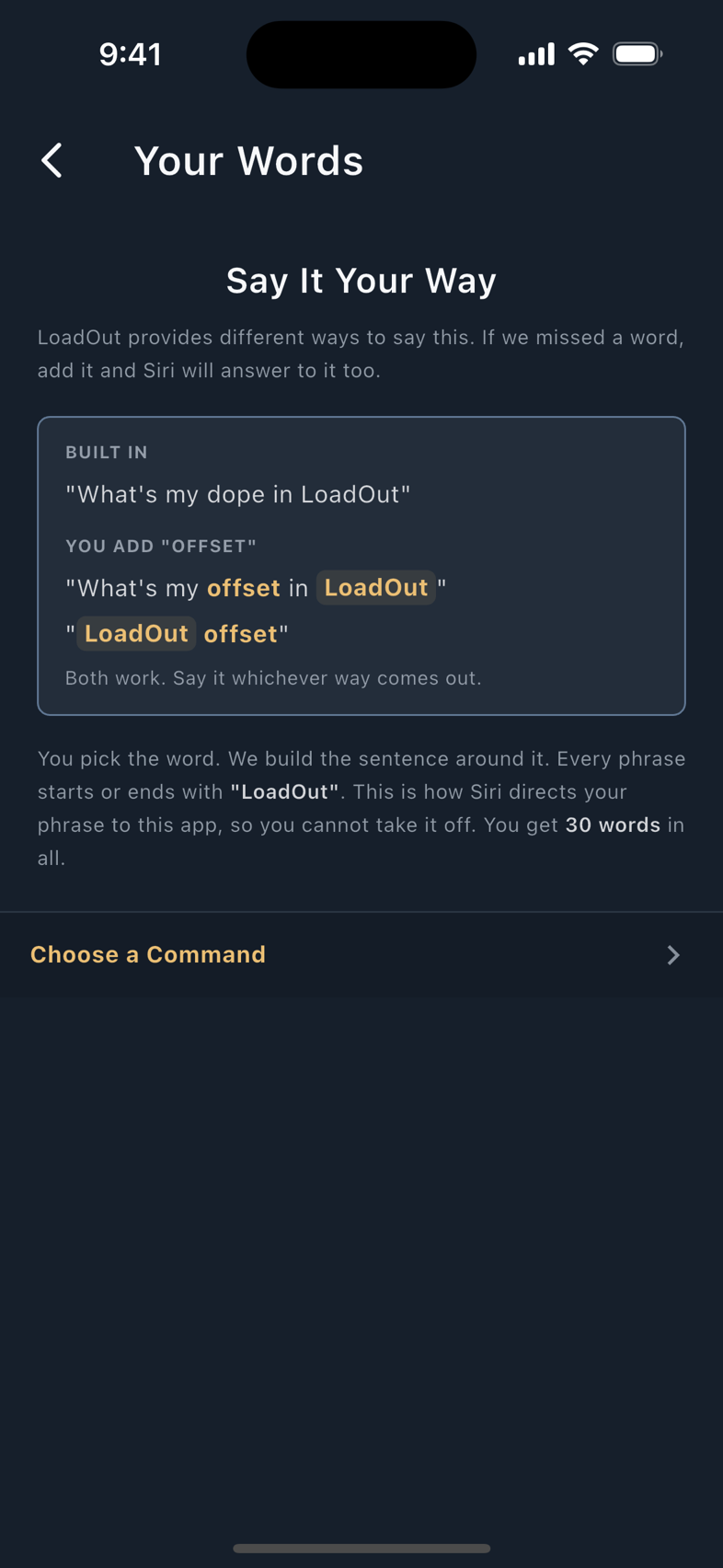
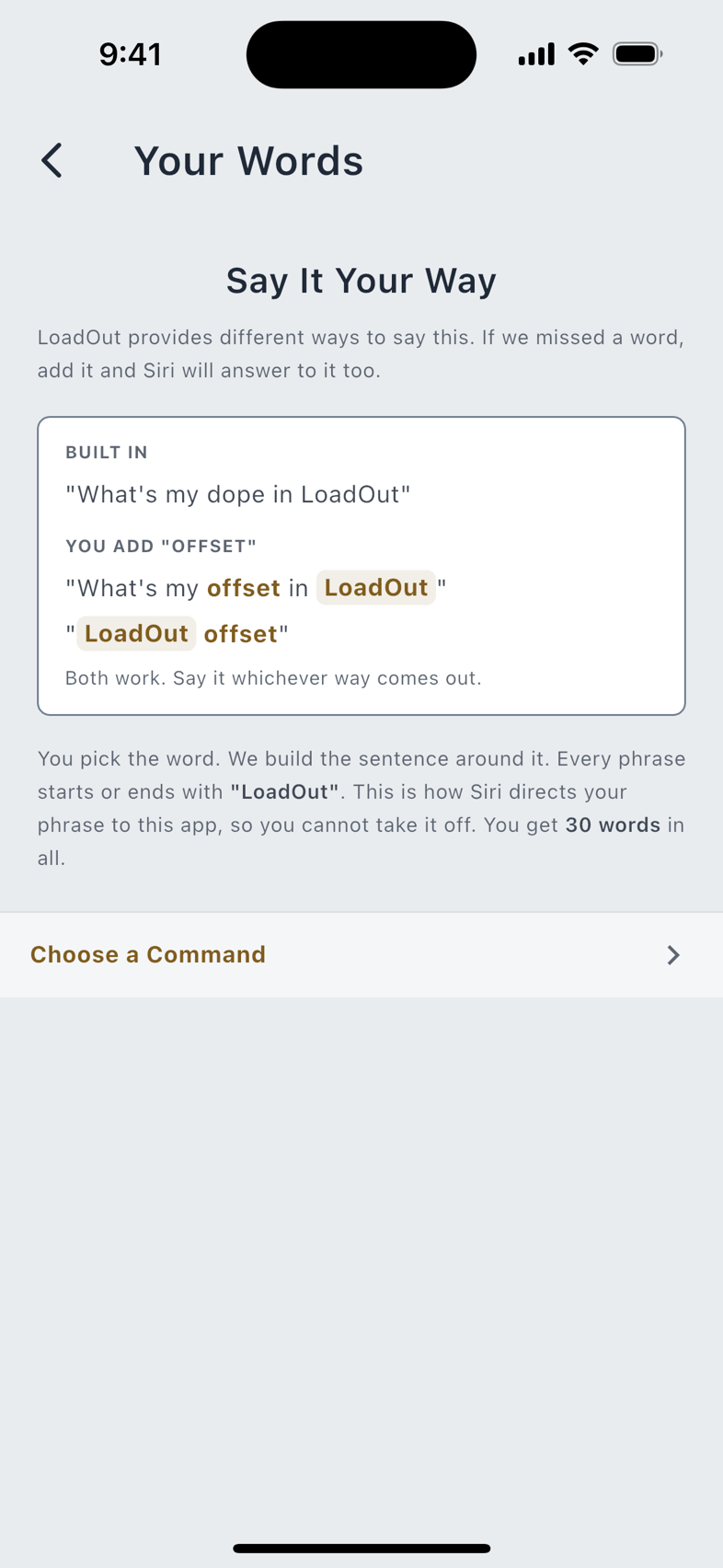
Pro Your own words for a command. If you say "come-up" rather than "dope", teach it that word and Siri answers to it. Each word is up to three words and 32 characters. You get thirty in total, spent across whichever commands you like, with at most six on any one command. Remove All My Words takes them back at any time; the built-in phrases keep working exactly as they did.
The wind call answers speed and relative direction only: four miles an hour, right to left. It never speaks the absolute bearing you entered, and it never speaks the latitude the solver uses for Coriolis. A bearing with a timestamp is weakly locating; a relative direction is not. Nothing LoadOut publishes for Siri is indexed for Spotlight, and no activity is donated to Siri suggestions.
Siri on Apple Watch
Ten commands on the wrist too, across 68 phrases. Raise your wrist and ask; the watch answers from the document the phone last published, so the phone can stay in a bag or a pack.
Nine of the ten are the phone's: Firing Solution, Next Target, Holdover, Cartridge Specs, Convert Mils and MOA, Add a Note, Group Analysis, Open by Name and Edit Target Card. Wind Call is the one the phone has and the wrist does not. The one the wrist has and the phone does not is Competition Mode: it arms the stage clock, shot capture and the spoken readout together, from a phrase, so you are not tapping a watch face on the clock.
The held document is the watch's own copy of what it needs to answer: your firearms, the solved holds, your display units, your custom words. It is erased when you turn the assistant off, and when you run either of the privacy operations in Privacy & Your Data. See Companion Watches for the rest of what the wrist does.
Spoken Output
Free Settings › Voice & AI › Spoken Output, on every platform. Two things it can read:
- A Target Card row on the phone, as you swipe from one target to the next. Off by default, because you already have the card in front of you and the speaker button on it is there when you want it.
- The next target on the watch, after it logs a shot. On by default for the watch route, because hearing the next hold without looking is why people put LoadOut on a wrist.
Where It Speaks decides which device answers: off, the phone, the watch, or both. Set it to off and the row above goes quiet whatever else is switched on.
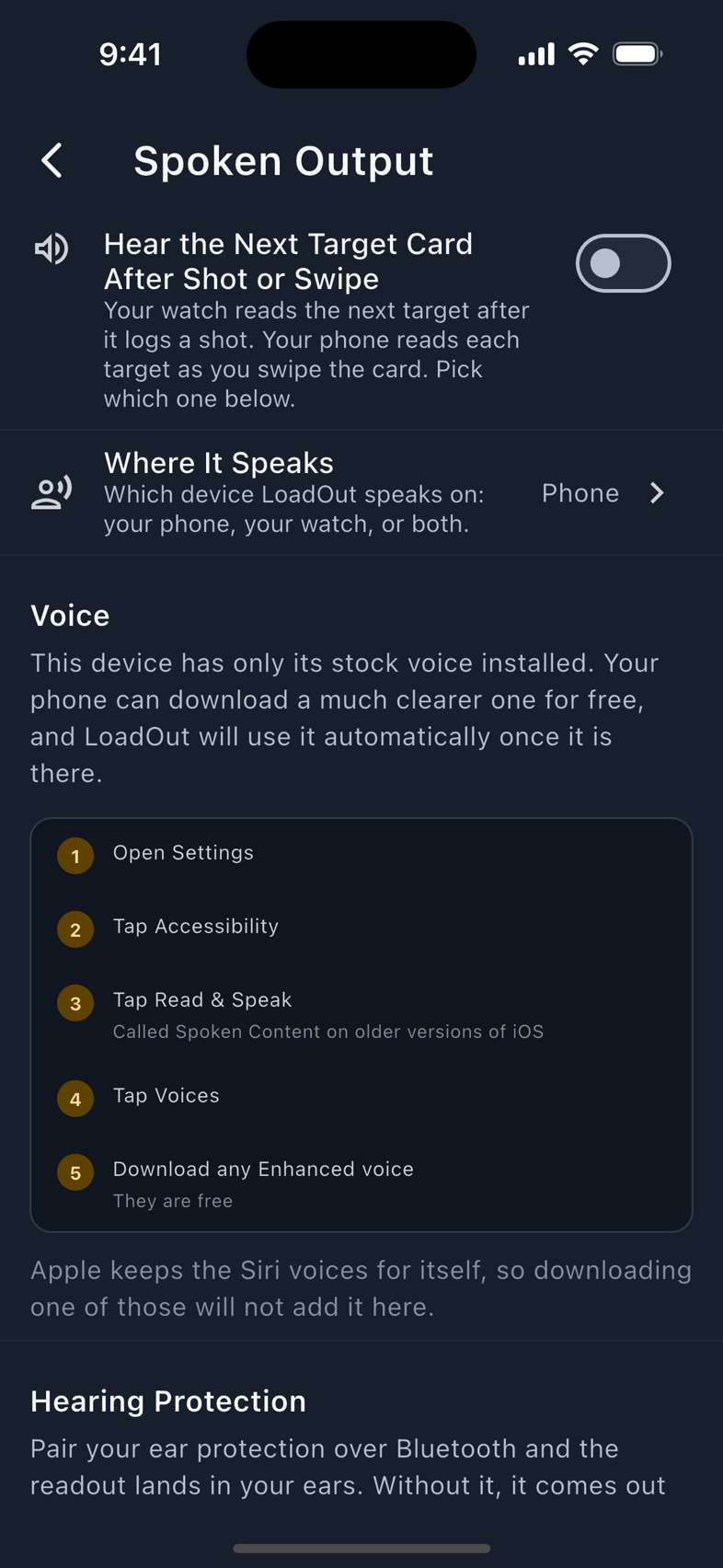
Length follows the Response Level above: Full, Medium or Short. The one place it does not is the automatic readout after a logged shot: with no explicit choice recorded, that one speaks the Short form, because a shooter who never opened the setting did not ask for three sentences between shots. State a preference and it is honoured on both triggers.
A Spoken Callout replaces a row's readout with your own words. Write "left edge of the plate" against a target and that is what you hear instead of the numbers, up to 96 characters, including on a row the solver refused, which is often exactly the row you want a word for.
The voice
Two engines, and the difference is worth knowing because the honest claim differs between them.
| Engine | What it is |
|---|---|
| Your device's own voices | The default. Whatever your phone has installed. LoadOut will point you at your platform's settings if a better-quality voice is available for your language as a free download. |
| On-Device Standard Voice | A voice LoadOut builds on the phone itself. It needs iOS 18 or later and a pack of roughly 183 MB, downloaded once. Off until you turn it on. |
The app states the difference in its own words, and so does this manual: Standard voices are rendered by LoadOut on this phone; the text it reads is not sent anywhere. System voices are read by your device's own speech engine, and some platform voices use the internet to do it. LoadOut runs no server of its own here, so nothing is sent to us. Which platform voices reach out is the platform's business, not something LoadOut can promise either way, so it does not.
Remove works even with AI Features switched off. A pack you cannot delete because you opted out would be the opposite of what the switch is for, so the removal control sits outside the gate. The download stays behind it.
Pro adds two things on top of the free voice: a speed dial, with a preview, for how fast it talks, and Voice Blending, which mixes two voices into a third and saves it by name. A blend is built on the phone like any other Standard voice.
Wear OS voice input
On a Wear OS watch, a mic button on the shot log takes a spoken command. Tap it, speak, and the watch's own system recogniser does the listening in its own screen, under the system's own indicator. LoadOut never opens the microphone. It receives the text the recogniser hands back, parses it on the watch, and drops it. There is no wake word, no recording, and no transcript kept.
LoadOut declares no recording permission on Wear at all, which is checked against the merged manifest at build time rather than left to inspection. The control sits behind the AI Features switch, because routing a transcript into a command vocabulary is more than dictation.
AI Smart Import
Pro The only feature in LoadOut that sends anything to an AI vendor, opt-in on every single use. It is a translation tool: it turns handwriting the on-device reader could not resolve into structured fields. There is no conversational AI here.
Exactly two things can ever be sent, and you produce both in the moment:
- The recognised text from a photo you just imported, when the on-device parser flags a value as uncertain and you tap Improve with AI.
- A cropped picture of a chronograph screen, just the screen and never the whole photograph, as the last resort after the on-device readers have failed on a Garmin Xero capture. It shows you exactly what it would send before it sends anything, and it will do this twice on one import and then stop offering.
Your saved recipes, your firearms, and everything else in the app are never part of it. Through LoadOut's hosted service the request goes to Anthropic: the proxy never logs the request body, Anthropic does not train on API requests, and there is a soft quota of 20 requests a month. Or bring your own key from Anthropic, OpenAI or Google Gemini, stored only on that device in the iOS Keychain or the Android Keystore, in which case there is no quota from LoadOut, the provider bills you directly, and your data goes to them under their terms rather than ours.
Bringing your own key does not substitute for Pro. Every AI feature is a Pro feature, and paying a vendor directly is a choice about how the request is routed rather than a way around the gate.
What is coming
Seven rows on the AI Features hub are planned and not built. They carry no switch, and the app says so on its own page rather than leaving you to find out:
| Planned | What it would do |
|---|---|
| Reloading Assistant Coming Soon | A chat about the craft rather than about your loads. The screen exists and says Coming Soon; there is no assistant behind it in any build today. |
| Velocity Check AI Coming Soon | Reading a Xero screen from a photo entirely on the phone. The camera route works today; this layer does not. |
| Impact Detection Coming Soon | An on-device reader for target photos. |
| Android Voice Commands Coming Soon | Voice on Android phones and Wear OS watches. Nothing else about LoadOut on Android is missing; voice is the one piece still to come. |
| Paper Card Import Coming Soon | Reading a printed DOPE card back into a Target Card. |
| Assisted Dictation Coming Soon | Speaking a note instead of typing it. |
| Read Text From Note Photos Coming Soon | Pulling the words out of a photograph attached to a note. It waits on the note editor: until a photo can be attached to a note there is nothing for it to read, so the row stays under Coming Soon rather than offering a switch with nothing behind it. |
Alongside AI Smart Import, three more rows are shipped and live: On-Device Semantic Search Pro, which searches your own records by meaning using a model that runs on the device; Siri Voice Commands, covered above; and the On-Device Standard Voice. Each has its own switch, and each starts off. Seven planned and four live is the whole of the hub's eleven rows.