Every variable.
Tracked precisely.
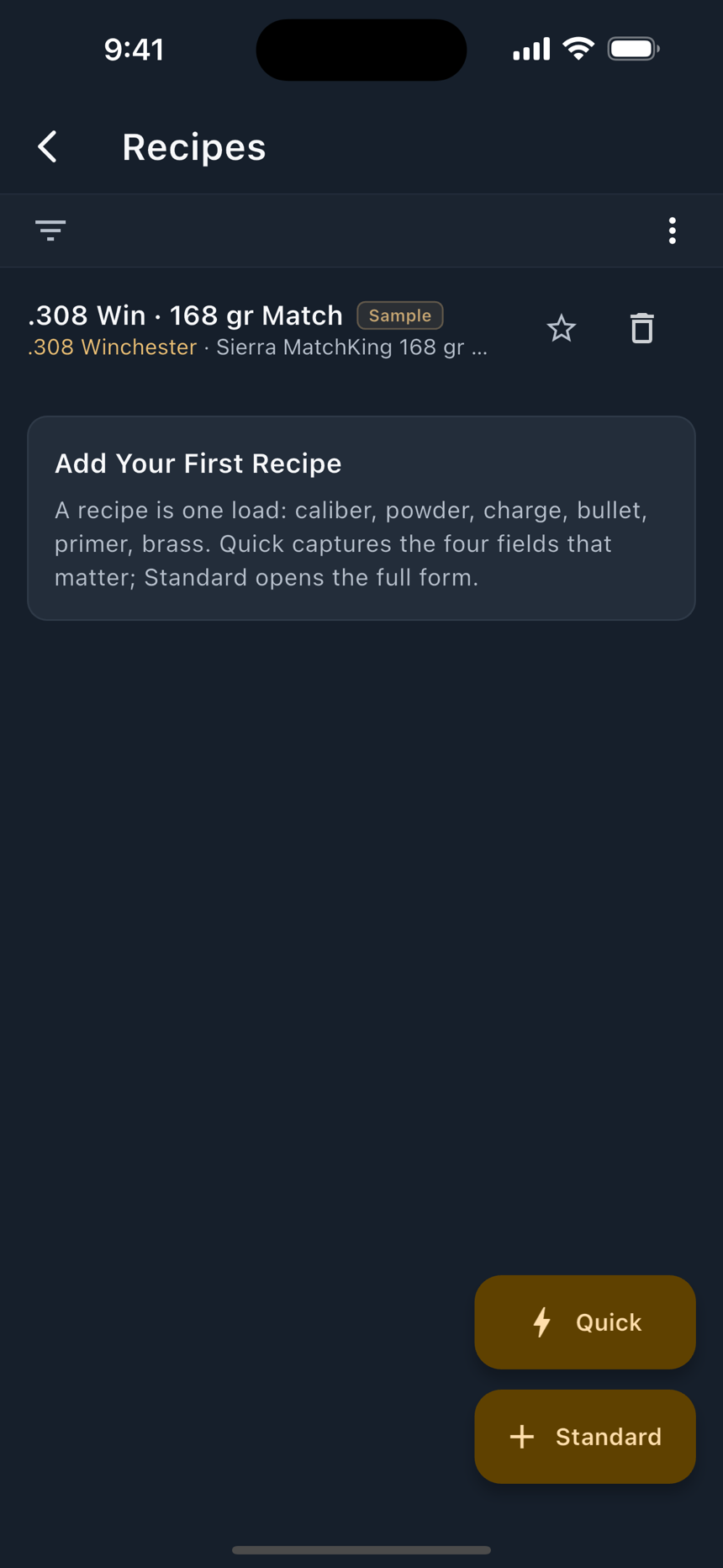
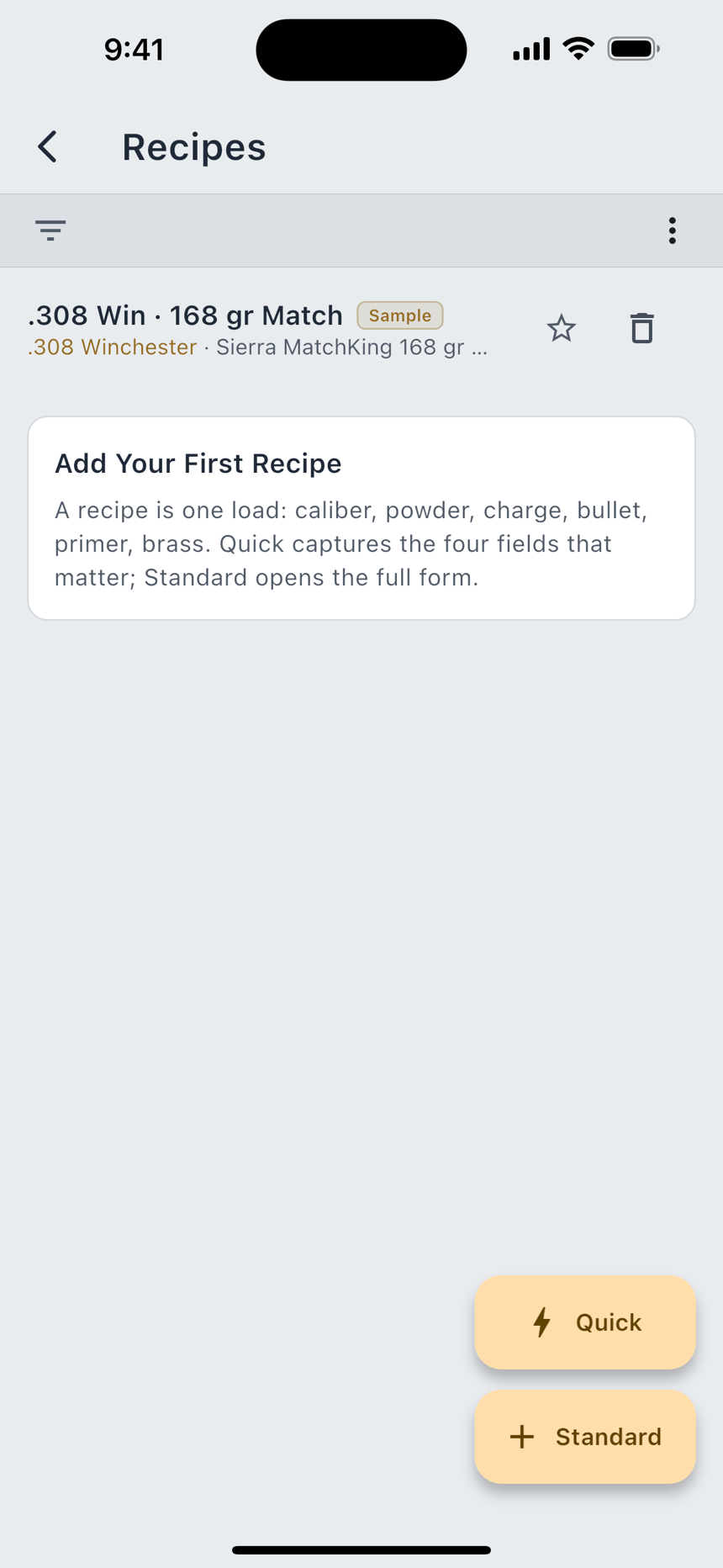
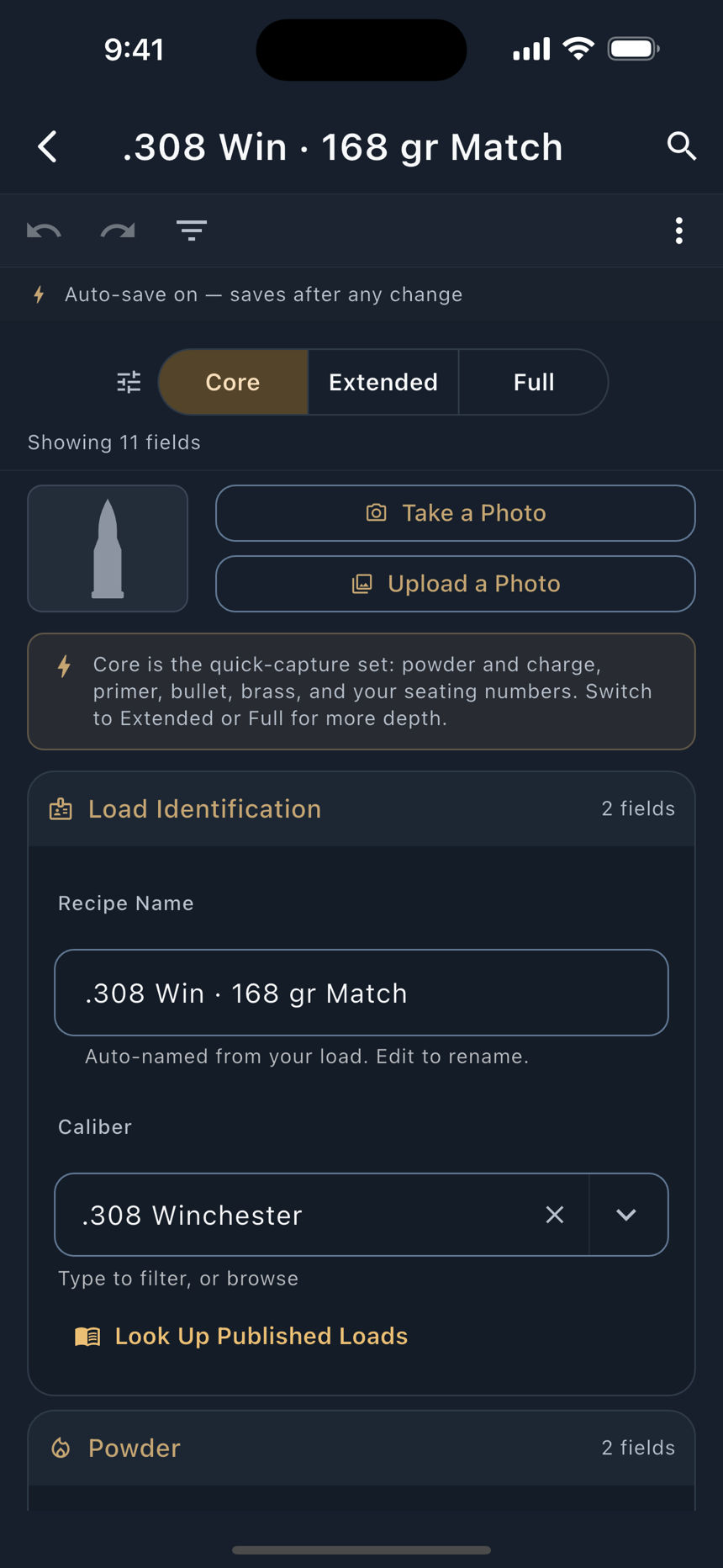
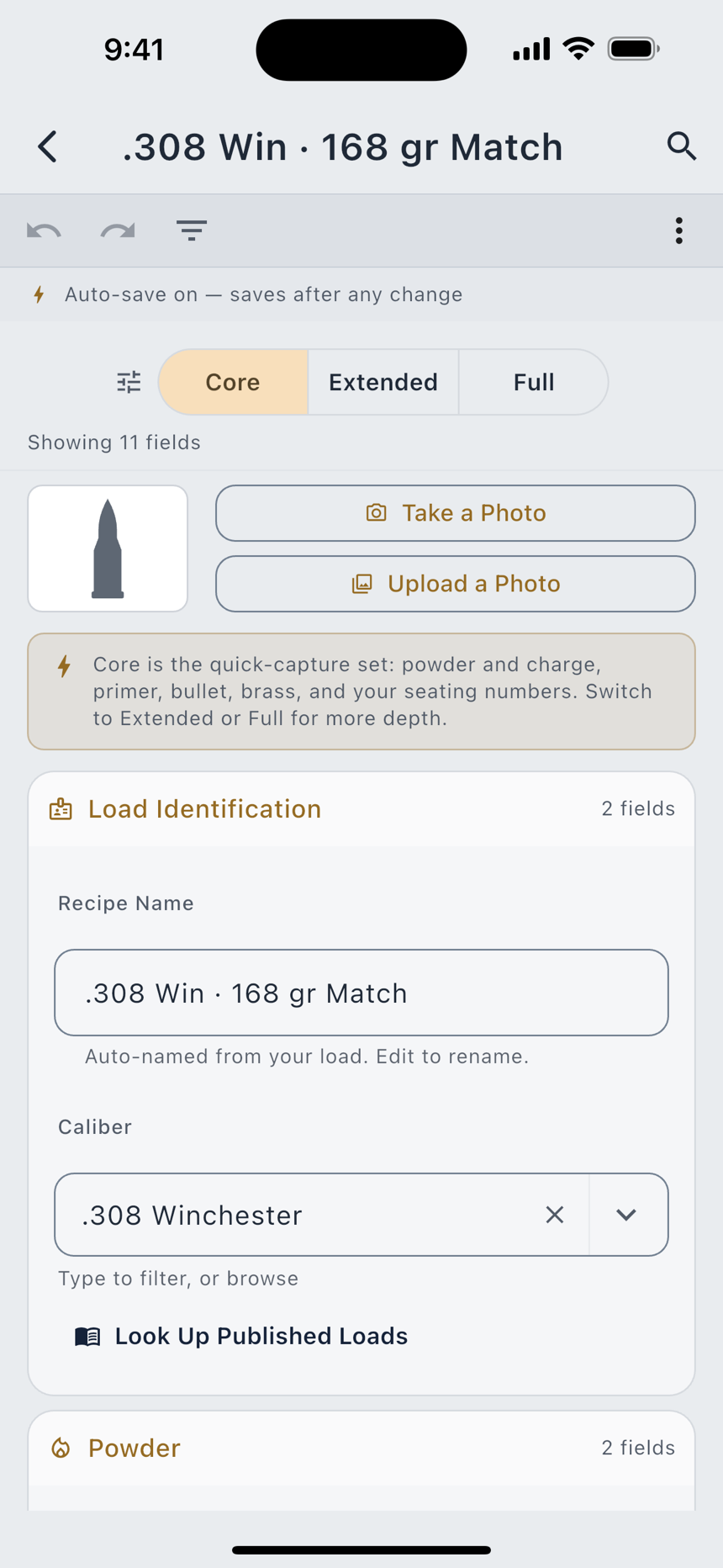
A recipe is the load: what went in the case, and how far the bullet sits out. LoadOut models sixty fields across nine sections, and a usable recipe needs about five of them. Quick Add takes those five the way you would write them on paper; the Standard form opens the rest when you want it, and saves as you type.
Charge weight is the one field LoadOut leaves blank rather than guess, including on a photo import of your own handwriting. That number belongs to your manual and your rifle. Around the recipe sit your firearms, your loaded batches and your brass lots, so a case’s history and the round it became stay joined.
- Quick Add or the full Standard form: nine sections, sixty fields
- Batches, brass lots and round counts tied back to the recipe
- 200+ cartridges with published specs, 400+ bullets, 150+ powders, 100+ primers
- Factory rifles or a custom build, down to the chassis, barrel and trigger
- Beginner Mode hides the advanced fields until you switch it off
- Custom Layouts: reorder, rename and group the fields on any form (Pro)
A solver that
shows its work.
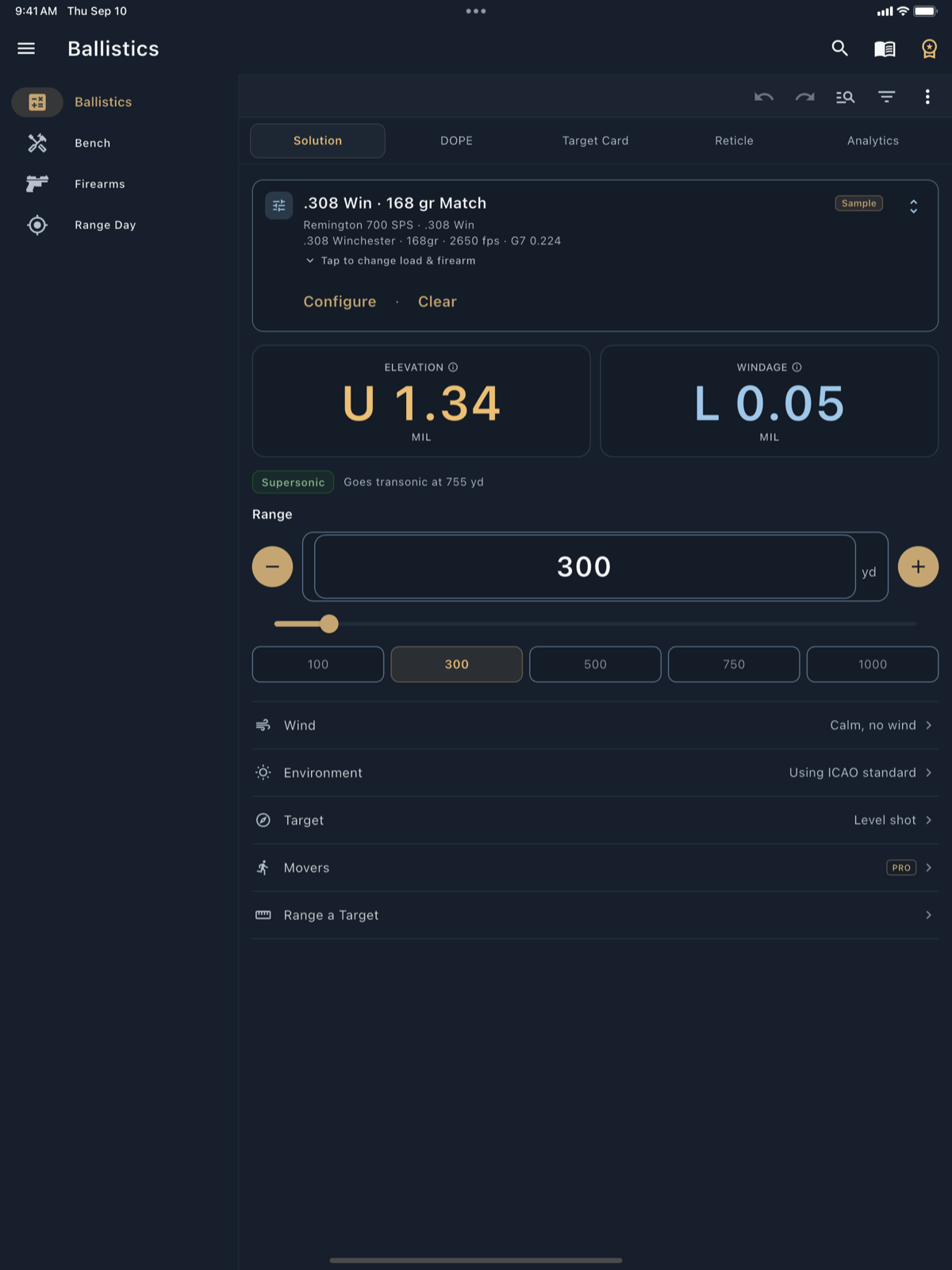
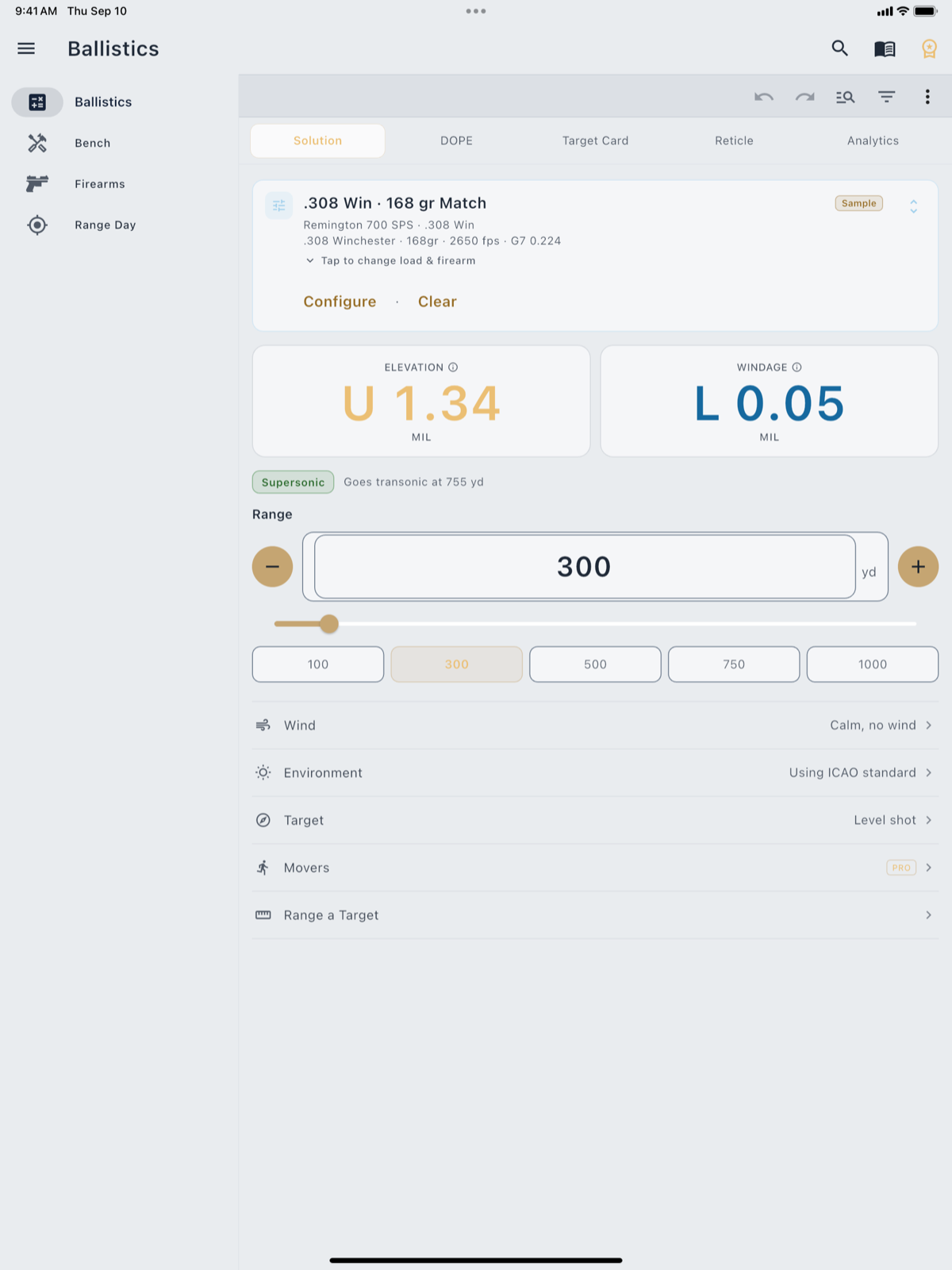
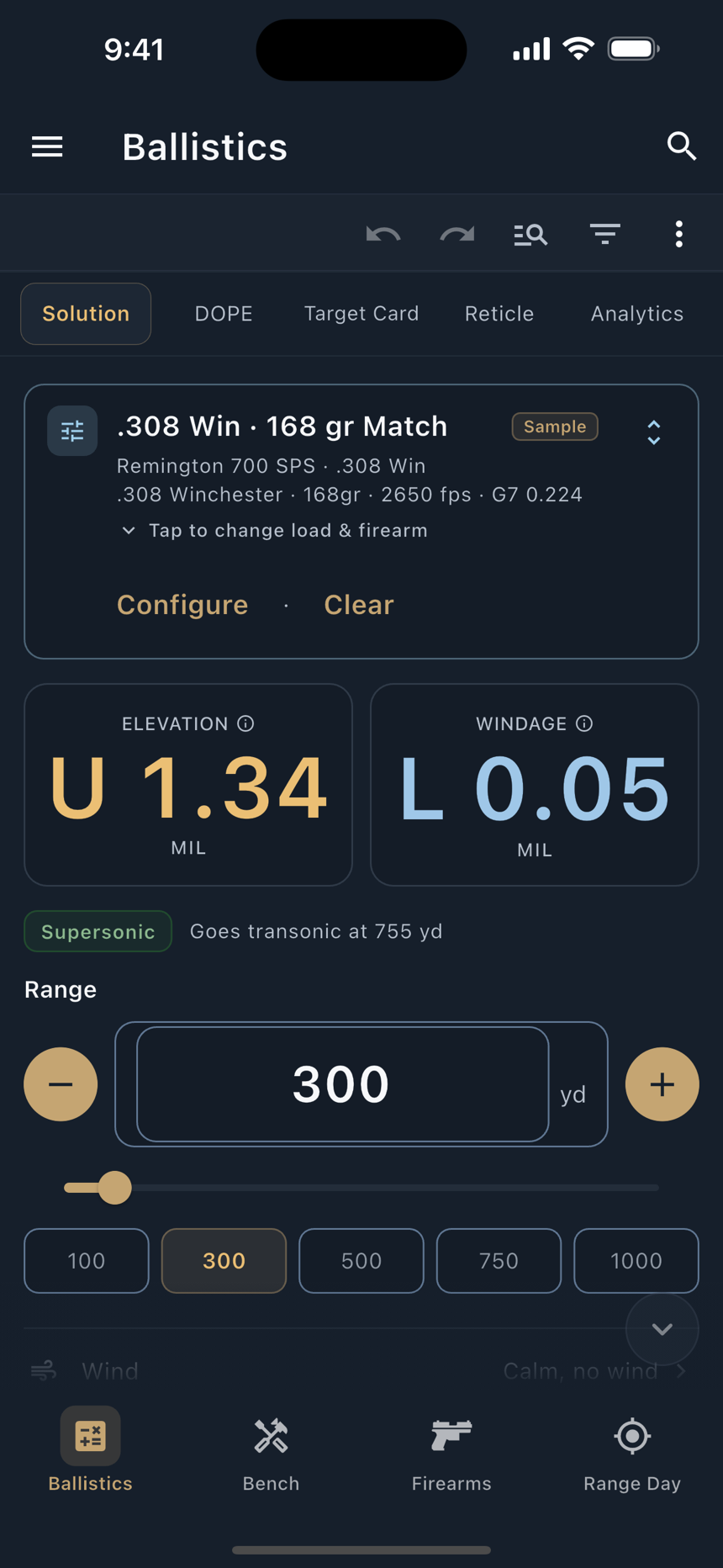
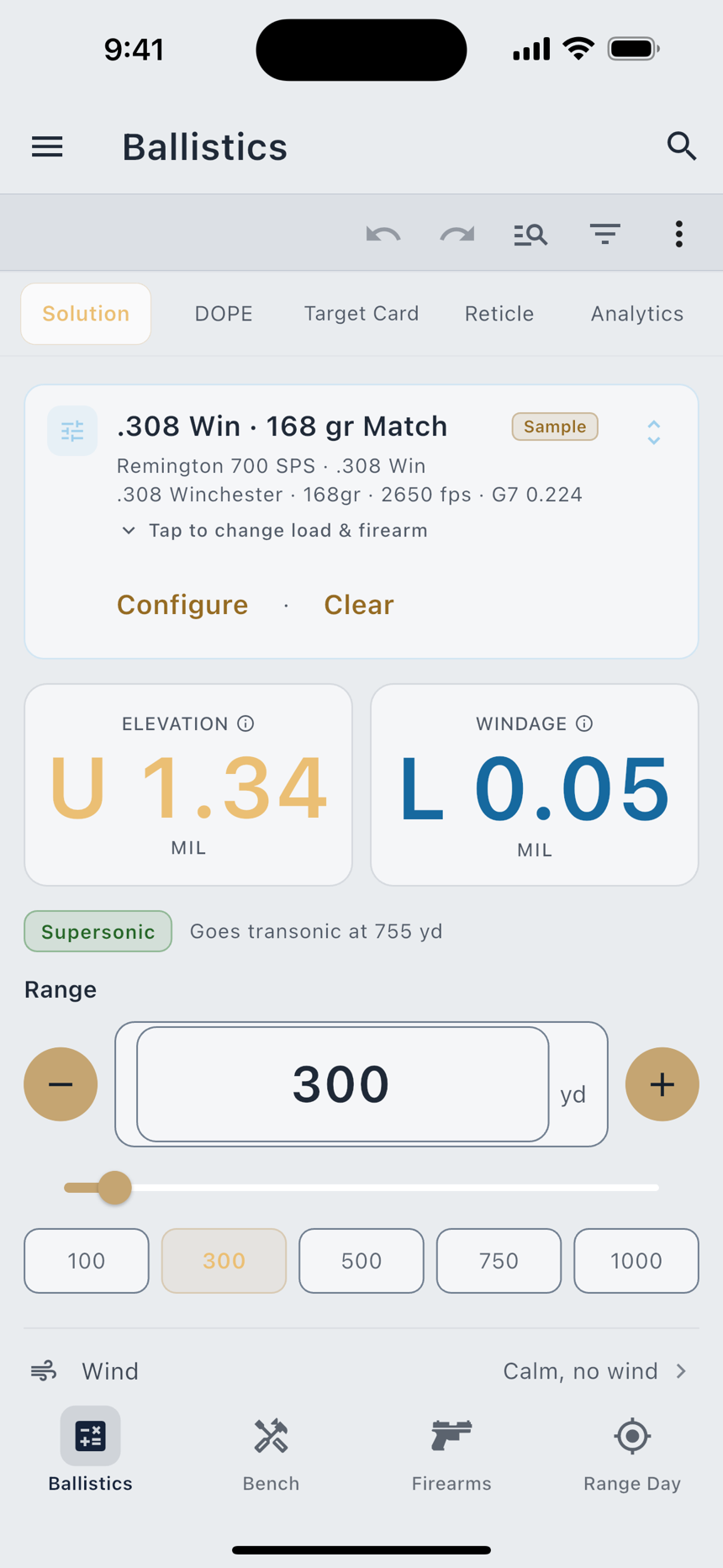
A Modified Point-Mass solver, integrated with an adaptive Cash-Karp RK45 step, returns drop, wind drift, velocity, energy, time of flight and max ordinate out to 3,500 yards. Spin drift, Coriolis and crosswind-driven aerodynamic jump are computed rather than ignored, and each has its own switch. There is no external ballistics library. The engine is LoadOut’s own.
All six standard drag models (G1, G2, G5, G6, G7 and G8), plus 290+ measured drag curves applied automatically to the bullets that ship with one. Those curves are Cd against Mach, taken from published Doppler-radar data, and they are free. So is True DOPE truing: accuracy is correctness, not a power-tool.
- Six standard drag models, and 290+ measured drag curves, all free
- The Target Card: your stage plan, target by target, with the turret carrying over
- Lower-confidence flags where a bullet goes transonic, and past 2,500 yd
- Live Weather Pull and Automatic Altitude for where you are standing (Pro)
- 250+ scopes with click values, focal plane, travel and reticle options
- Full Analytics, the Hit Probability Map and the Moving Target Trainer (Pro)
Shot-by-shot.
Session by session.
Mark a shot on the target plot and the round is charged to that rifle’s barrel in the same write. The statistics come free: extreme spread, mean radius, group size in inches and MOA, horizontal and vertical spread, and the centroid with the zero adjustment it implies, plus a 90% confidence interval once you have three shots.
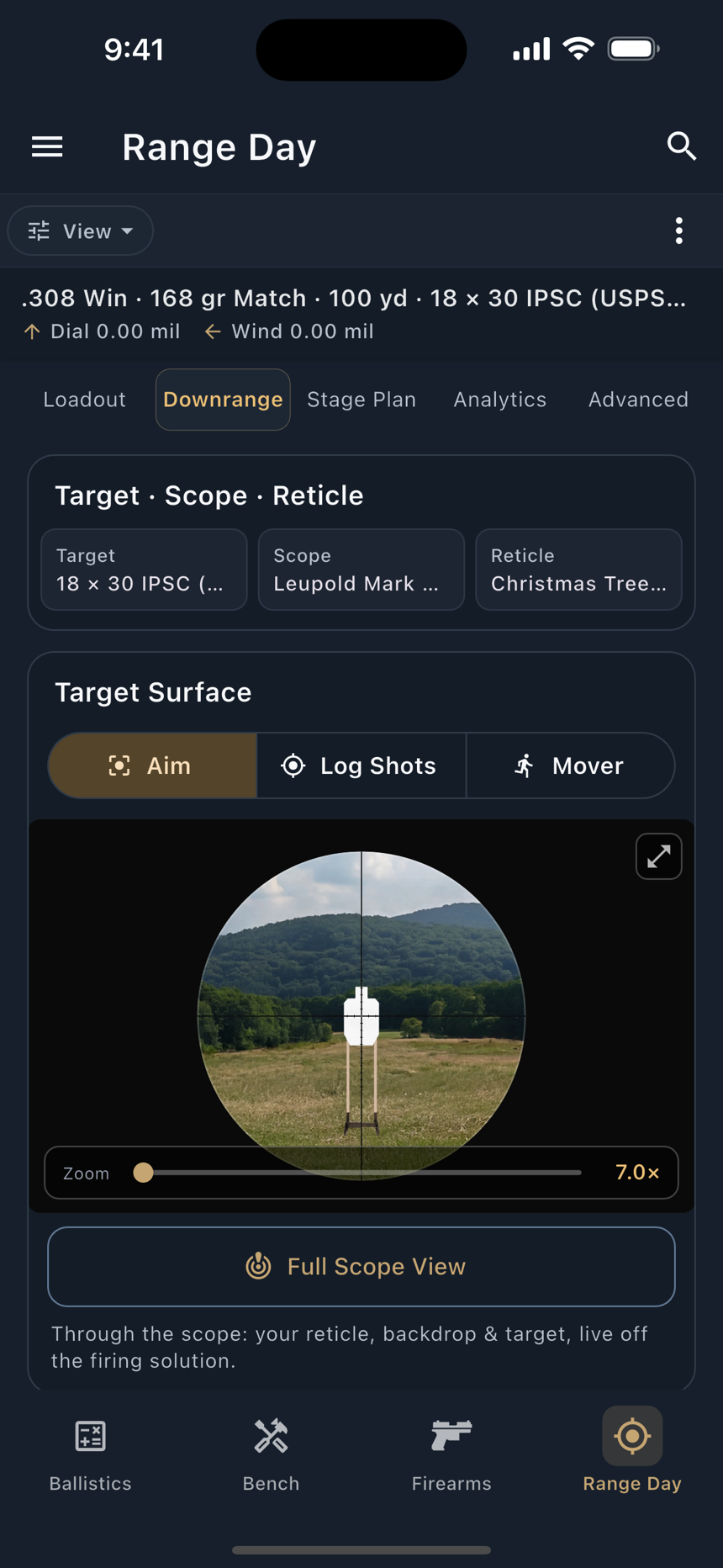
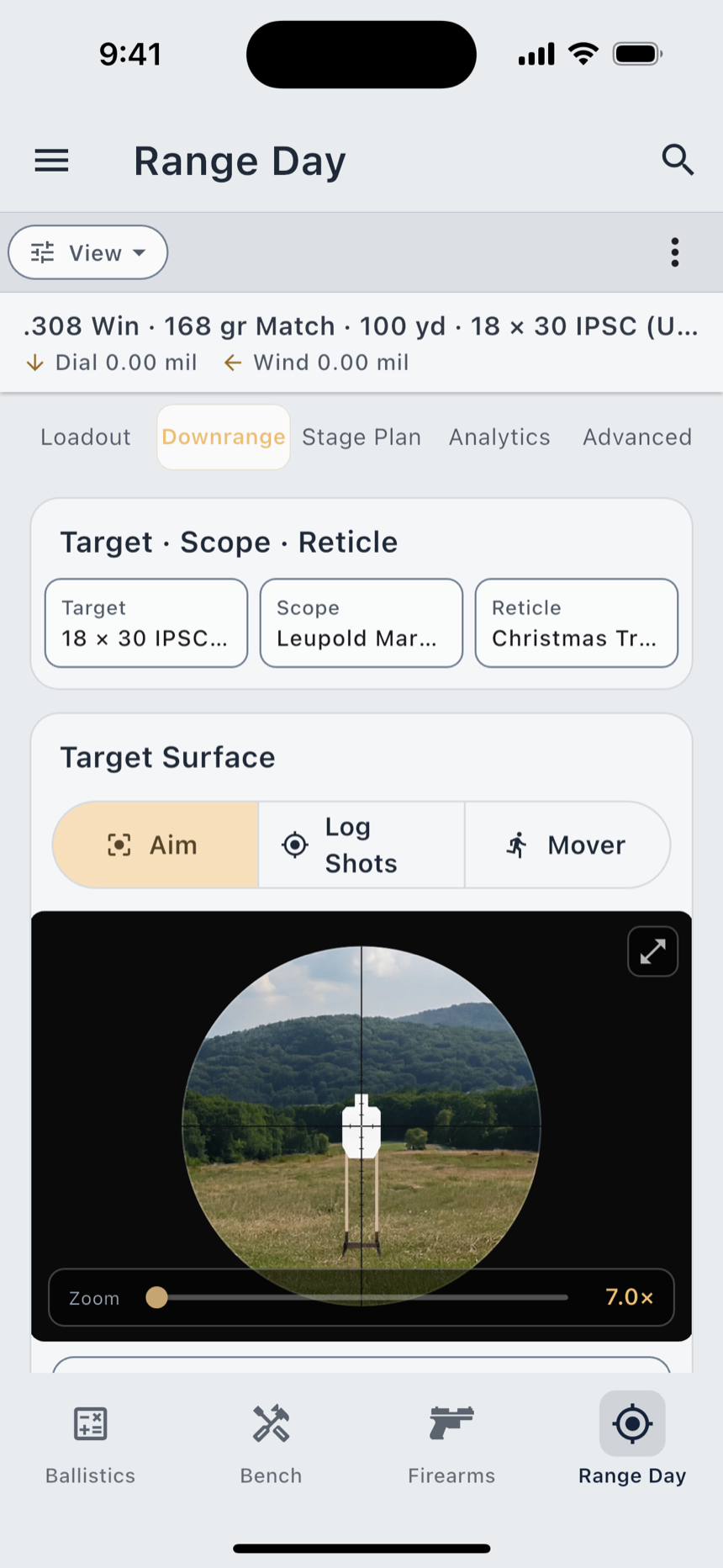
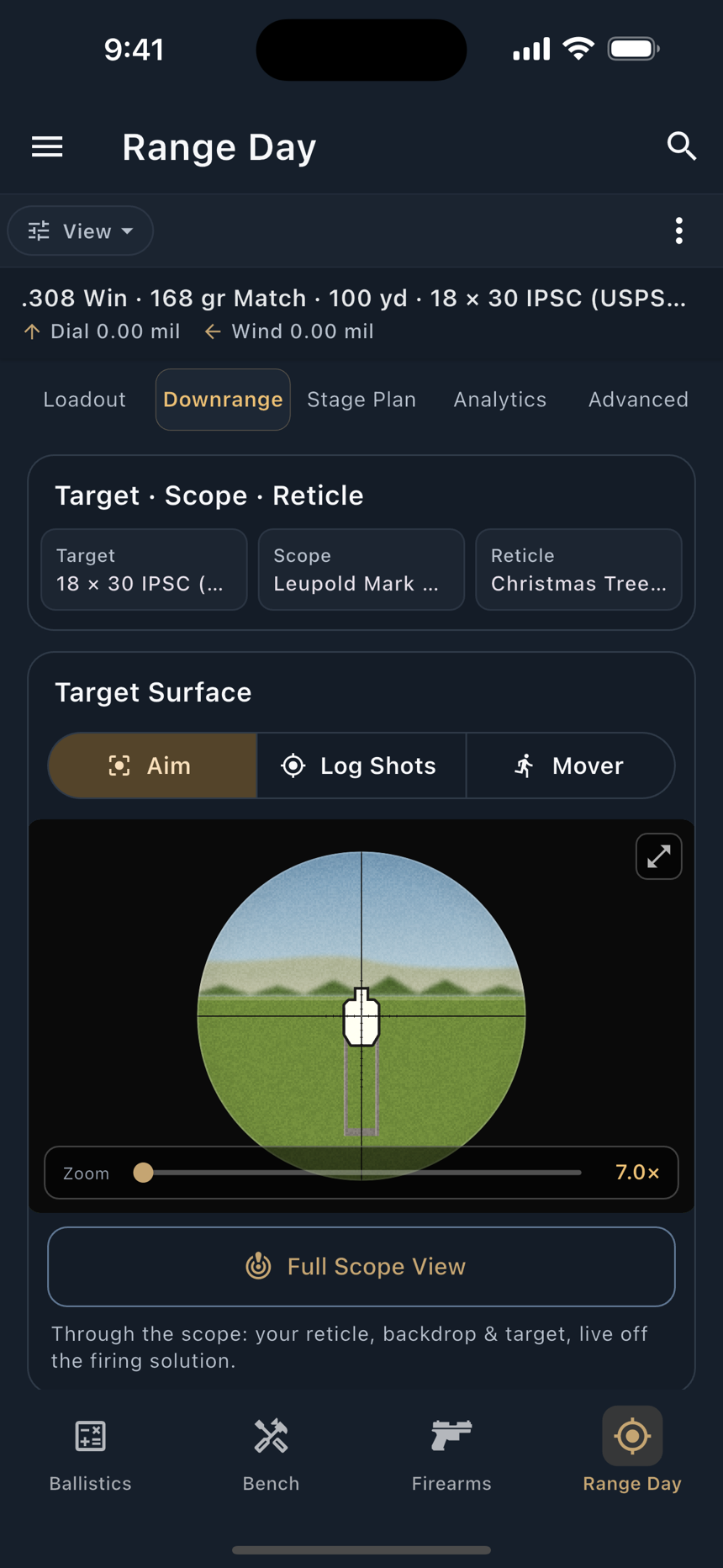
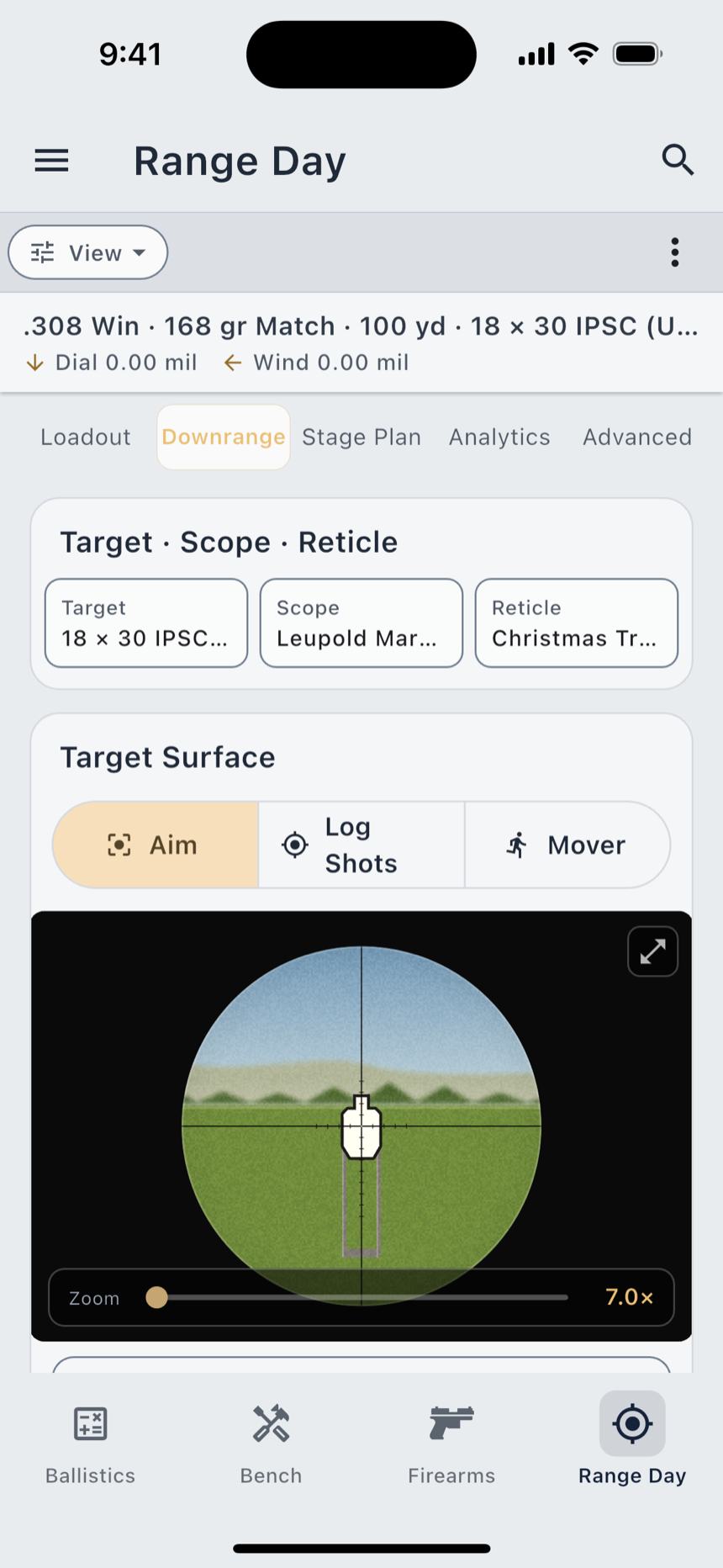
The scope view is a picture of what you would see through the glass: a circular field of view, your reticle drawn to scale, and the target at its true angular size for that range and magnification. The clean Stylized view, every reticle and every target are free. The Scenic view puts a photograph of a real range behind them, and free users see it live and blurred rather than locked out.
- 91 targets (circles, squares, IPSC, 48 animal silhouettes and steel), plus 13 racks
- 50+ LoadOut-original reticles, calibrated for interoperability with major scope manufacturers
- Cant, incline and shot heading read from the phone’s own sensors, free
- Photograph a group and LoadOut measures it; Full Statistics adds CEP and the dispersion ellipse (Pro)
Every method.
One place.
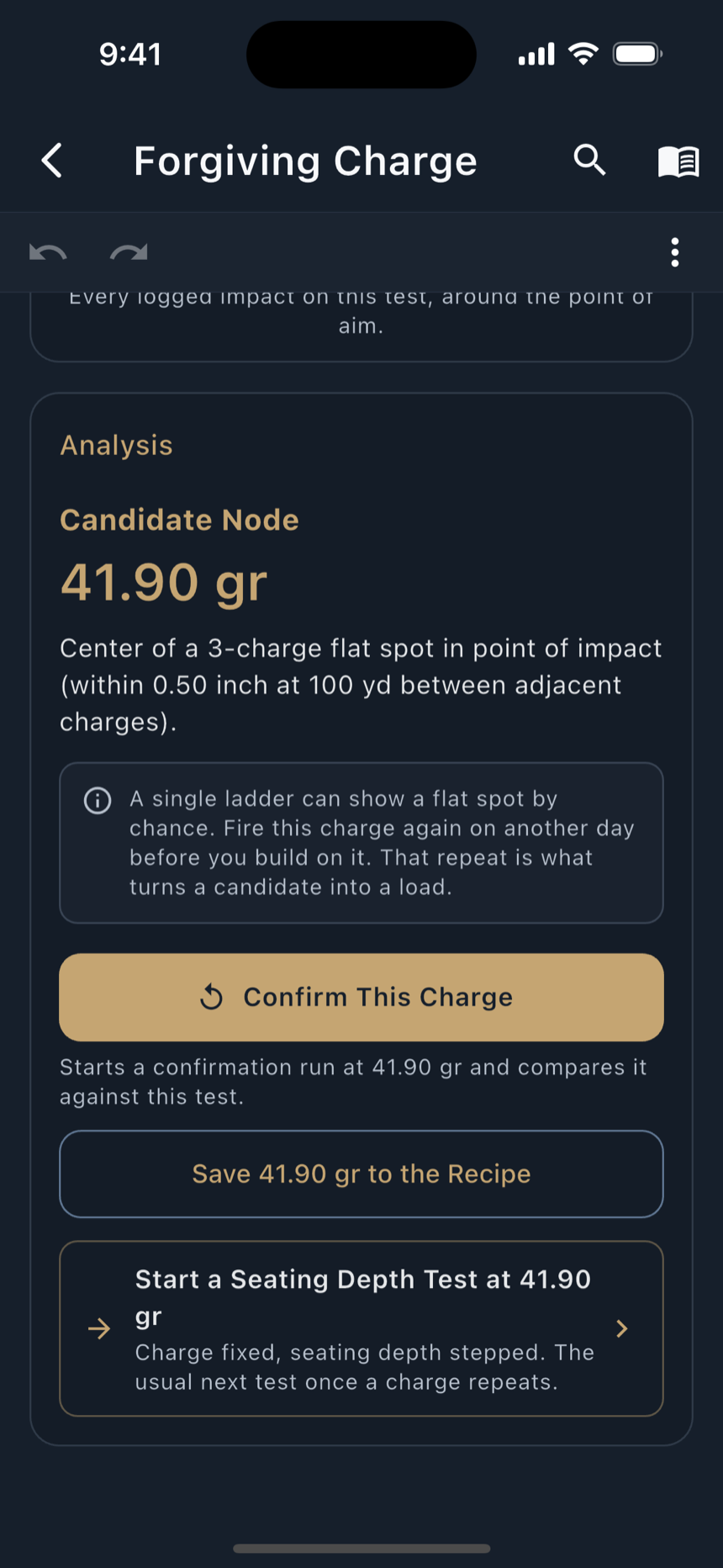
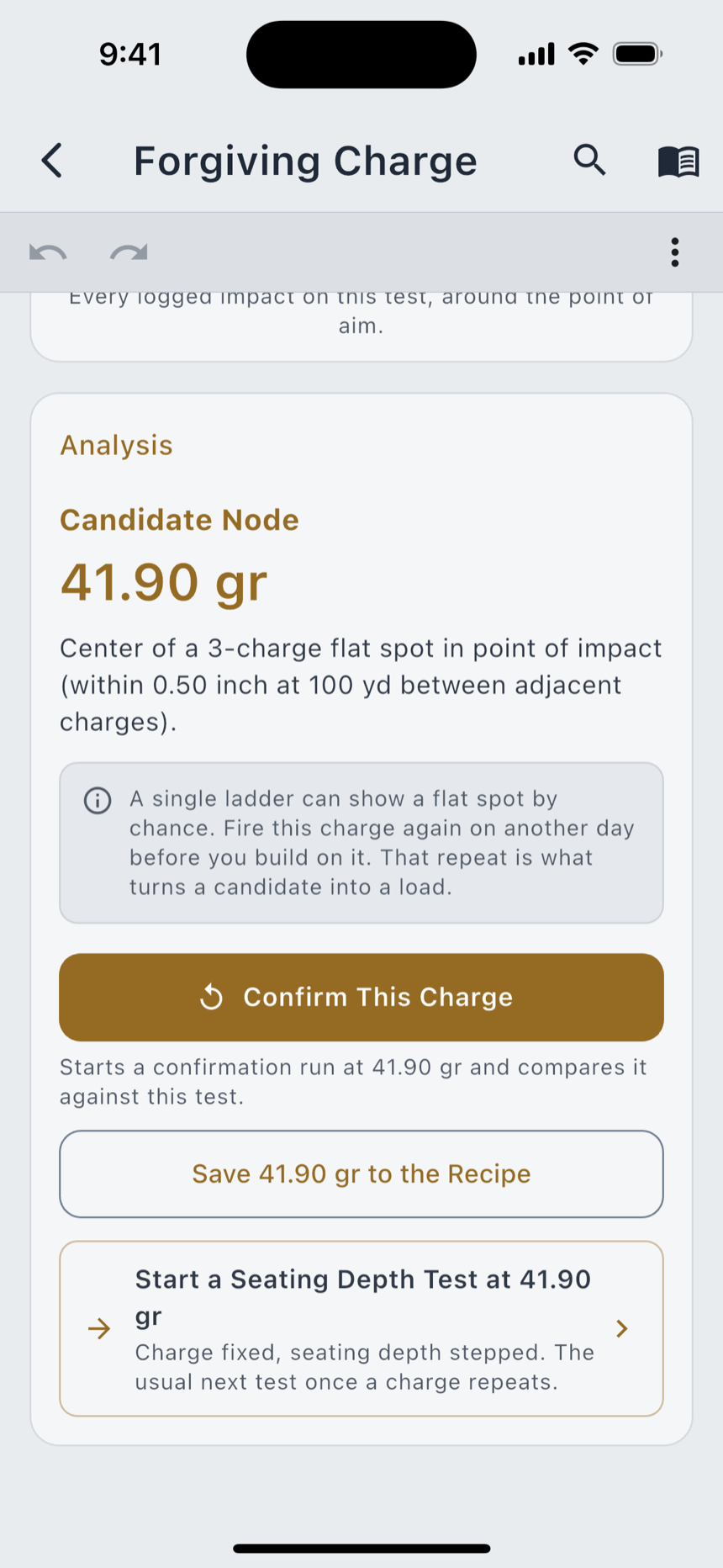
Five ways to work up a charge, each carrying the eponym a reloader will recognise: Forgiving Charge (OCW), Charge Ladder at Distance (Audette), Stable Velocity (Satterlee), Custom Ladder, and Seating Depth Tuning. Pick the method by name if you know it, or by what you are trying to find out.
Per charge weight it computes shot count, mean velocity, standard deviation and extreme spread. A shot with no charge entered is held out of the numbers rather than bucketed somewhere plausible. Then it names what it found: the flat spot, the velocity plateau, the seating depth the groups favour.
- Flat-spot detection, velocity-plateau detection and per-charge SD segments
- The on-screen report, the print PDF, the shared PNG and the CSV all read the same figures
- Internal Ballistics Estimator: velocity and pressure for a load you have not built yet. An estimate, never a substitute for published load data
The matches you shot.
Kept properly.
Pick the match you shot, or add a club match that isn’t listed, and Match Day builds the entry for you: the discipline, its stages, and the right kind of scorecard for each. Scoring a stage is filling in numbers, not building a form first.
Matches
The browse surface: what is on, where, the discipline, and what the stages look like before you get there.
Scorebook
Your record, grouped by season: how many you logged, your best finish and your average finish, season over season.
Stage DOPE
The stage brief and the holds you will need on it, carried into the match from the profile you already built.
Three watches.
Phone in the bag.
Each companion is a native app that runs on its own. All three log a shot from the wrist’s own recoil at a sensitivity you set in real Gs, run the stage clock with warnings at thirty, ten and five seconds, keep a hit tally, and carry your elevation and wind holds. Shots logged on the wrist queue until the phone confirms them, so a sleeping phone loses nothing.
Apple Watch
watchOS 10 or later, from the Watch app on your iPhone. Reads the next target aloud after a shot, takes Siri commands on the wrist, runs Competition Mode, and puts the active load and the par time on the watch face.
Wear OS
Wear OS 3 or later, from the Play Store on the watch. The same readout and Competition Mode, plus a tile and a voice button that hands the words to the watch’s own speech recognizer. LoadOut never opens the microphone itself.
Garmin
Connect IQ 3.4 on 30+ devices, from the Connect IQ store, paired to either phone platform. A glance view on most of them. It shows the next target rather than speaking it: Connect IQ has no text-to-speech, which is the platform’s limit and not a missing feature.
Read it off
the instrument.
Meters and timers pair over Bluetooth; the chronograph comes in as a file or a photograph. One Pro unlock covers every weather meter you own, whatever the brand, and entering the same conditions, splits or velocities by hand is always free. The paywall buys the wire, never access to the solver.
Kestrel 5-series Pro
Temperature, station pressure, humidity, wind speed and true wind direction straight into the solver, plus the density altitude the meter computes. Over Kestrel LiNK.
WeatherFlow WEATHERmeter Pro
Temperature, station pressure, humidity and wind speed. It has no altimeter, so altitude comes from the phone or your own entry, and its wind direction is magnetic, which LoadOut corrects with the phone’s heading.
Shooters Global SG Timer Pro
Every split as it fires, at the timer’s own millisecond times, joined to the firearm and the load you were shooting. Import the sessions it stored, and start or stop it from the phone.
Garmin Xero C1 Pro Pro
Not Bluetooth: export a .fit session from Garmin Connect, or photograph the Xero’s screen. Per-shot velocity, average, extreme spread and standard deviation, into a per-rifle velocity log.
Bluetooth meters and the shot timer need Android 12 or later on Android; on iPhone, iPad and Mac any supported model works. LoadOut reads each device from its manufacturer’s published interface and is not affiliated with, sponsored by or endorsed by any of them.
Twenty years
of notebook.
Every way in ends at the same review screen, because nothing becomes a record in LoadOut until you have looked at it. Keep using paper if you want to. LoadOut becomes the searchable copy.
From a photo · free
The text recognition runs on your phone, and every field it fills carries the scrap of your own photograph it came from. A charge written 41.5 can be read as 415, and only you know which you wrote. So it asks rather than quietly repairing it, and it keeps “saw it, couldn’t read it” apart from “your page never carried it.”
From a file · free
CSV and Excel with a column mapping it remembers for next time, a PDF, plain text, the clipboard, a recipe QR code from another LoadOut user, a LoadOut JSON export, or the iOS share sheet from Notes.
AI Smart Import Pro
A second opinion on a page the on-device reader could not settle. Off until you turn it on, and confirmed per import. It sends the text it read, or for a chronograph screen the cropped picture of it, and nothing else from your database.
Learn carries a lesson and a live walkthrough for the parts of the app worth being shown rather than read about. LoadOut speaks fifteen languages across sixteen locale options, chosen under Settings › General.
One Pro tier.
No surprises.
Free
$0
No account. No card. No time limit.
- ✓ Recipes, batches and brass logs, plus two firearms
- ✓ The full solver and the Ballistics Calculator, with two saved profiles
- ✓ Measured drag curves and True DOPE truing
- ✓ The Stylized scope view, every reticle, every target
- ✓ Match Day, in full
- ✓ Cartridge Specs, every reference catalog and the glossary
- ✓ Photo, CSV, PDF and text import, read on your device
- ✓ Spoken Output on the phone and the watch
- ✓ Local JSON export, always
LoadOut Pro
$4.99 / month
Or $34.99 a year, or $89.99 once at the Founder price during the launch window, then $119.99 after it closes. One purchase carries across iPhone, iPad, Android and Mac when you sign in with the same account.
- ✓ Everything in Free
- ✓ Unlimited firearms and ballistic profiles
- ✓ Cloud Sync and Cloud Backup, encrypted with your own passphrase
- ✓ Full Analytics, the Hit Probability Map and Shooter Stats
- ✓ Load Development, all five methods
- ✓ The Scenic scope view and the Moving Target Trainer
- ✓ Weather meters and the SG Timer over Bluetooth
- ✓ Garmin Xero Import, by file or by photo of the screen
- ✓ AI Smart Import, opt-in per use
- ✓ Custom Layouts and unlimited custom fields
Prices are set in the App Store and Google Play and shown inside the app, so what you see there is always current for your store and your currency.
Your data.
No tracking.
"We can't see what we don't have."
Local-first architecture
Your reloading data lives in SQLite on your device. We operate no backend that stores recipes, firearms, or range sessions.
End-to-end encrypted sync
Cloud Sync encrypts on your device with a passphrase only you know, then uploads to your own iCloud, Google Drive, or OneDrive. We never see the blob.
No analytics SDK
No Google Analytics, Mixpanel, Amplitude or Segment. None of them is in the app. Crash and hang reporting is the one exception: it is on by default, carries no recipe names or notes, and switches off in Settings.
No lock-in
Local JSON export is free, always, and free users export exactly what Pro users do. Your phone's own backup deliberately does not include your reloading data, because it isn't covered by your passphrase. Keep an export, or use Cloud Backup.
The optional features that send something
Cloud Sync, AI Smart Import, Siri Voice Commands and the live weather pull: every one of them off until you turn it on. AI Smart Import sends the text read off the photo you just took, or a cropped picture of a chronograph screen. The weather pull sends your coordinates to the weather service. Never anything else from your database.
Location, when you ask for it
Pull the weather or the altitude for where you are standing and LoadOut takes a precise fix, and stores it on the session it belongs to. Say the word and it never happens: every solver input can be typed by hand.
Read the manual.
Or just the answer.
Everything LoadOut does, written down: quick answers, a chapter for every screen, and the reference behind the numbers.
FAQ
Quick answers
Platforms, pricing, privacy, backups, connected devices, and what Pro adds.
Manual
Nineteen chapters
From your first recipe to Range Day, Load Development, and the watch on your wrist.
Documentation
The reference
Free vs Pro, units, every solver input, devices, file formats, the Siri commands, and the glossary.
Devices
What works with what
The three watch apps, the weather meters, the shot timer and the chronograph: what each one sends, what it cannot measure, and what it needs to run.
What’s New
Every release
What is new, what improved and what was fixed, build by build, taken from the app’s own release notes.
Built for every shooter.
Newcomer to pro.
LoadOut launches in September 2026 on the App Store and Google Play. The Mac and web apps follow, with dates announced when they are set.
The companion apps arrive with it: Apple Watch through the Watch app on your iPhone, Wear OS from the Play Store on the watch, and Garmin from the Connect IQ store.
The camera and the motion sensors are phone and tablet features; Bluetooth meters and the shot timer pair on the phone, the tablet, and a Mac with Bluetooth; the watches pair only with a phone. Firing solutions are computed in the phone, tablet and Mac apps, and the web app says so on the screens it affects.
Store listings open at launch. Until then, the manual and the FAQ describe the app in full.