Reference
On this page
None of this is required. LoadOut computes a firing solution from numbers you type, and it treats a typed number and a captured one identically. What a device buys you is the typing you would otherwise do standing at a bench. Each one here is precise about what it can measure and what it cannot.
What connects, and how
Three different kinds of link, and the difference matters when something will not connect.
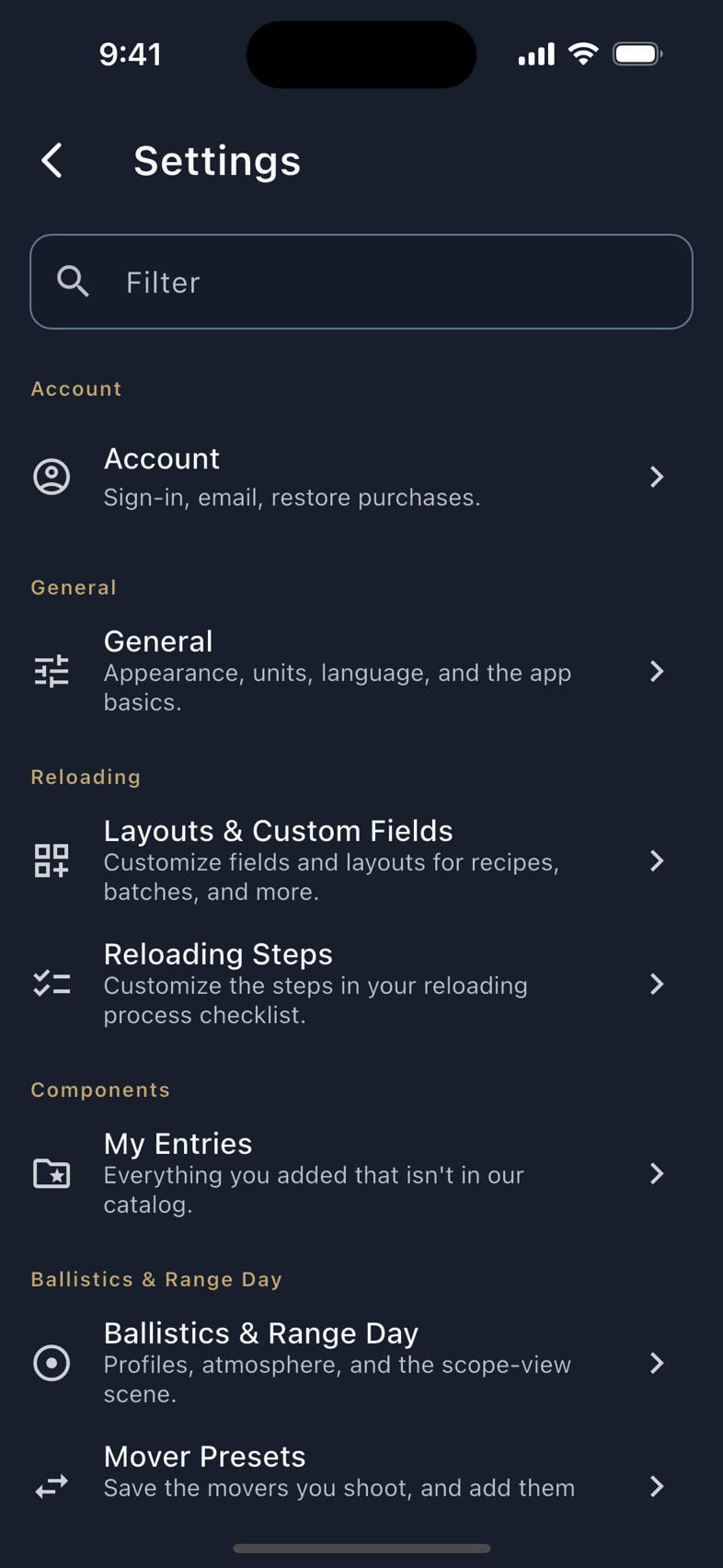
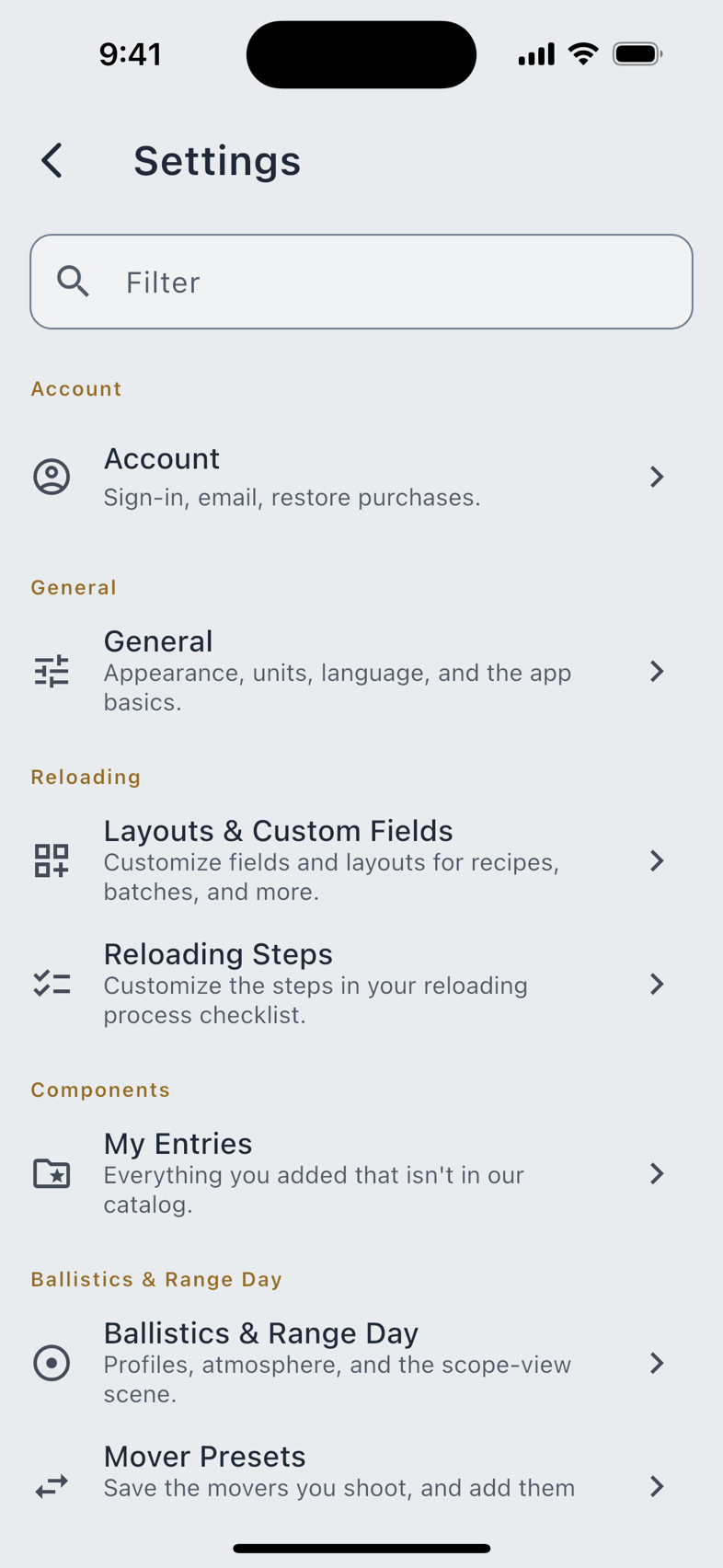
Everything that pairs, pairs in one place: Settings › Connected Devices, under Weather Meters, Shot Timers and Watches.
| Device | Link | Pairs with | Tier |
|---|---|---|---|
| Apple Watch | Watch link | iPhone | Free |
| Wear OS | Watch link | Android | Free |
| Garmin | Connect IQ | iPhone or Android | Free |
| Kestrel 5-Series | Bluetooth | Phone, tablet, Mac | Pro |
| WeatherFlow WEATHERmeter | Bluetooth | Phone, tablet, Mac | Pro |
| Shooters Global SG Timer | Bluetooth | Phone, tablet, Mac | Pro |
| Garmin Xero C1 Pro | A file, or a photo | See below | Pro |
Companion watches
Three native watch apps, and one rule they all follow: your phone does the math, the watch shows and collects. No watch holds a ballistic profile or runs a solver, so every number on your wrist was worked out on the phone and sent across.
Each carries the same deck of eight pages (Timer, DOPE, Hit Tally, Shot Log, Firearm, Stats, Settings and About), with two honest exceptions. Stats is a Pro look-back, and a watch that is not holding one does not show the page at all: it is absent from the deck rather than locked, because there is nothing there to unlock. And Garmin has no Firearm page, which was traded away to fit the app inside the memory its smallest supported watch has.
Apple Watch
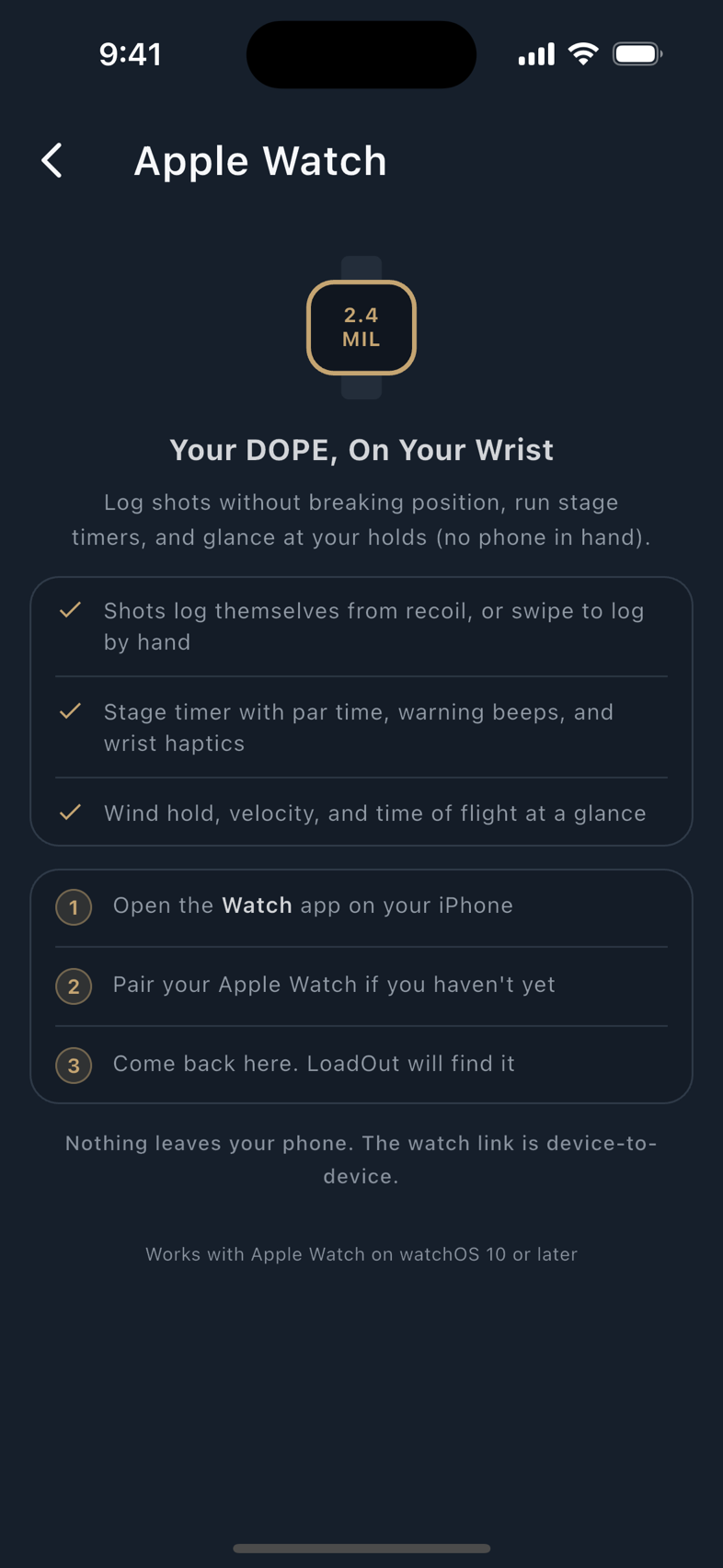
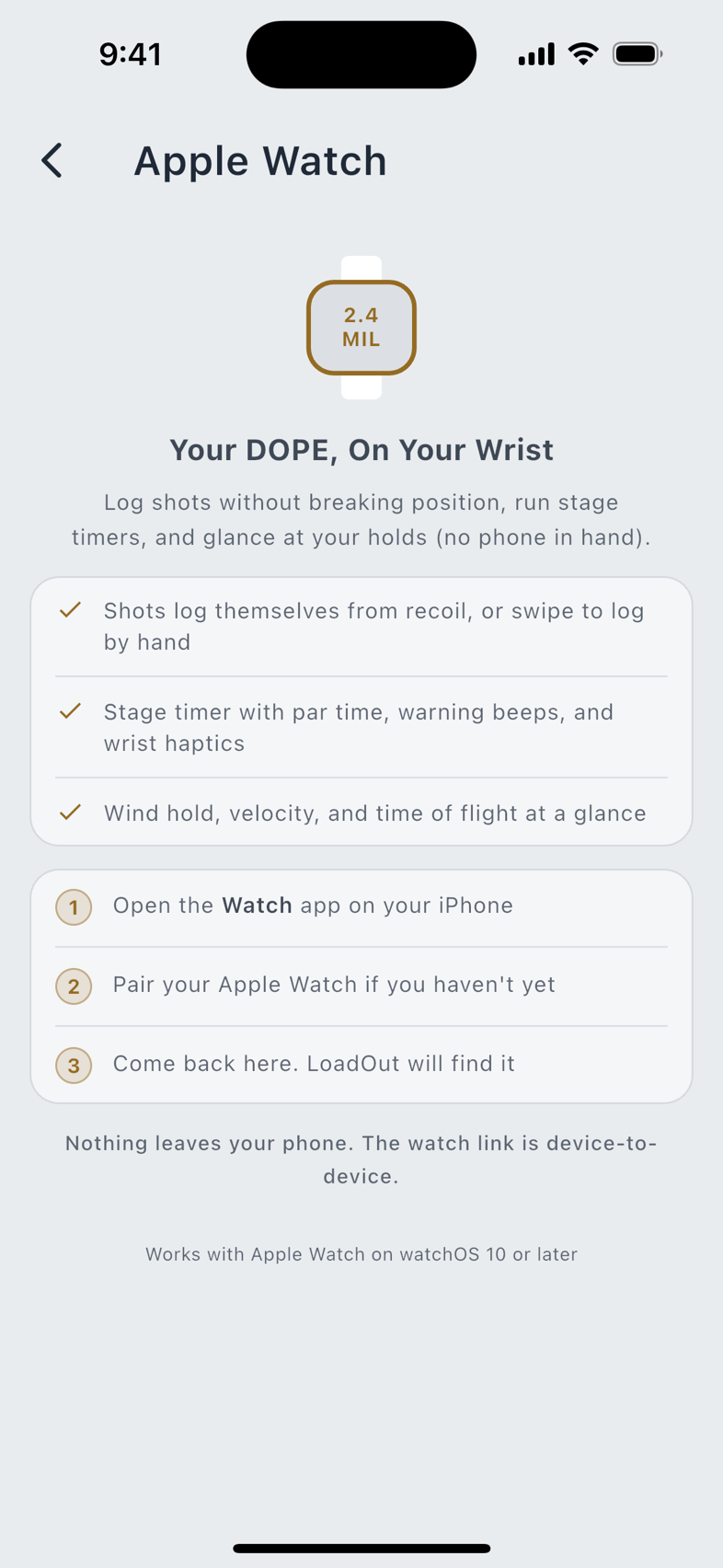
Requires watchOS 10 or newer, on a watch paired to an iPhone running LoadOut. Install it from the Watch app on the iPhone; there is no separate pairing step, because the watch is already paired.
It feels for recoil with the watch's fused motion sensor, which reports movement with gravity already taken out, so a wrist resting on a bench reads near zero, and the sensitivity slider runs from 0.1 g up to 10 g, starting at 2.0 g. Three modes: Auto offers each detected shot before recording it, Manual logs only the shot you press, and Off does no wrist logging. With the spoken readout switched on, it reads the next target aloud after a logged shot, using the watch's own voices; a complication puts your active load and the next par time on the watch face without opening anything. Competition Mode arms the stage clock, shot capture and the spoken readout together, and one End stands all three down.
Wear OS
Requires Wear OS 3 (Android 11) or newer, on a watch paired to an Android phone running LoadOut. Install it from the Play Store on the watch.
The same eight-page deck, swiped left and right instead of up and down. It reads the watch's linear-acceleration sensor, which also has gravity removed, over the same 0.1 g to 10 g range from the same 2.0 g start; in Manual a Log Shot row appears on the page the watch lands on. It speaks with the watch's own voices, and it carries a microphone button that uses the watch's speech recognizer. LoadOut never opens the microphone itself and declares no recording permission. Competition Mode is here too, armed from the watch's own control and stood down the same way.
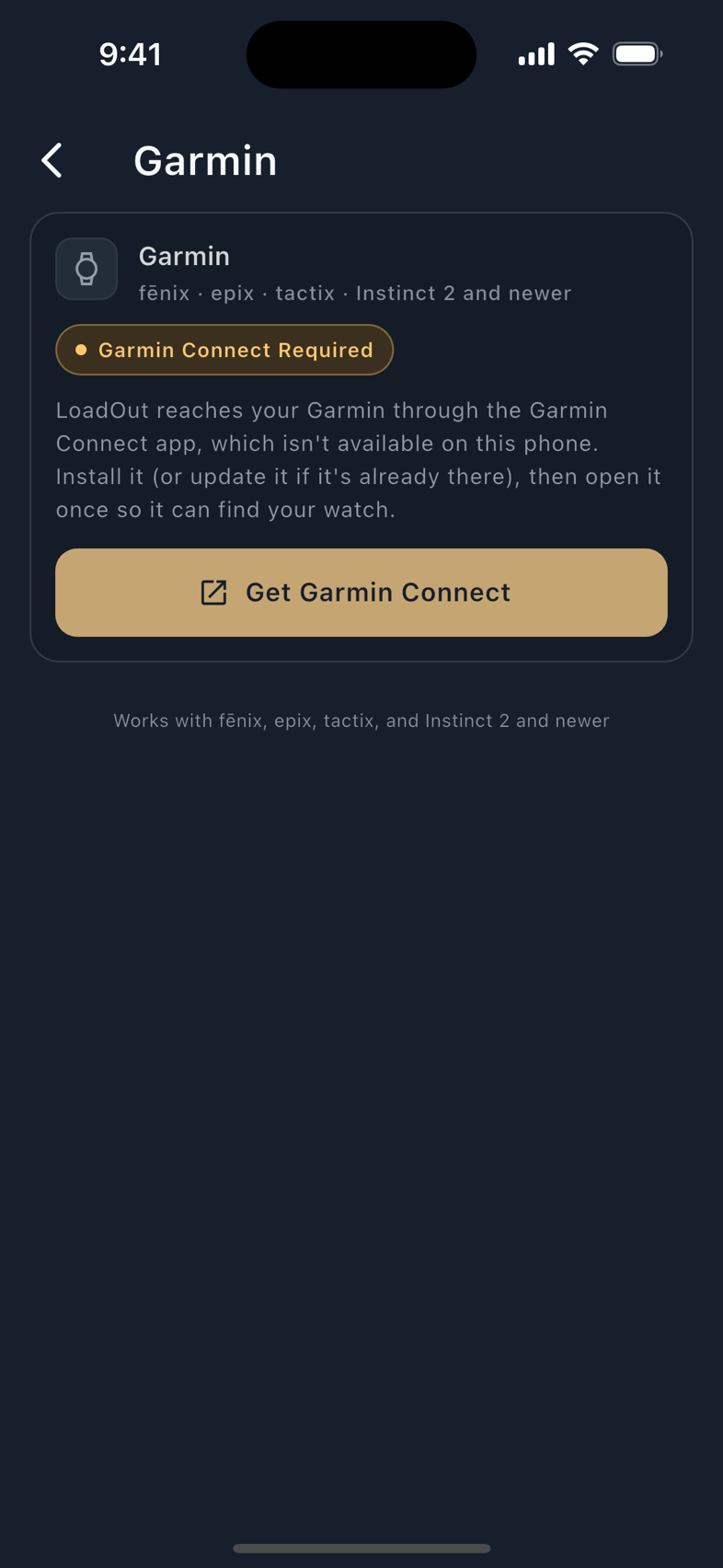
Garmin
Runs on 31 devices across the fenix 6, fenix 7, fenix 8, epix, Forerunner, Instinct 2 and Instinct 3 families, on Connect IQ 3.4 or newer. Install it from the Connect IQ store; it reaches LoadOut through the Garmin Connect app on either an iPhone or an Android phone, and needs that phone connected: there is no standalone mode.
Seven pages, driven with one button. Three differences from the other two, all of them platform limits rather than unbuilt work:
- It cannot speak. Connect IQ ships no text-to-speech of any kind, so where the other two read the next target aloud, a Garmin draws the same sentence on screen.
- Shot logging is automatic only. There is no Log Shot button; the watch offers you each detected shot before it records it. Its accelerometer reports movement with gravity still in it, so the watch converts the sensitivity you set into its own scale. You set the same 0.1 g to 10 g as on the other two.
- Competition Mode is not on Garmin. The stage timer and shot capture are each there on their own; what a Garmin does not have is the single control that arms them together.
The Instinct 2, Instinct 2S and Instinct 2X run six pages rather than seven: Stats is left off the three watches with the least memory of any supported Garmin, rather than shrinking the app everywhere. The glance view is a separate limit and a wider one: the fenix 6 family and those same three Instinct 2 watches have no glance at all, because their Connect IQ generation does not offer one.
A watch keeps its shots. All three write every logged shot to their own storage before touching the radio, and retry until your phone acknowledges each one. A shot logged with the phone asleep, in a bag, or out of range reaches it the next time the two connect.
Read the chapter: Companion Watches. Pages, sensitivity, timer defaults, the spoken readout, and what each watch holds.
Weather meters
A meter reads the air where you are standing and writes it into the solver's inputs in one tap. Both supported meters pair the same way, under Settings › Connected Devices › Weather Meters, and both then offer a read on the environment panel in Range Day and on the Ballistics page.
Kestrel 5-Series
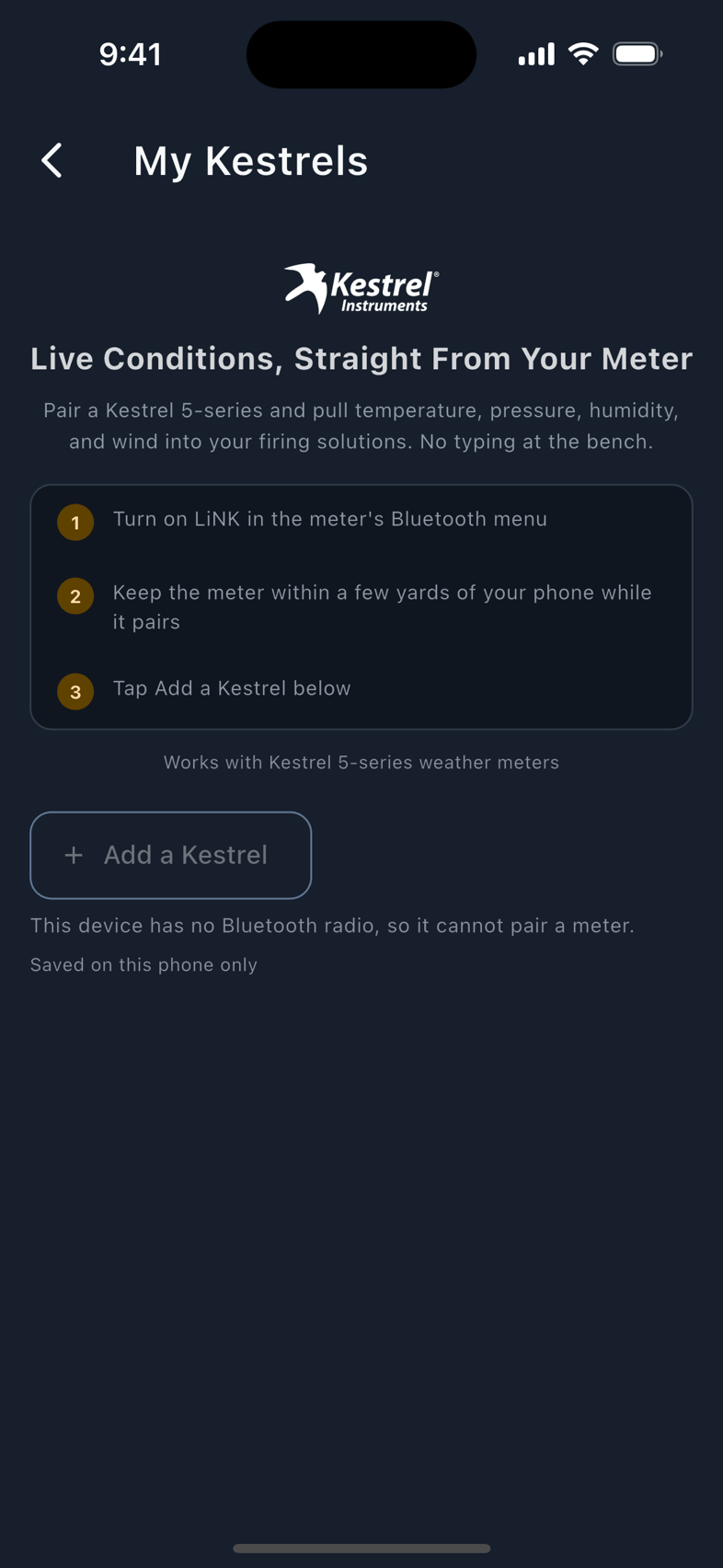
Switch LiNK on in the meter's own Bluetooth menu, stand within a few yards of the phone, and add it from the scan. One read then fills temperature, station pressure, humidity, wind speed and true wind direction, together with the meter's own station elevation, which is what lets density altitude be derived rather than guessed. LoadOut takes the station pressure rather than the sea-level-corrected figure, and the true bearing rather than the magnetic one, because those are the two the solver wants.
It is a weather read and only a weather read. LoadOut does not read a firing solution off a Kestrel; the meter supplies conditions, and LoadOut's own solver does the rest.
WeatherFlow WEATHERmeter
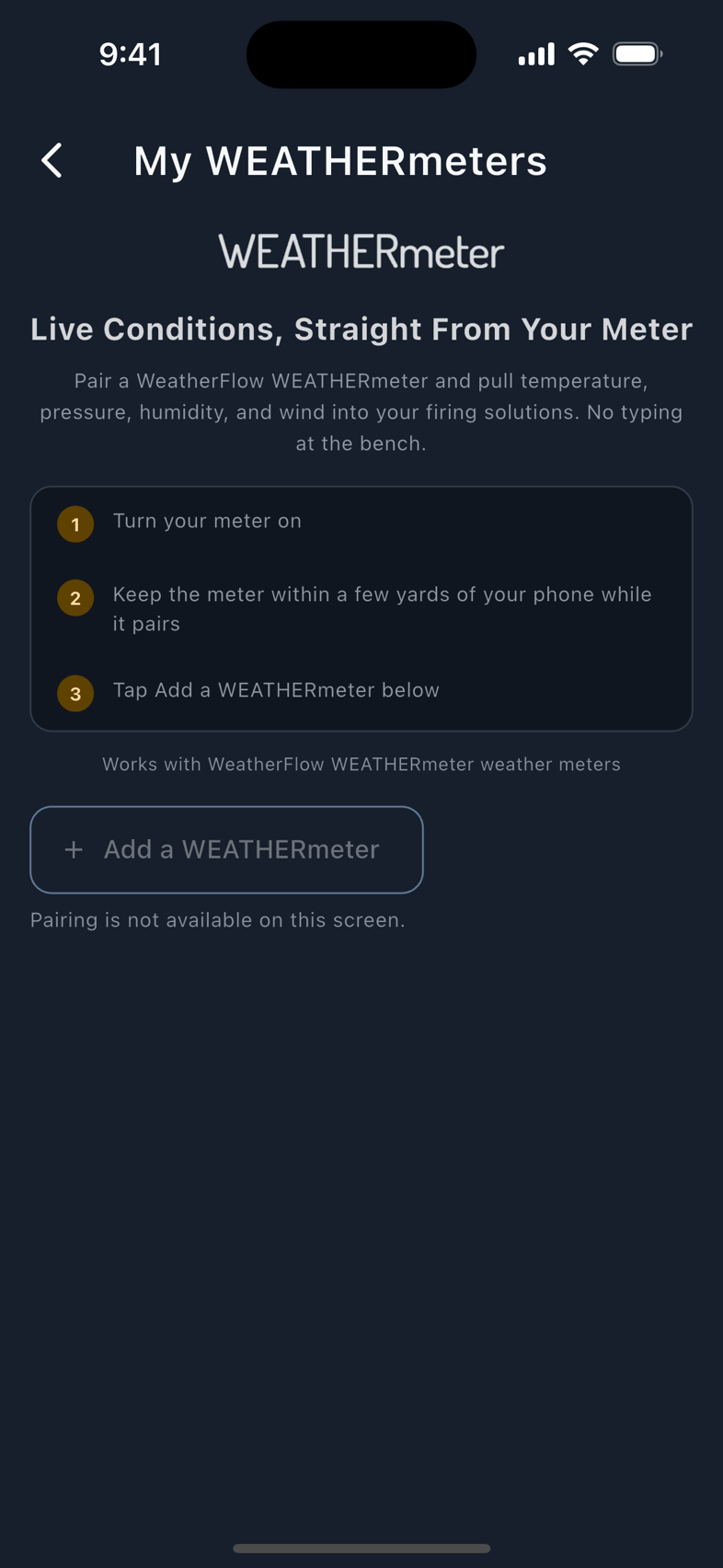
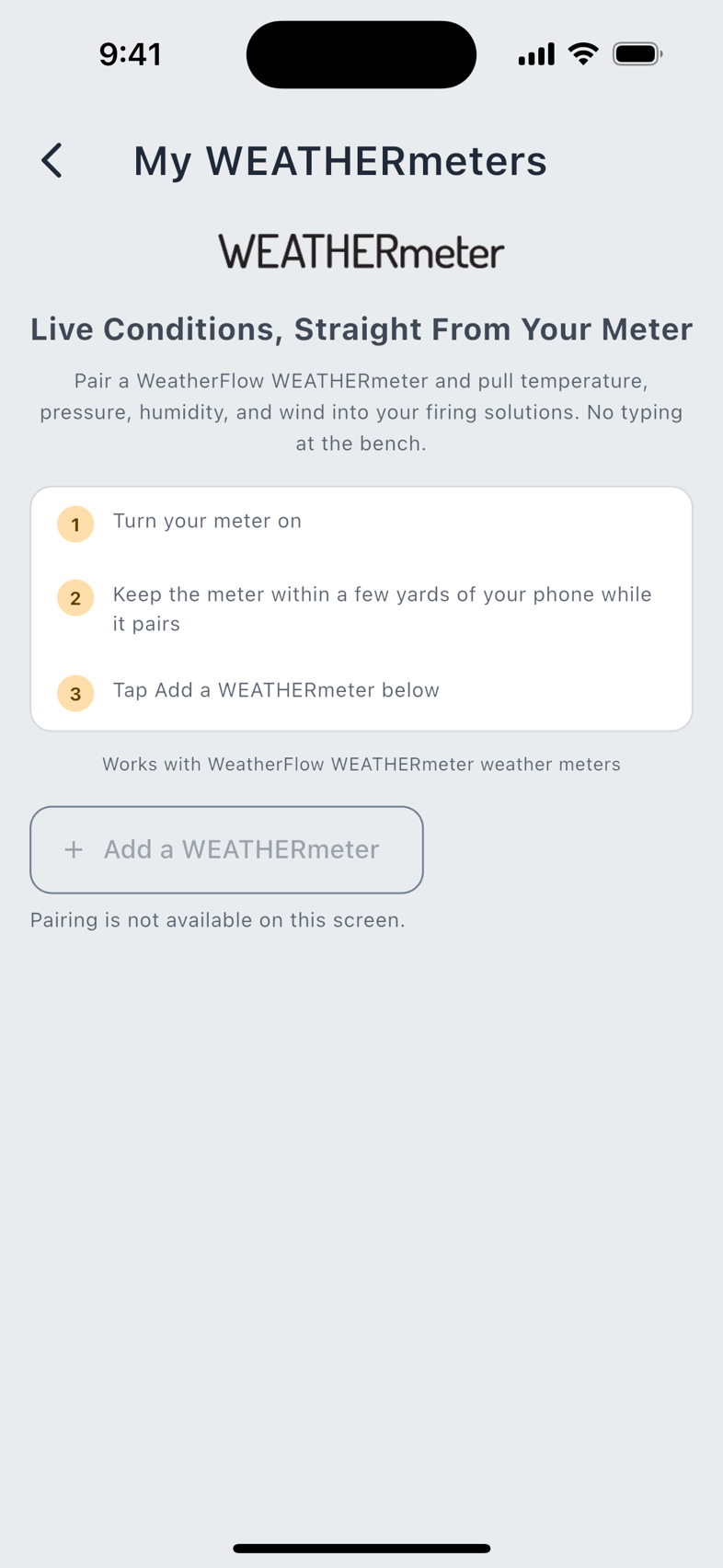
Turn the meter on, stand close, and add it from the scan. It reads temperature, station pressure, humidity and wind speed. Two things differ from a Kestrel, and both are stated rather than smoothed over:
One unlock covers every meter you own, of any brand. A subscriber who unlocked for a Kestrel meets no second paywall for a WEATHERmeter. The shot timer is priced separately from both. And Free typing the same conditions by hand stays free: what Pro buys is the wire, never access to the solver.
Read the chapter: weather meters. Pairing step by step, the Following banner, and what to try when a meter will not appear.
The shot timer
Pro LoadOut reads a Shooters Global SG Timer over Bluetooth and files every shot into your record at the timer's own millisecond times, joined to the firearm and load you were shooting. Nothing is rounded on the way and nothing is transcribed afterwards.
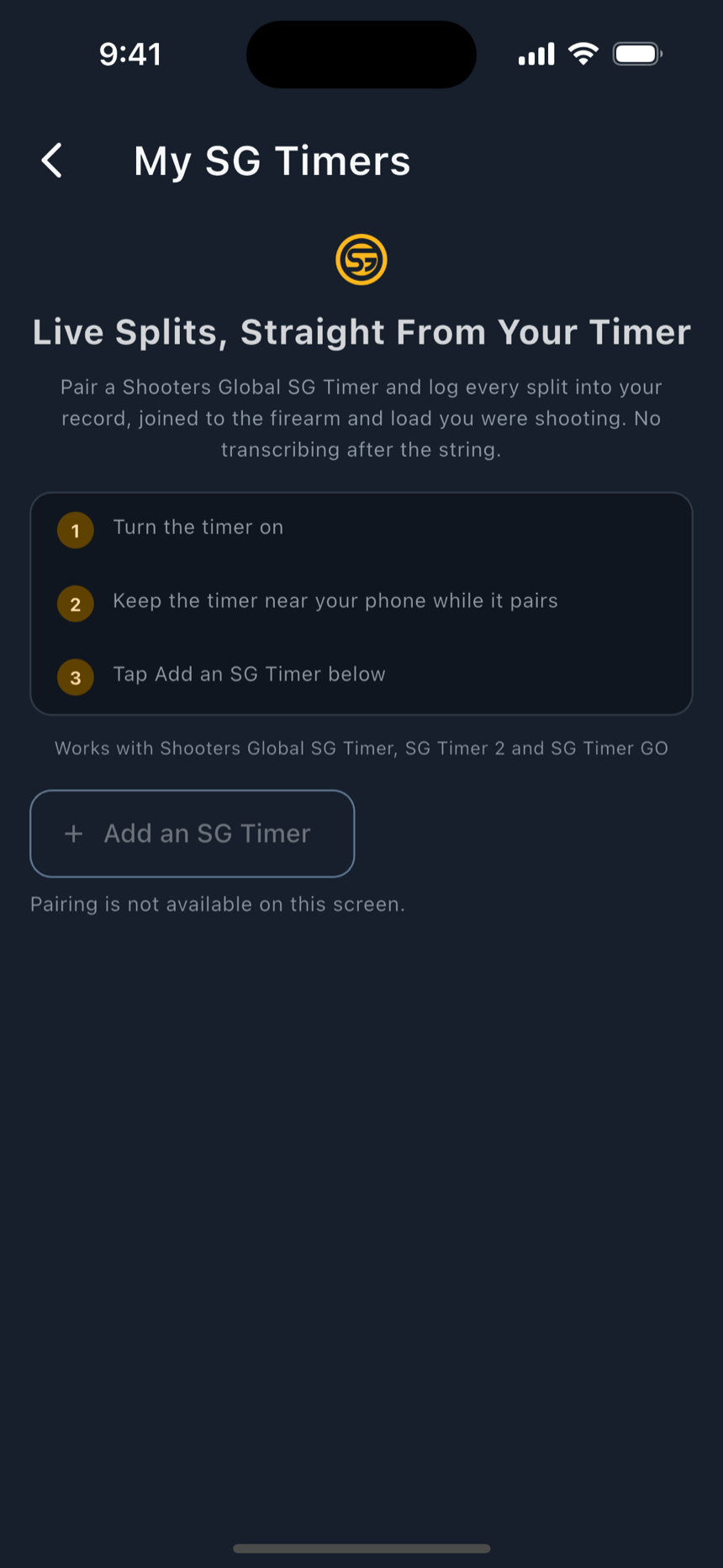
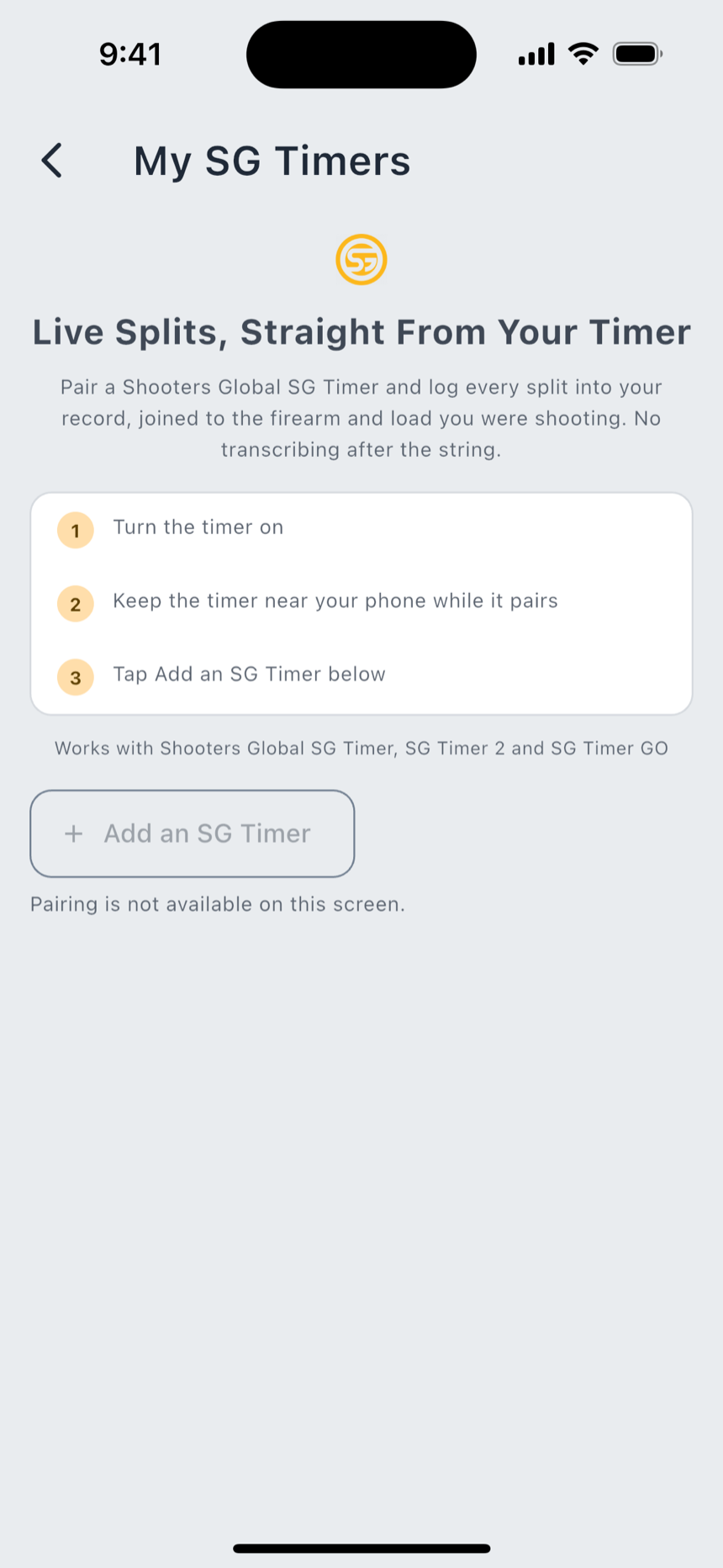
The timer sends the start signal and each shot's time; LoadOut works out the splits from them, which is why the first row of a string reads Draw rather than a split: there is no previous shot to measure from. You can also drive the timer from the phone: Start, Suspend, Resume and Stop, and set its par. A command the timer refuses or never answers says which it was, and that nothing changed.
Import From Timer reads the strings the timer already has stored, newest first. A timer whose clock was never set produces sessions dated to 1970, and those arrive marked Date Needed. You supply the date, and LoadOut does not guess one.
Where the timer reports a model LoadOut can name with confidence, it shows that name; otherwise it shows simply SG Timer, rather than a model name nobody has confirmed. Reviewing and reconciling a string you already shot stays free. The live capture, the import and the phone-side control are what Pro buys.
Read the chapter: the SG Timer. The run states, the shot list, and how a dropped packet is reported rather than hidden.
The chronograph
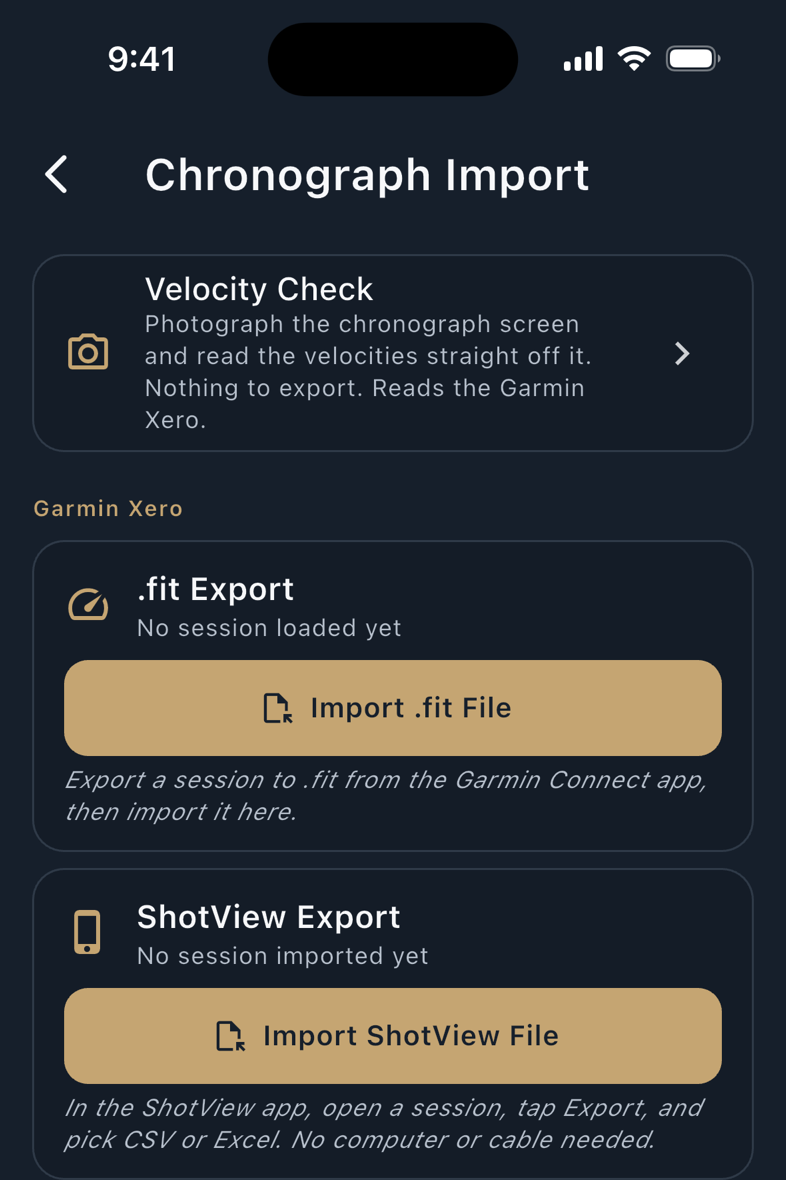
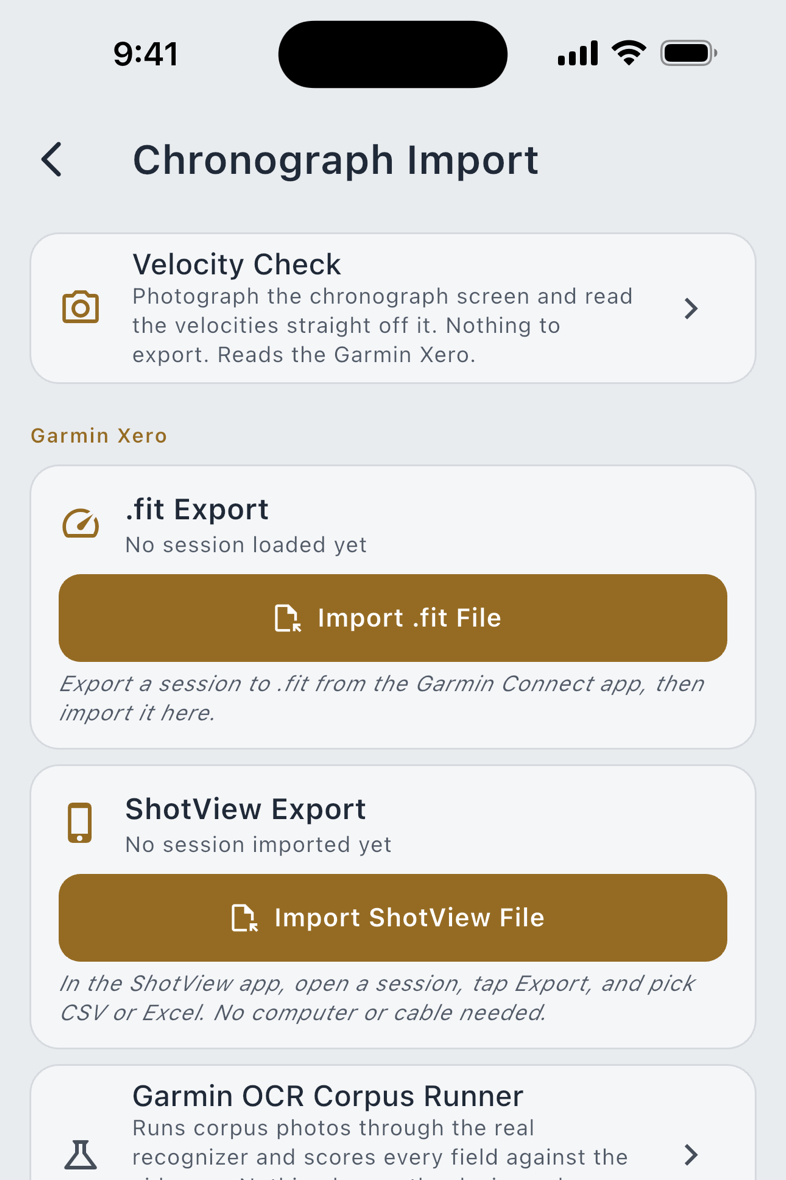
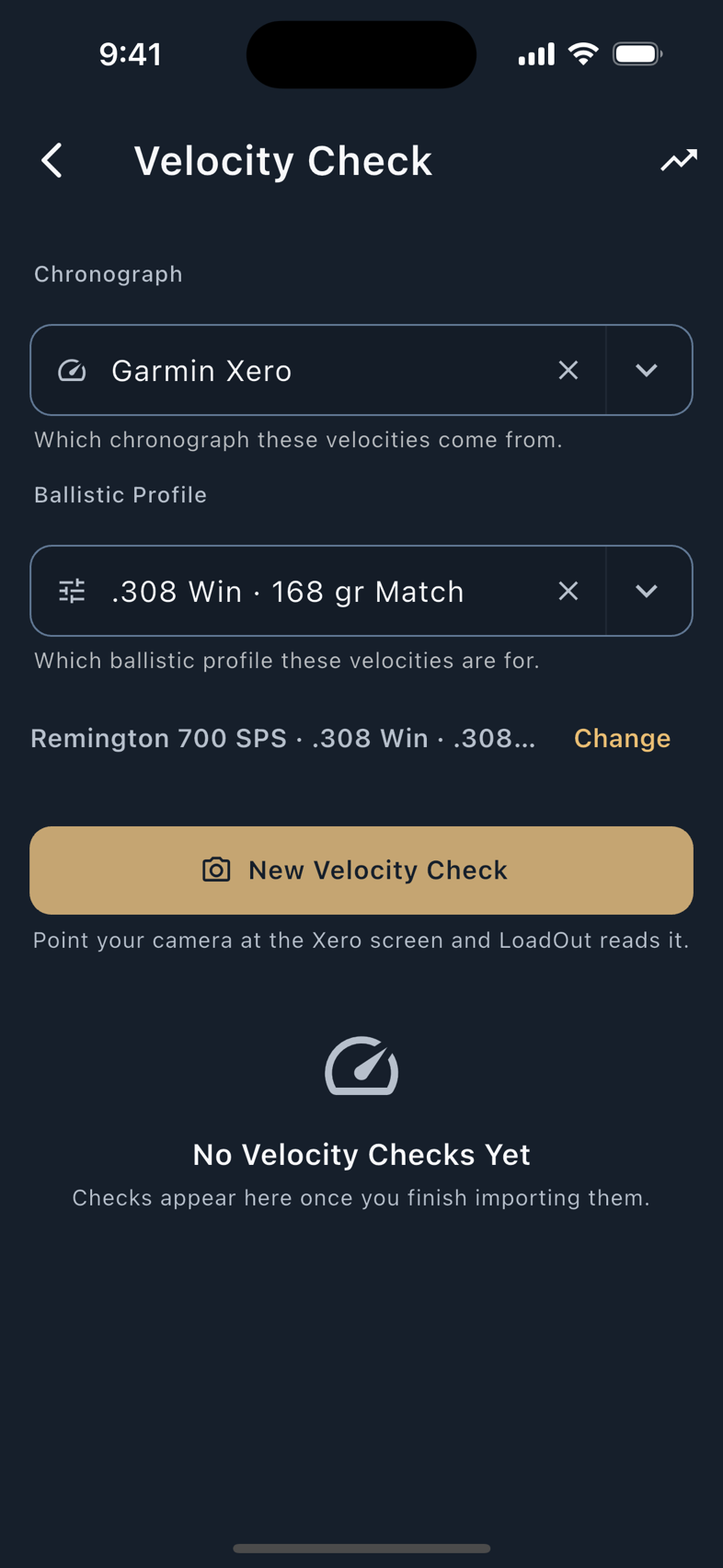
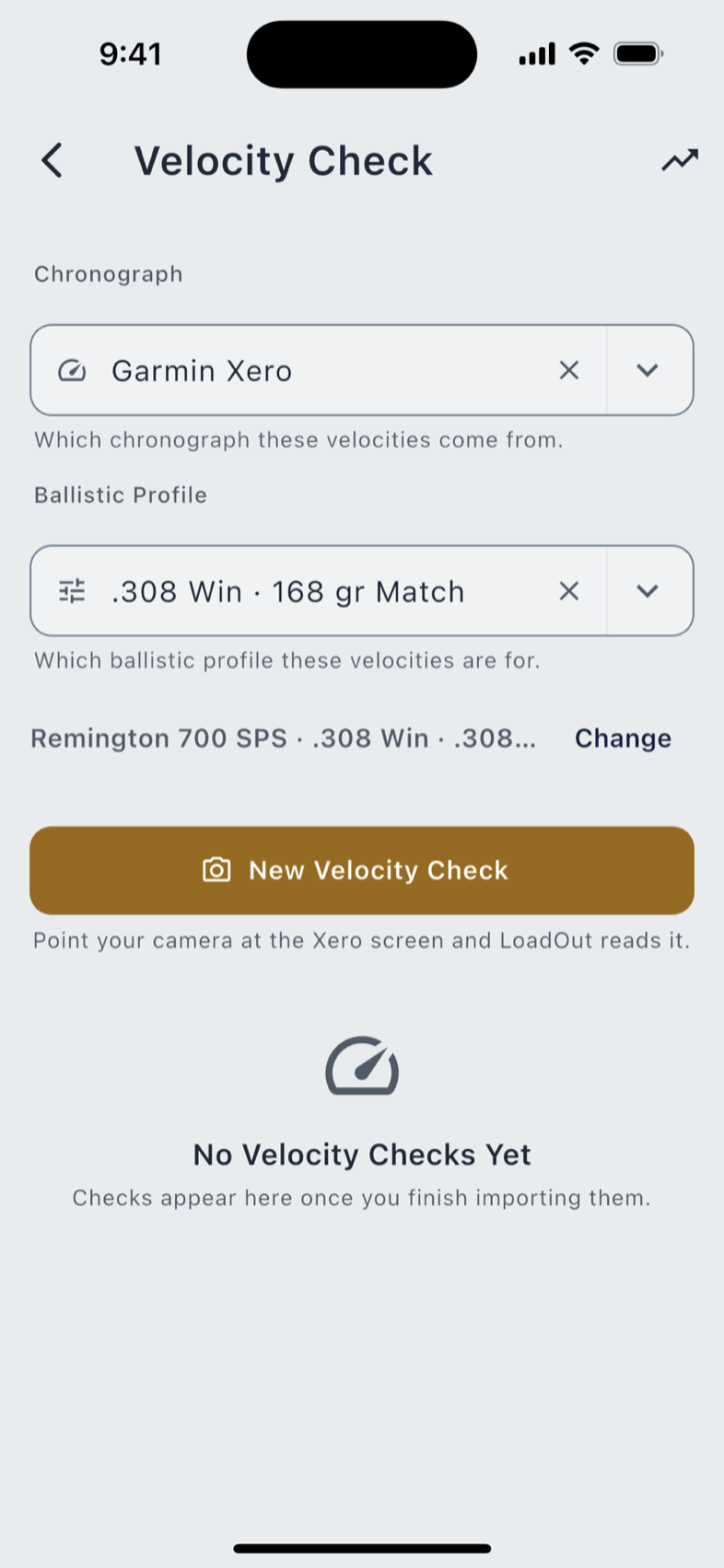
Pro The Garmin Xero C1 Pro reaches LoadOut three ways, and none of them is Bluetooth. All three land in the same per-rifle velocity log, with a trend across sessions.
| Route | Where | What you do |
|---|---|---|
| .fit Export | Import & Export › Chronograph Import | Export a .fit session from Garmin Connect, then pick the file. |
| ShotView File | The same screen | Export a CSV or Excel file from ShotView, then pick it. |
| Velocity Check | Tools & Resources › Velocity Check | Photograph the Xero's screen. No cable, no computer, no export. |
A .fit session carries every shot's velocity with its own timestamp, plus the average, the extreme spread and the standard deviation. A velocity outside a plausible band is set aside rather than folded into those figures, and it is set aside as itself: LoadOut never renumbers the shots around a rejected one.
Reading the screen from a photograph happens on the phone, and nothing is accepted quietly: the review opens with one line about the whole read, every value carries its own confidence marks, and a number you can tap shows the patch of your own photo it came from. That route is a phone and tablet feature: it needs a camera, so it is not on the Mac or the web app.
Read the chapter: the Garmin Xero. The review screen, the confidence marks, and the velocity log.
Platforms and requirements
LoadOut itself runs on iOS 16 or newer, Android 10 or newer, macOS 11 or newer, and in a browser. What the devices on this page need on top of that:
| Feature | Needs | Why |
|---|---|---|
| Any Bluetooth meter or the shot timer | Android 12 or newer, on Android | Before Android 12 a Bluetooth scan required location access. Asking for your location to read a thermometer is a prompt whose stated reason and real reason do not match, so LoadOut waits for the release that lets it ask for exactly what it uses. |
| Pairing a Wear OS watch | Android 11 or newer | The Wear OS 3 floor. |
| Logging shots from your wrist | Android 11 or newer | The same floor, for the watch's motion sensors. |
| Reading a chronograph screen | A phone or tablet | It needs a camera. |
LoadOut asks for no location permission in order to use Bluetooth. The two location permissions it does declare belong to the weather fetch, which predates Bluetooth support entirely; the Bluetooth scan is declared with the flag that tells the operating system, formally, that LoadOut does not derive your position from what the scan finds.
Bluetooth meters and the shot timer pair on a phone, a tablet, or a Mac. The web app deliberately has none of it: the browser can do Bluetooth, but a browser prompt for a meter the rest of the web app could not use would be worse than the feature's absence. Watches pair with a phone.
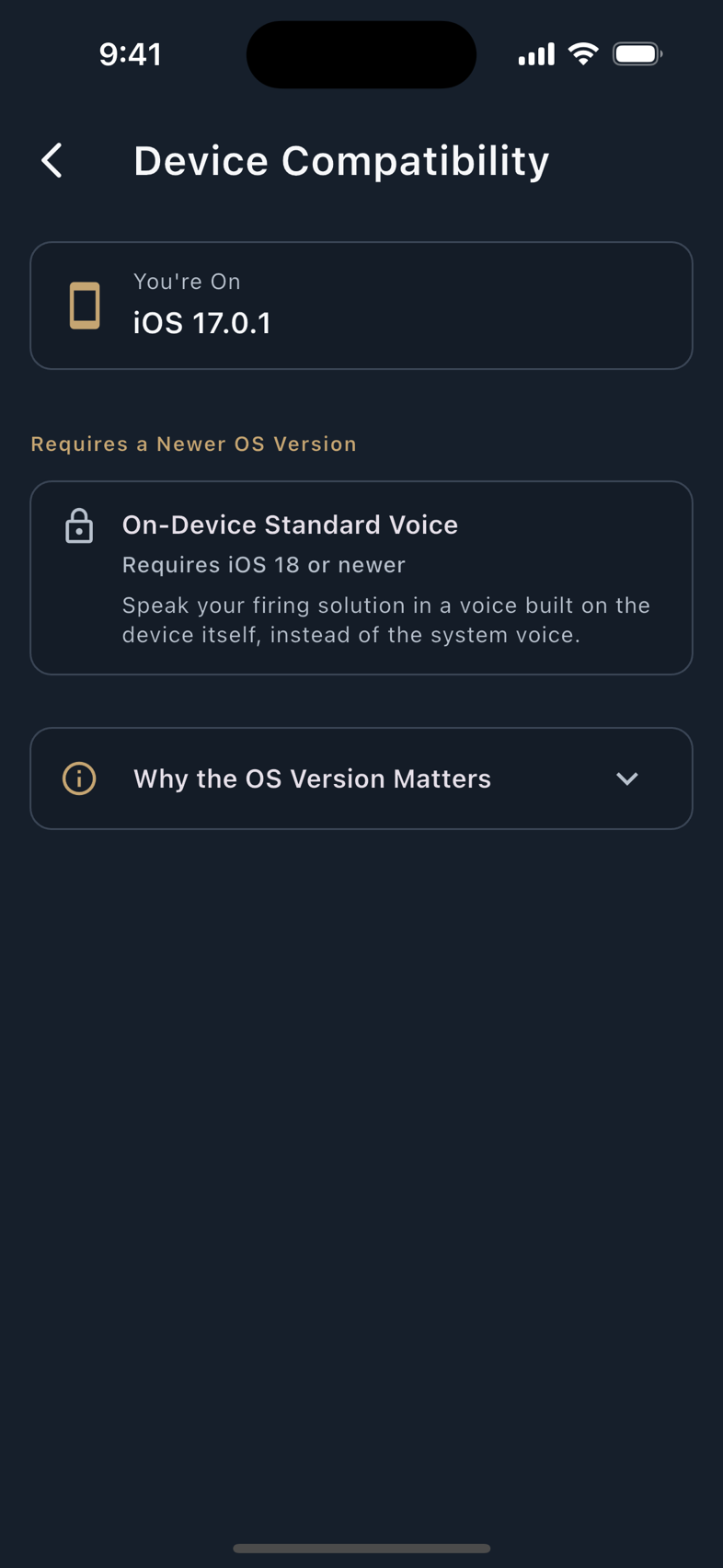
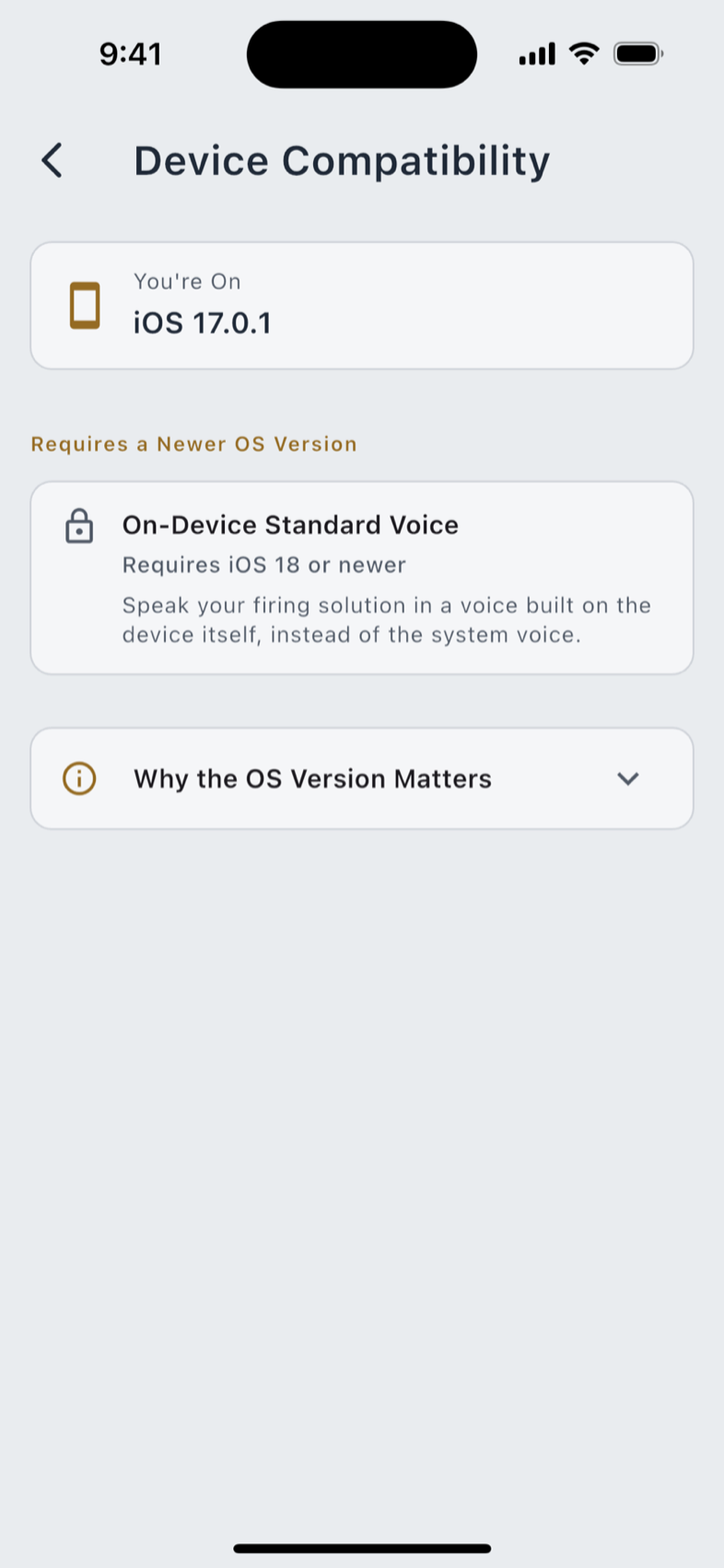
Settings › Device Compatibility names anything your device cannot run, and the version it would need. It appears only when something is actually gated. On a device that can run everything, the screen is not there at all, because an empty compatibility screen is a list of nothing.
What is free, and what Pro buys
The watch apps themselves are free. What Pro buys on this page is the wire (the live Bluetooth read, and the import), never the maths behind it.
| Free | Pro |
|---|---|
| All three watch apps: the stage timer, shot logging and the hit tally, plus Competition Mode on the two that have it | The watches' Stats look-back page |
| The spoken readout, on the phone and on the Apple Watch and Wear OS | Live reads from a Kestrel or a WEATHERmeter: one unlock, every brand |
| Typing conditions, splits and velocities by hand | Live capture, import and phone-side control of the SG Timer |
| Reviewing and reconciling a string you already shot | Importing a Garmin Xero session, by file or from a photograph |
Nothing on this page gates the solver. A conditions field filled by a meter and the same field filled by your thumb produce the same firing solution, and both are free to use.
No watch app makes a network call. There is no analytics, no crash reporting and no cloud service in any of the three; everything travels over the platform's own encrypted link between your watch and your phone, and Pro is checked on the phone. Erasing your data on the phone tells every paired watch to discard what it holds, a request that is best effort by nature, because a watch that is off, out of range or unpaired cannot be told.