Chapters
On this page
Pro Load Development lives on the Bench. It walks one load across a range of powder charges, or seating depths, and reads the result back to you. It does not supply load data, and it does not tell you what is safe in your chamber.
A method is a question
The five methods are not five flavours of the same test. Each asks a different question, and the question decides what you fire and how much of it. A forgiving-charge test puts three shots on each of seven charges at a hundred yards and needs no chronograph. A velocity test puts one shot on each of ten charges over a chronograph. Both are correct; they answer different things.
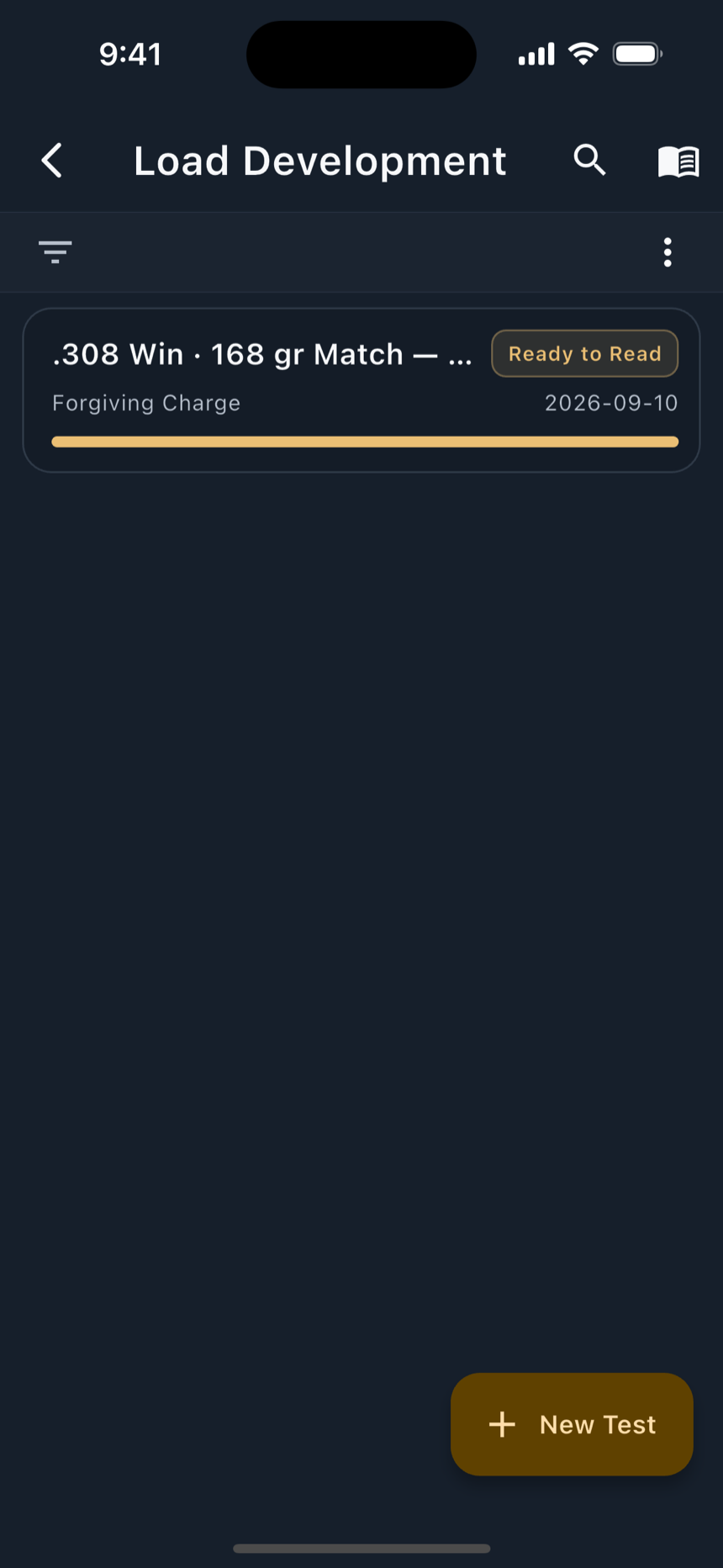
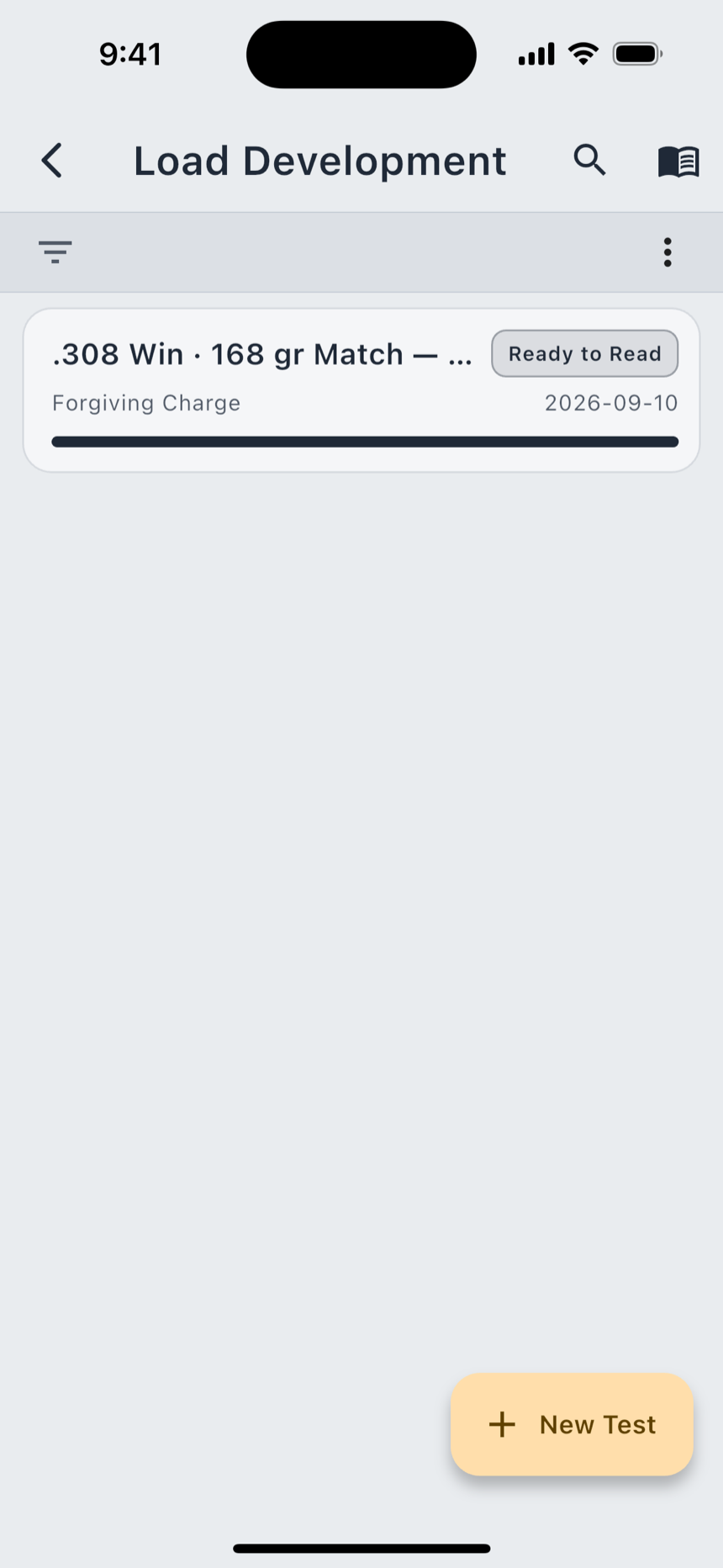
The list shows every test you have with its current stage (Planning, Logging 12 of 27, Ready to Read, Charge Selected, Depth Selected), so a half-finished ladder from three weekends ago tells you what it is still waiting for. New Test starts one.
Find by Goal
The new-test screen opens on Find by Goal and leads with the outcome rather than the method name. You do not have to know one test from another to start: say what you are trying to find and it picks the method that finds it.
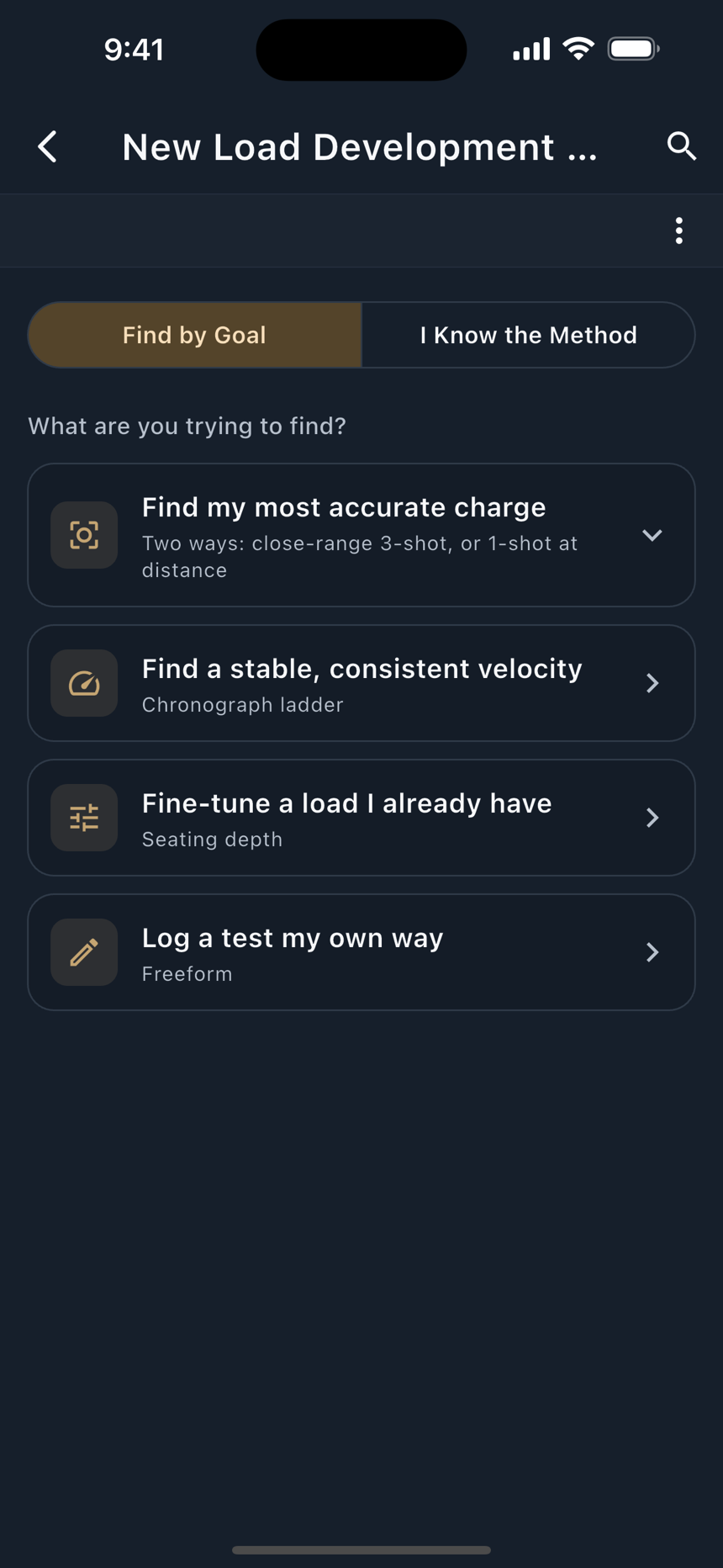
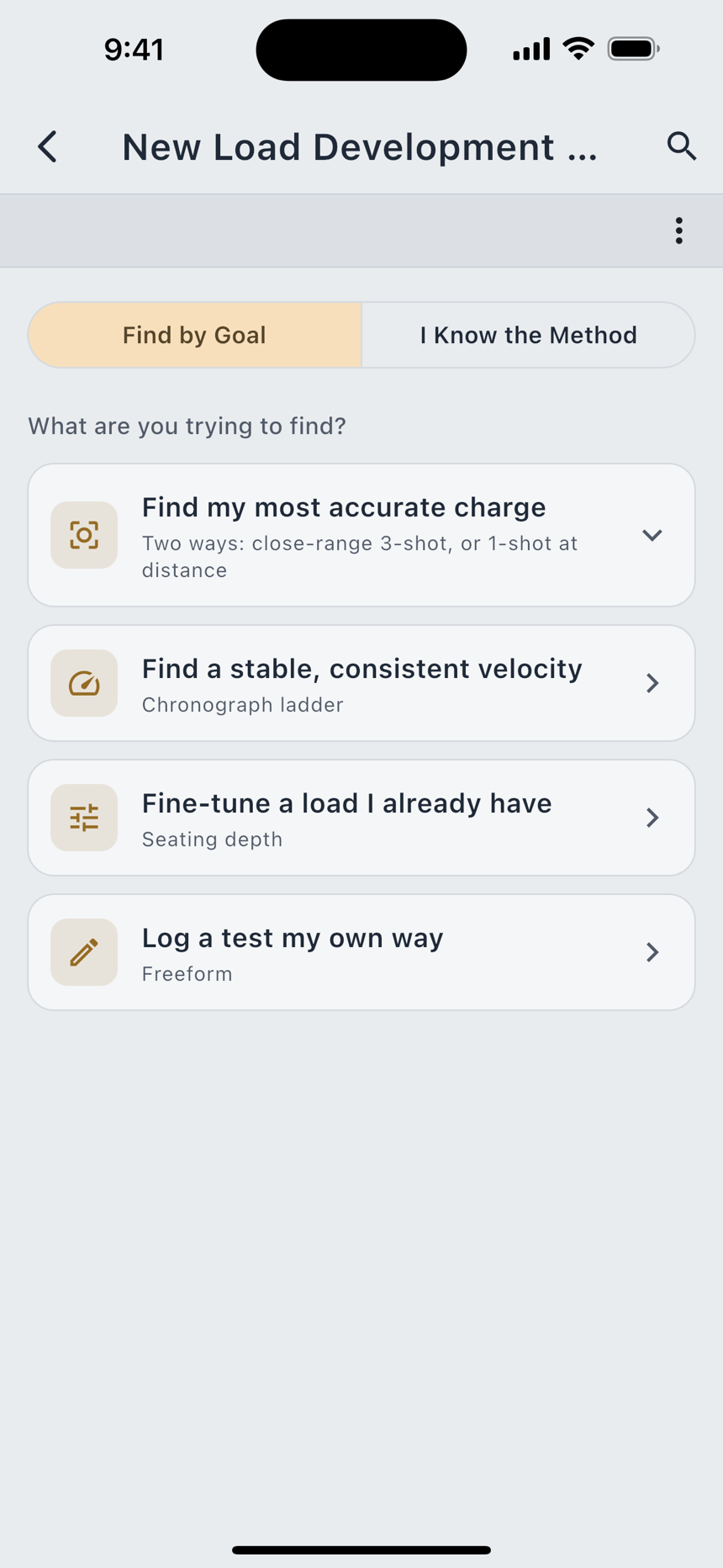
| Goal | What it runs |
|---|---|
| Find my most accurate charge | Two ways: close-range 3-shot, or 1-shot at distance |
| Find a stable, consistent velocity | Chronograph ladder |
| Fine-tune a load I already have | Seating depth |
| Log a test my own way | Freeform |
Accuracy opens into two, because there are two honest ways to get there. Three shots a charge, fired in rotation at a hundred yards, costs around twenty rounds and needs no chronograph. One shot per charge at three hundred yards or more costs a handful, but you need the range to see it. The other three goals decide themselves. A steady velocity needs a chronograph, and fine-tuning needs a load you already like.
I Know the Method
If you already work in OCW, Audette or Satterlee, the second tab skips straight to setup. Every method card carries an Explain button that opens the same three fields, plus What's a node? and a Default Ladder Step row.
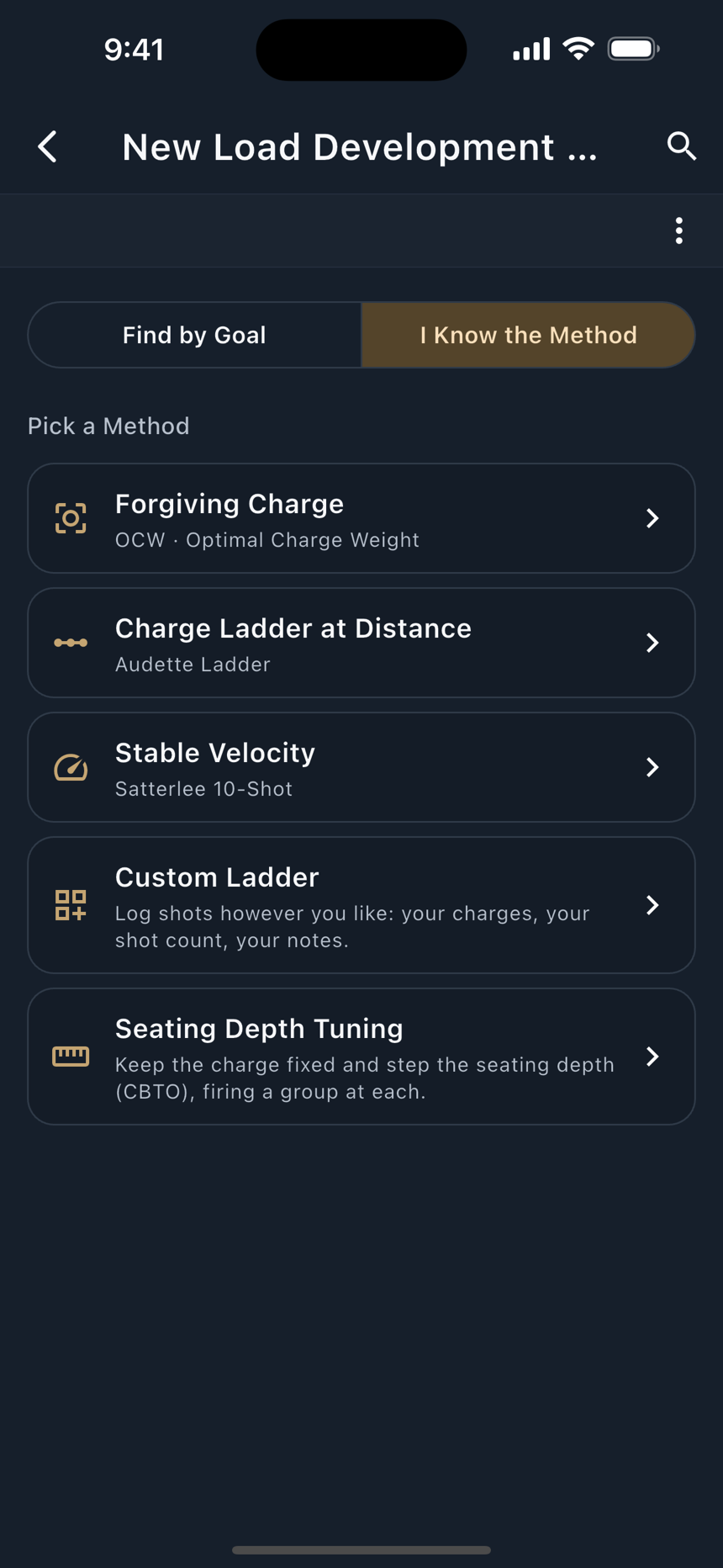
| Method | What You'll Do | What You'll See | Best If |
|---|---|---|---|
| Forgiving Charge | Fire one shot at each charge in turn, then repeat the rotation twice more: 3 shots per charge, at ~100 yd. | The charge where impact stops shifting: a flat spot that stays accurate even if powder or temperature drift a little. | You want a dependable, forgiving load. About 3 rounds per step (18 to 24 total). No chronograph needed. |
| Charge Ladder at Distance | Fire one shot per charge as you step up, at long range (300+ yd). | Where consecutive charges land at the same height: that cluster is your accurate charge. | You want the fewest rounds and have a long-range backstop. Reading it takes a careful eye. |
| Stable Velocity | Fire one shot at each of ~10 charges over a chronograph. | Where your average speed flattens out, giving a charge that shrugs off small powder differences. | You have a chronograph and want shot-to-shot consistency. About 10 rounds. |
| Custom Ladder | Log shots however you like: your charges, your shot count, your notes. | Your charges compared by velocity spread, average speed, and group size. | You already have a process, or you're combining ideas. No fixed recipe. |
| Seating Depth Tuning | Keep the charge fixed and step the seating depth (CBTO), firing a group at each. | The seating depth that gives the smallest groups. | You've found a good charge and want to squeeze out the last bit of accuracy. Needs an existing recipe. |
Setting up a test
Whichever route you came in by, you land on the same form with a sensible ladder already waiting to be adjusted.
- Enter your ceiling. Max Charge is the maximum listed in your own load data for this cartridge, powder and bullet. LoadOut does not supply or check this number. It only keeps your ladder inside it.
- Set the ladder. Start Charge, End Charge, Charge Step, and Shots Per Charge. The step defaults from the method's own Default Ladder Step.
- Read the preview. The form counts the ladder back at you as you type ("9 charges, 27 total rounds") and says how much headroom the top charge has: "Top charge sits 0.40 gr under your max."
- Fix anything it refuses. If it cannot build the ladder it says Can't create the test yet and names what is missing.
Max Charge comes from your own current published load manual, and LoadOut never fills it in. Leave it blank and the app says so plainly: "no ceiling entered, so no ceiling is drawn and nothing is flagged". A ladder with no ceiling is a ladder nothing is checking. Always work up from a current published load manual and verify against your own rifle.
Logging shots
The test screen groups the whole ladder by charge, which is not the order you fire it in. Each card is one charge and each row inside it one shot, so one trip down the ladder fills the top row of every card and you come back for the next. Rotating like that spreads fouling and barrel heat across the whole ladder instead of letting them build up on the last few charges.
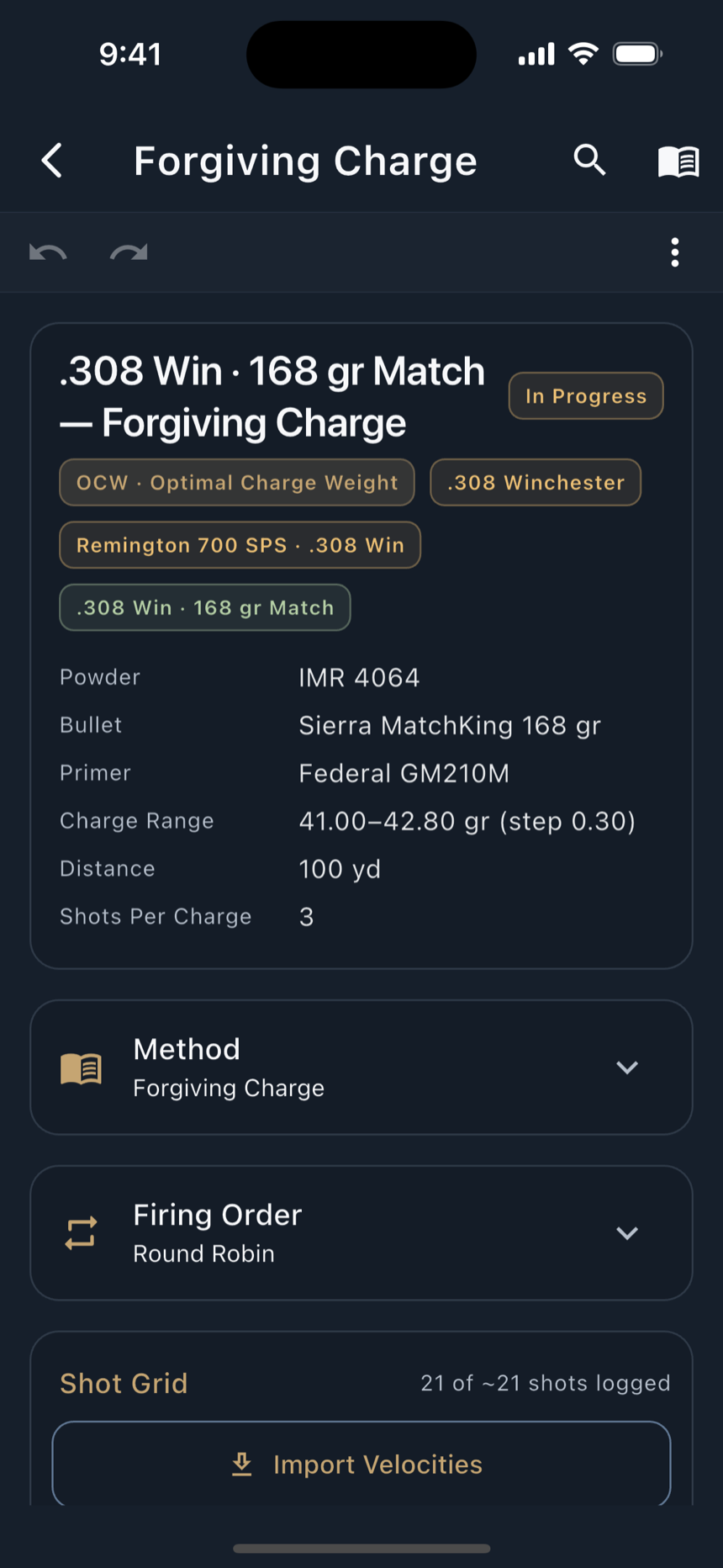
For each charge you can log velocity from a chronograph, the group it shot, and notes:
Mark Fired records that a rung has been shot; Save Rung commits its numbers. A blank row is simply a shot you have not fired yet, and nothing is calculated until there is something to calculate. The screen says log at least one shot to see per-charge statistics rather than drawing an empty chart.
Reading the analysis
Once there is data, each charge gets its own line: how fast it went, how much that speed varied, how big the group was, and where on the target the group sat. One line on its own tells you almost nothing. The answer lives in how the lines compare to each other.
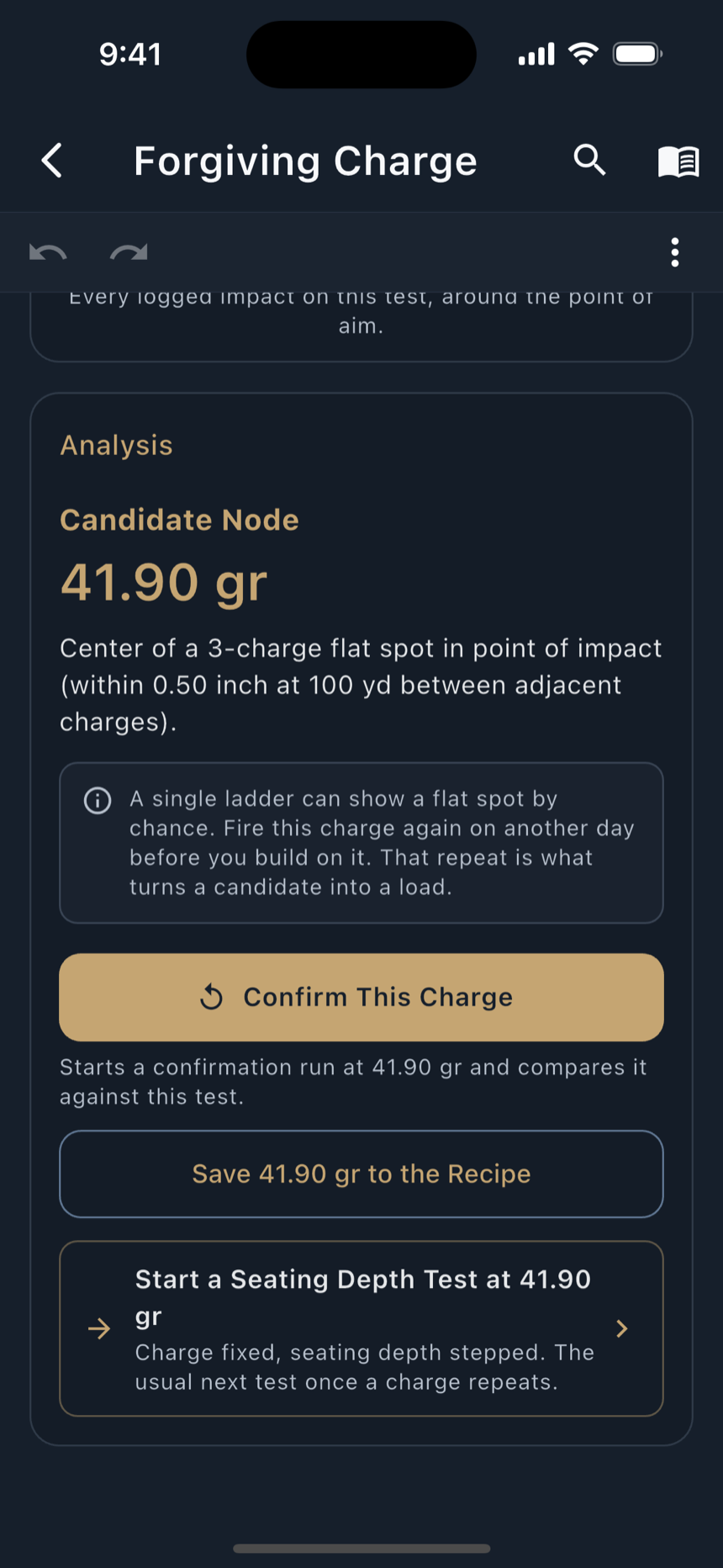
The per-charge table carries Charge (gr), Shots, Mean MV, SD and ES in your velocity unit, the group centroid as Mean X and Mean Y, extreme spread, and mean radius. Extreme spread uses two shots and ignores the rest, so one flyer sets it alone; mean radius counts every shot, which is what separates two loads with a similar extreme spread.
Above the table sits the read. Three charges in a row putting their groups at nearly the same height, followed by a jump, is the flat stretch: Candidate Node (Flat Spot), captioned "the flat spot is your most forgiving charge." The middle of it is the charge to load: a charge picked there still shoots where you expect when your powder throw or the temperature drifts a little. On a chronograph ladder the equivalent read is Candidate Node (Velocity Plateau), where the mean velocity flattens across consecutive charges.
When there is no node, the app says no clear flat spot yet rather than nominating the least-bad charge. It then tells you why that happens (three shots per charge leaves the mean enough slack for a flat spot to appear anywhere; a step that is fine relative to the effect; something that changed between trips; or there may be no node to find, which is a real answer) and what to do about it: "more shots per charge, not more charges. Six charges at five shots tightens every point; twelve charges at three buys resolution you cannot yet use."
The velocity side reads the same way. Velocity SD by Charge Weight (lower is better) charts the consistency, and where no cluster stands out it says so: no consistent low-SD cluster found, with the reminder that large outliers can hide a genuinely consistent charge.
Pressure signs
Every rung carries a Pressure Signs at This Charge flag. Set it and the analysis changes shape immediately.
"Pressure signs are your own observation, not a measurement. Stop this ladder here and work back down. LoadOut is not a substitute for published load data."
Mechanically: the flagged charge and every charge above it are left out of the recommendation. But every row keeps its numbers, because those are exactly what you need in order to work back down. The app does not erase a rung it will not recommend. It stops recommending, and leaves the evidence.
Adopting a charge and exporting
When the ladder has answered, Adopt This Charge? writes the charge onto the recipe and records this run as its evidence. The recipe's Development timeline then shows what backed the decision: the test that produced the number, not only the number itself.
Export Test takes the whole run out in three shapes:
All three take the app's standard path: written to LoadOut's own temporary directory, then handed to the system share sheet. You choose where it goes. LoadOut never writes to shared storage itself, and never uploads the file.